Have a question or need assistance?
Call Medicomp’s Patient Support: 877-996-5553
Step 5 - Starting the Handset
Before using the Handset:
● Charge the Handset until it is fully powered. If it is not fully charged (low) a red LED will
flash in the upper left corner of the face of the Handset.
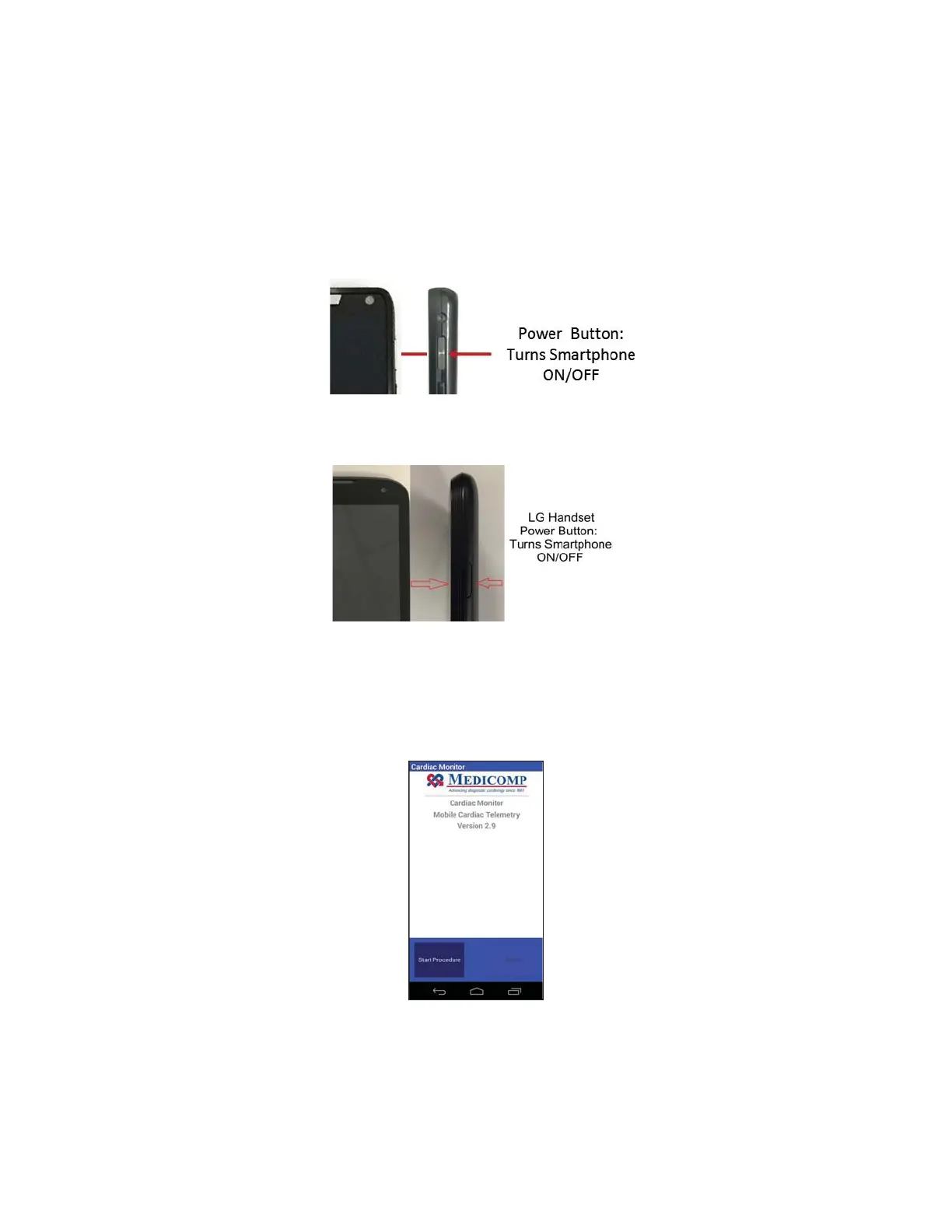
Motorola Handset
LG Handset
● Take the Handset and turn it on by pressing and holding the POWER button which is
located in the upper right side of the Handset.
● Wait for the Medicomp main screen to appear on the screen before continuing with
standard procedure setup.
● Tap “Start Procedure.”
Medicomp Tele
Patch Handset Main Screen
Tele
Patch™ Cardiac Monitor PM750
USER MANUAL - UTM0000701-05E
| APRIL 4, 2019
38



 To Next Page