Have a question or need assistance?
Call Medicomp’s Patient Support: 877-996-5553
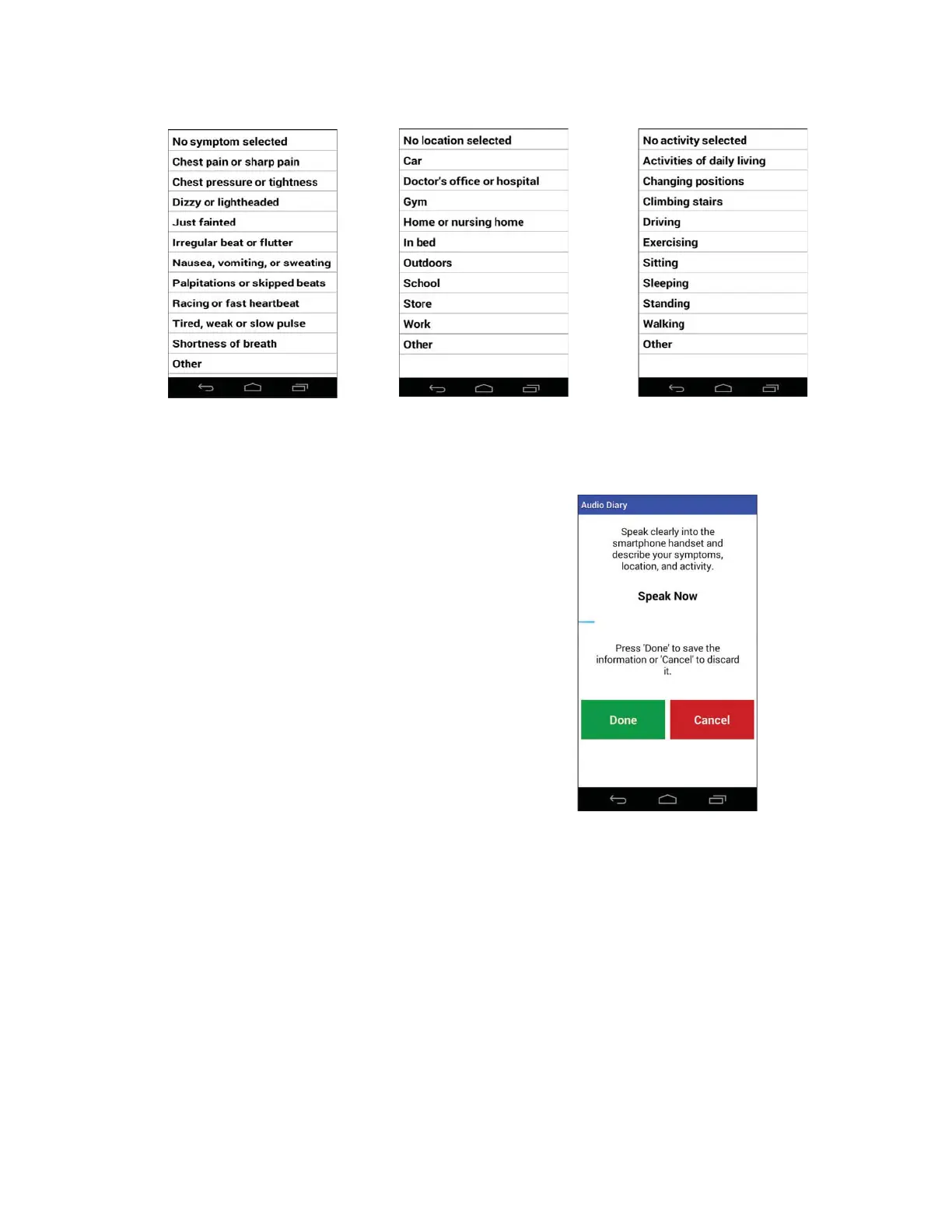
Audio Diary Entry:
● Tap “Audio”.
● Clearly state the symptom, location
where symptom occurred, and activity
during symptom.
● Tap “Done”.
● The “Monitoring” display will return*.
*The screen may return to “Recording in Progress”, Handset
screen will return to “Monitoring” as soon as recording period is
complete.
PROCEDURE SET-UP: Cable Cradle with Patient Cable
If wearing
TelePatch Cradle and Pendant with individual electrodes, start preparation here
Patient Preparation
This section contains step-by-step instructions that describe how to prepare TelePatch System
and skin for a Tele
Patch Cable Cradle with Cable procedure - (requires individual chest
Tele
Patch™ Cardiac Monitor PM750
USER MANUAL - UTM0000701-05E
| APRIL 4, 2019
47



 To Next Page