Have a question or need assistance?
Call Medicomp’s Patient Support: 877-996-5553
If inadequate signal voltage (can be either low or high) in one channel while the other one is
acceptable, place the electrodes in a “parallel”, or ”side-by-side” lead arrangement. Identify the channel
that has the acceptable voltage and place the electrodes of the problem channel side-by-side with it. For
example:
Channel A good, Channel B bad - place Black electrode next to White. Configuration will be:
Black and white electrodes on the right upper chest, and red electrode underneath the left
breast.
Channel B good, Channel A bad - place White next to Black. Configuration will be: black and
white electrodes on the right lower chest.
• Go to PATIENT PREPARATION for additional steps.
• For additional troubleshooting instructions, go to TROUBLESHOOTING OVERVIEW
Lead Position Tests
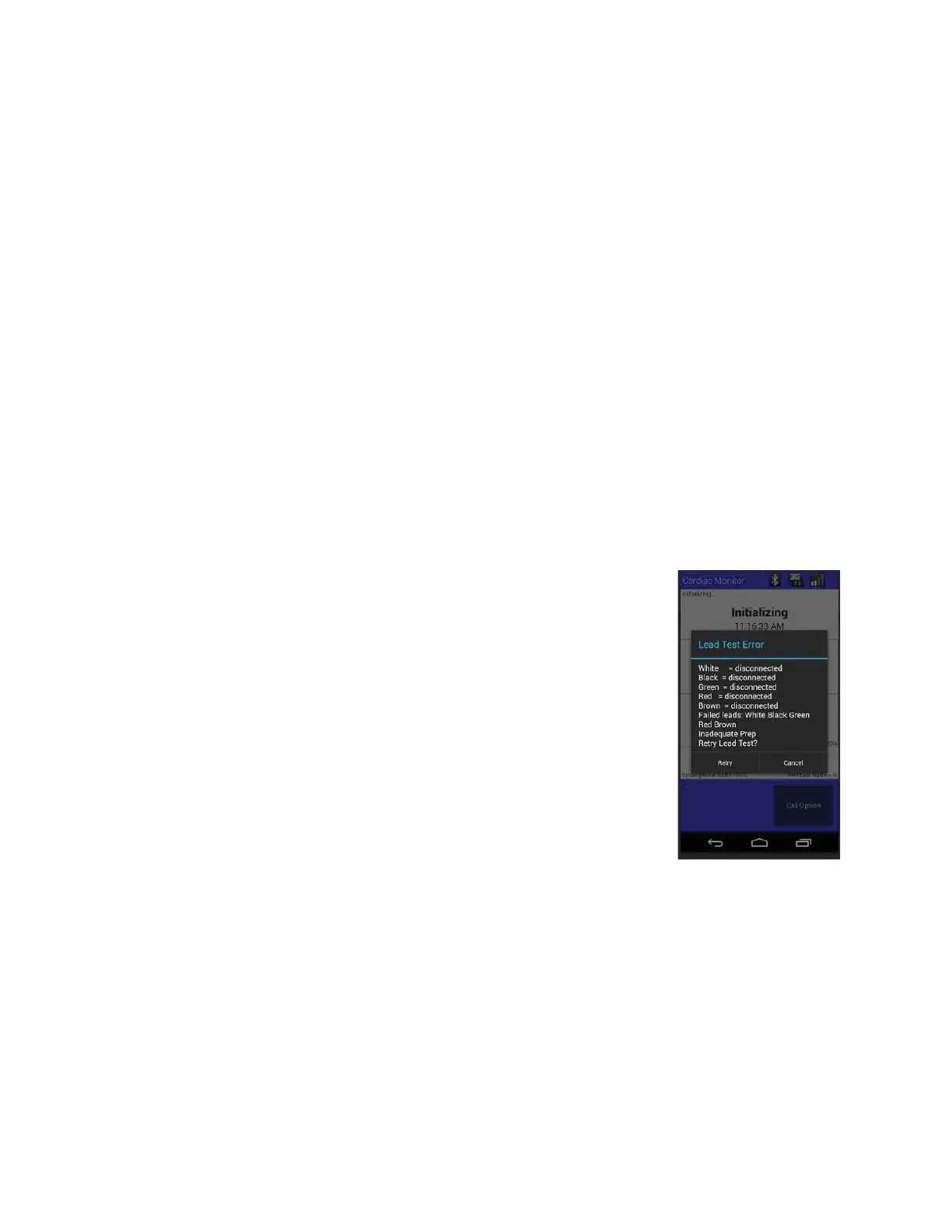
Lead Test Error
When a Lead Test Error occurs, the Handset displays a message similar
to:
THE WHITE ELECTRODE HAS A CONNECTION PROBLEM.
White = White electrode site (A-)
Red = Red electrode site (A+/B+)
Black = Black electrode site (B-)
Lead errors occur when the lead wire connected to the Cable Cradle
detects a very high resistance that may be caused by one or more of the
following conditions:
● Very high resistance values
● Expiration of Electrodes
● Cables disconnected
Very high resistance values
May indicate a problem with the cable. Try changing the cable first, if one is available,
otherwise move on to the next step.
Tele
Patch™ Cardiac Monitor PM750
USER MANUAL - UTM0000701-05E
| APRIL 4, 2019
66



 To Next Page