Have a question or need assistance?
Call Medicomp’s Patient Support: 877-996-5553
Step 8 - Initial Procedure Screens
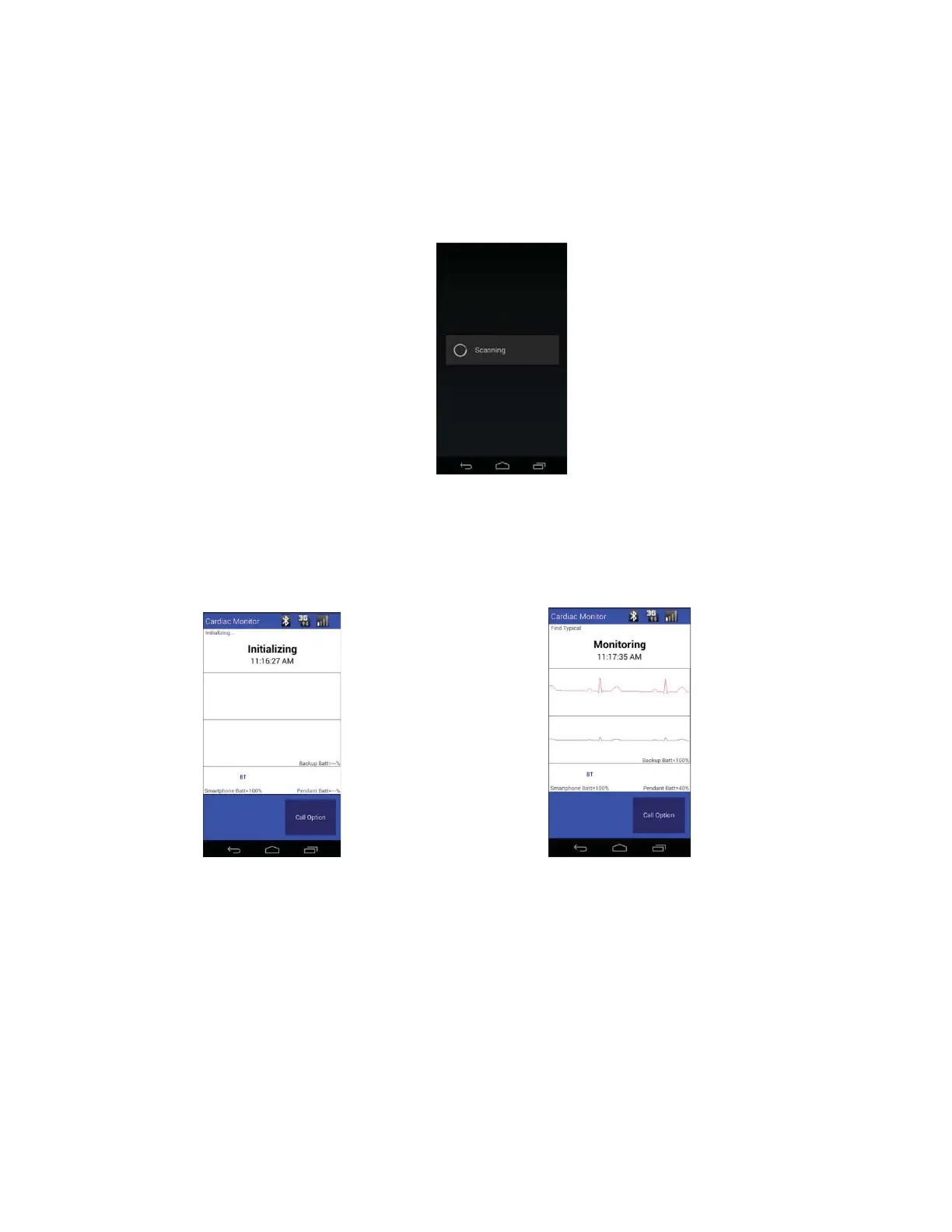
After applying and accepting the procedure settings, the procedure will initialize.
Medicomp Tele
Patch Handset
Scanning for Universal Pendant
Medicomp Tele
Patch Handset
Initializing Procedure
Medicomp Tele
Patch Handset
ECG Baseline Reading
●
The TelePatch system will first collect ECG data, then the ECG Data will appear on the
screen for a short time, then the screen will display “Monitoring.”
● 'Monitoring' will be displayed the majority of the time during a procedure.
Tele
Patch™ Cardiac Monitor PM750
USER MANUAL - UTM0000701-05E
| APRIL 4, 2019
43



 To Next Page