Have a question or need assistance?
Call Medicomp’s Patient Support: 877-996-5553
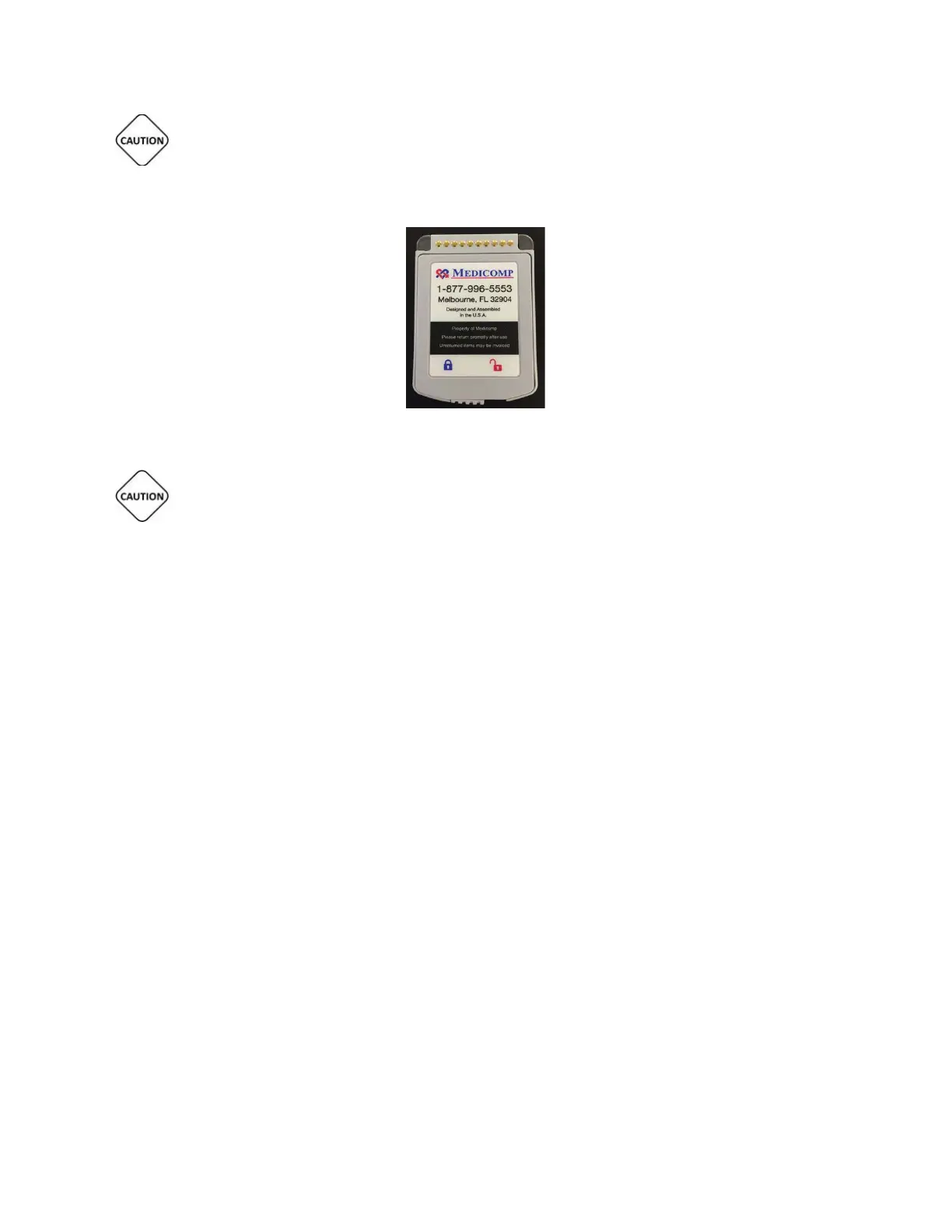
LOAD ONLY 3.7V LITHIUM ION BATTERIES DELIVERED IN THE TELE
PATCH KIT INTO THE
TELEPATCH CARDIAC MONITOR BATTERY COMPARTMENT.
Properly inserted TelePatch Battery
IT IS VERY IMPORTANT TO TURN THE PENDANT OFF BEFORE CHANGING BATTERY,
OTHERWISE DATA MAY BE LOST. THE POWER BUTTON IS LOCATED ON THE FRONT FACE OF THE
PENDANT BELOW THE SYMPTOM BUTTON.
Battery Maintenance
● Remove the battery from the Pendant during storage or if the Pendant is not to be used
for longer than two (2) weeks.
● Store in a cool, dry place, the best location is in the TelePatch Cardiac Monitor Kit
supplied for your procedure.
Disposal of Rechargeable Lithium Ion Batteries
In accordance with federal laws and regional regulations:
● RETURN all batteries to Medicomp, Inc.
● The rechargeable battery provided with the TelePatch System is NOT to be discarded in
household waste.
● If a battery gets damaged contact Medicomp, Inc.: 877-996-5553
EXPLANATION OF MARKINGS
Equipment markings and caution labels are important for safe and reliable use; they must not
be removed. The following symbols are used in this user manual, patch packaging, lithium ion
battery or the Pendant label. They may also appear on an accessory or accessory packaging.
Tele
Patch™ Cardiac Monitor PM750
USER MANUAL - UTM0000701-05E
| APRIL 4, 2019
72



 To Next Page