Have a question or need assistance?
Call Medicomp’s Patient Support: 877-996-5553
Changes or modifications not expressly approved by the party responsible for compliance could void the user's authority to operate the
equipment.
This Pendant complies with Industry Canada license-exempt RSS standard(s). Operation is subject to the following two conditions: (1) this
Pendant may not cause interference, and (2) this Pendant must accept any interference, including interference that may cause undesired
operation of the Pendant.
Le présent appareil est conforme aux CNR d'Industrie Canada applicables aux appareils radio exempts de licence. L'exploitation est autorisée aux
deux conditions suivantes: (1) l'appareil ne doit pas produire de brouillage, et (2) l'utilisateur de l'appareil doit accepter tout brouillage
radioélectrique subi, même si le brouillage est susceptible d'en compromettre le fonctionnement. »
Under Industry Canada regulations, this radio transmitter may only operate using an antenna of a type and maximum (or lesser) gain approved
for the transmitter by Industry Canada. To reduce potential radio interference to other users, the antenna type and its gain should be so chosen
that the equivalent isotropically radiated power (e.i.r.p.) is not more than that necessary for successful communication.
Conformément à la réglementation d'Industrie Canada, le présent émetteur radio peut fonctionner avec une antenne d'un type et d'un gain
maximal (ou inférieur) approuvé pour l'émetteur par Industrie Canada. Dans le but de réduire les risques de brouillage radioélectrique à
l'intention des autres utilisateurs, il faut choisir le type d'antenne et son gain de sorte que la puissance isotrope rayonnée équivalente (p.i.r.e.) ne
dépasse pas l'intensité nécessaire à l'établissement d'une communication satisfaisante.
BUTTONS, ICONS AND SCREEN INDICATOR DESCRIPTION
Below is a detailed description of TelePatch Icons and Screen Indicators.
USER GUIDE DESCRIPTIONS FOR SCREEN INDICATORS AND ICONS ARE FOR USE WITH THE
TELEPATCH Handset APPLICATION ONLY AND NOT FOR NORMAL CELLULAR PHONE USAGE.
TELEPATCH APPLICABLE BUTTONS
The Handset POWER Button
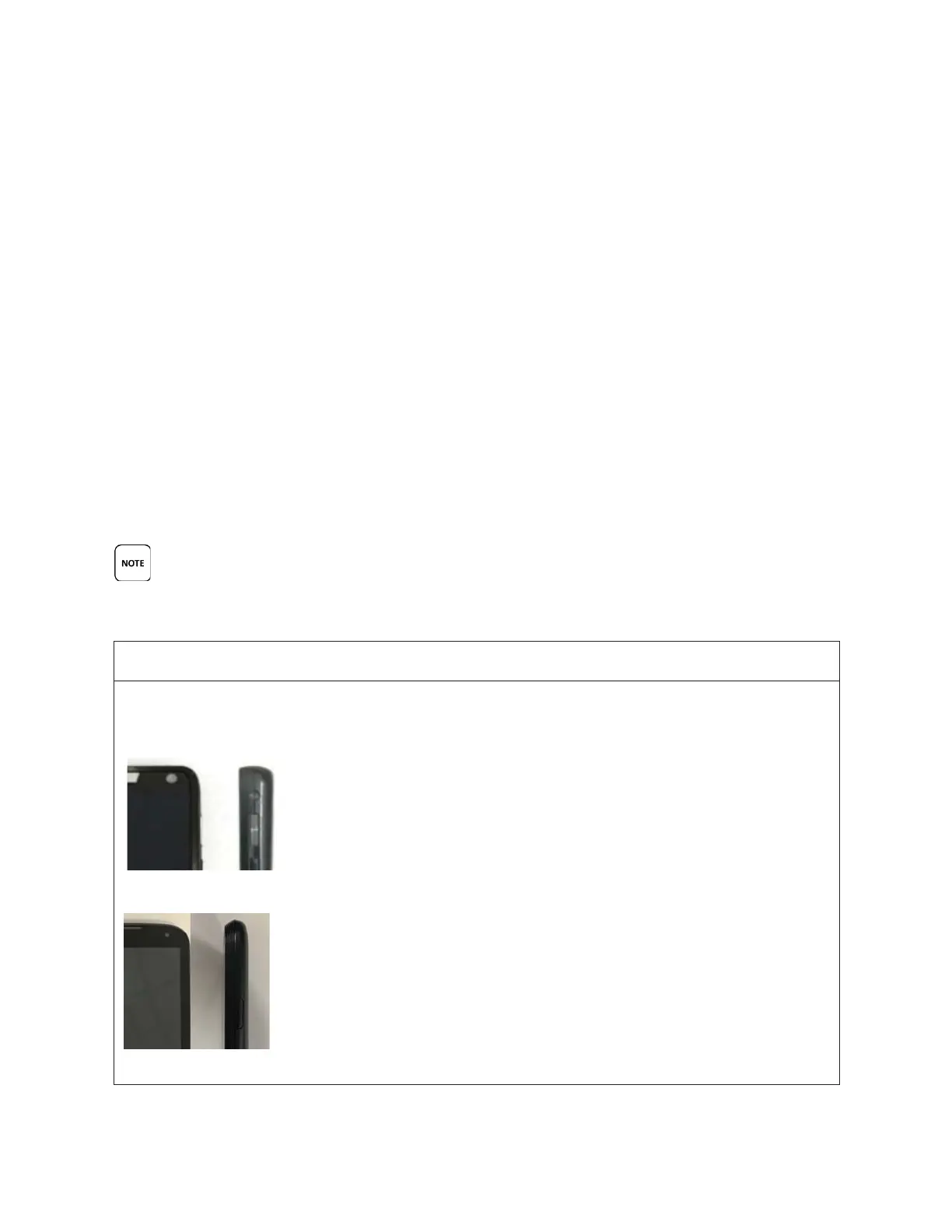
This is the Handset POWER button. It is located on the top, RIGHT side of the Handset.
Motorola Front and Side View
LG Front and Side View
Tele
Patch™ Cardiac Monitor PM750
USER MANUAL - UTM0000701-05E
| APRIL 4, 2019
13



 To Next Page