Have a question or need assistance?
Call Medicomp’s Patient Support: 877-996-5553
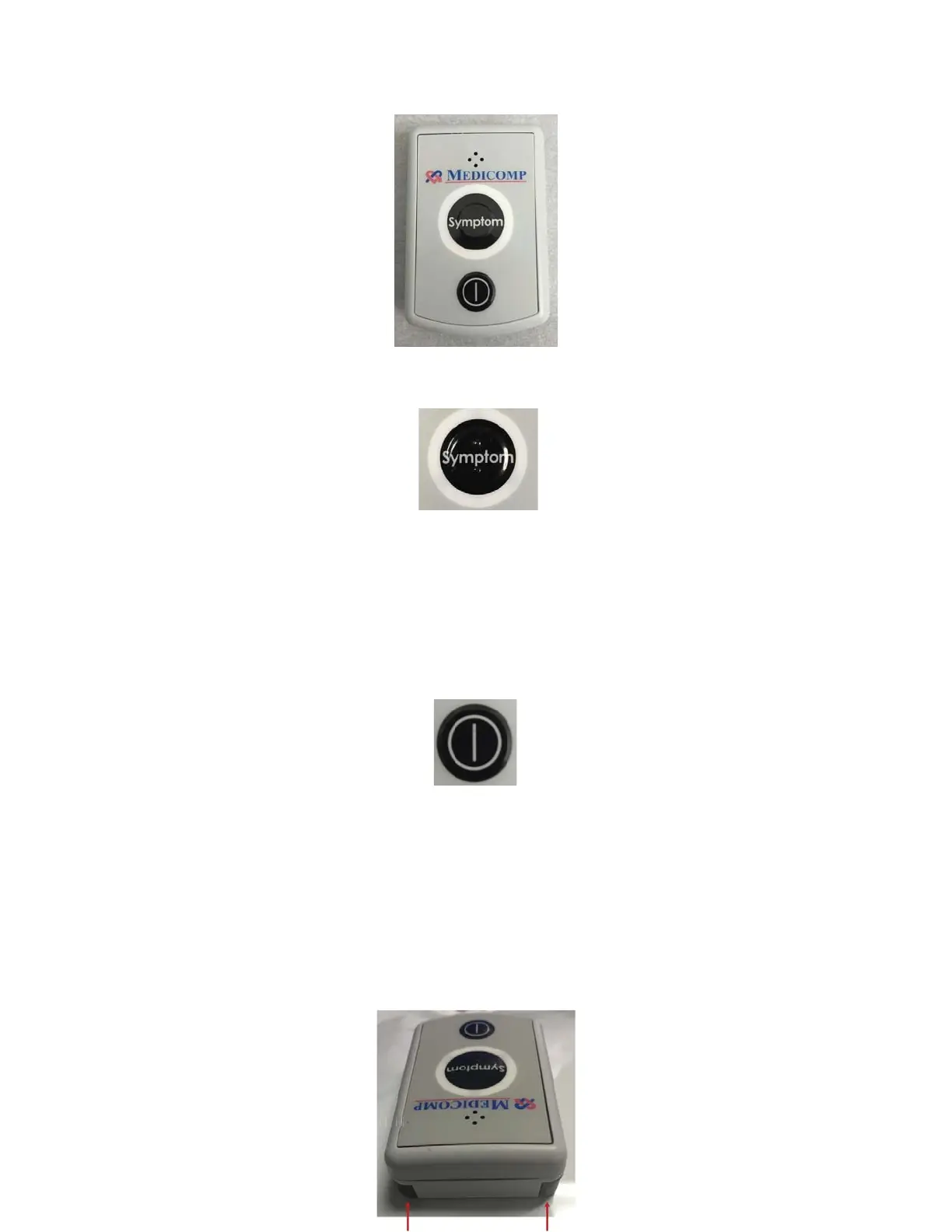
The Pendant SYMPTOM Button
The Universal Pendant
has a Symptom* button which is located in the center of the face of the
Pendant. (*Symptoms can also be initiated on the Handset screen). The Symptom button has
two raised bars so it can be distinguished from power button by touch.
The Pendant POWER Button
The Pendant POWER button is located on the face of the Pendant, below the Symptom button.
Fingertip Electrode Accessory
The fingertip electrode is built into the Universal Pendant. Fingertip electrodes are used when
the patient cannot tolerate wearing the Electrode Patch or individual electrode patches.
Tele
Patch™ Cardiac Monitor PM750
USER MANUAL - UTM0000701-05E
| APRIL 4, 2019
18



 To Next Page