HELIOS LED Processing Platform - USER GUIDE
94
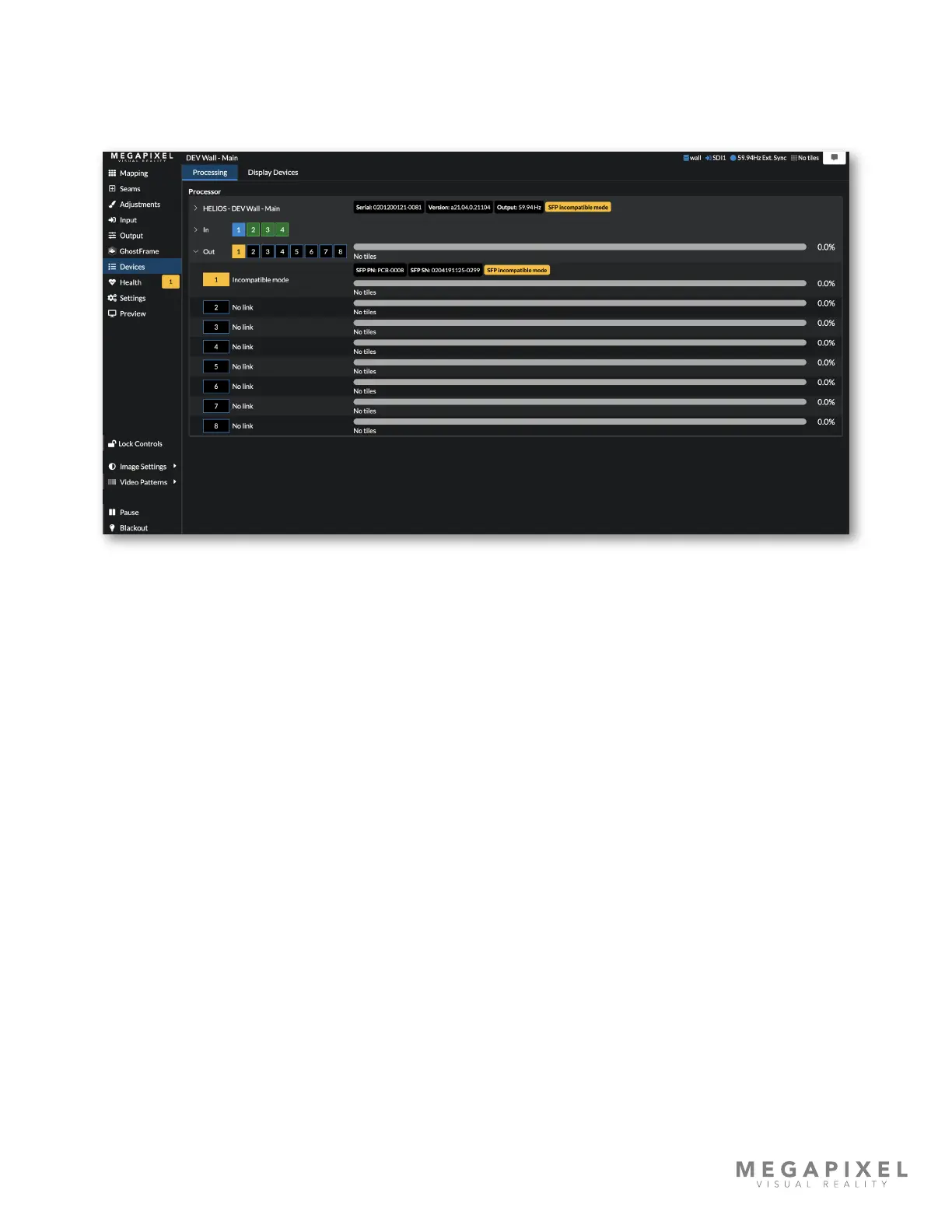
3. Check the type of SFP modules and in which ports they are installed in the Devices pane. The image below shows the
error a HELIOS Standard system will generate in Standard mode with a copper SFP installed in port 7. Copper SFP
modules are only compatible with a HELIOS in Junior mode. If copper SFP module(s) are needed, the user should
switch the HELIOS to Junior mode (in Processor Settings). A HELIOS Standard can operate in both Junior and
Standard modes.
Figure 125: Devices Pane Incompatible Copper SFP+ modules



 To Next Page