Display Tiles
Display Tiles are the light emissive video panels containing receiver cards. They are at the end of the video signal chain.
Display tiles come in many shapes and sizes from a variety of vendors. Below are some common characteristics.
Input - Copper Ethernet input receives display data from a network switch or from another tile ahead of it in the chain.
Output - Copper Ethernet outputs send video and control data to the tiles downstream.
Power - Power must be supplied to each tile. Power connectors differ for each tile type.
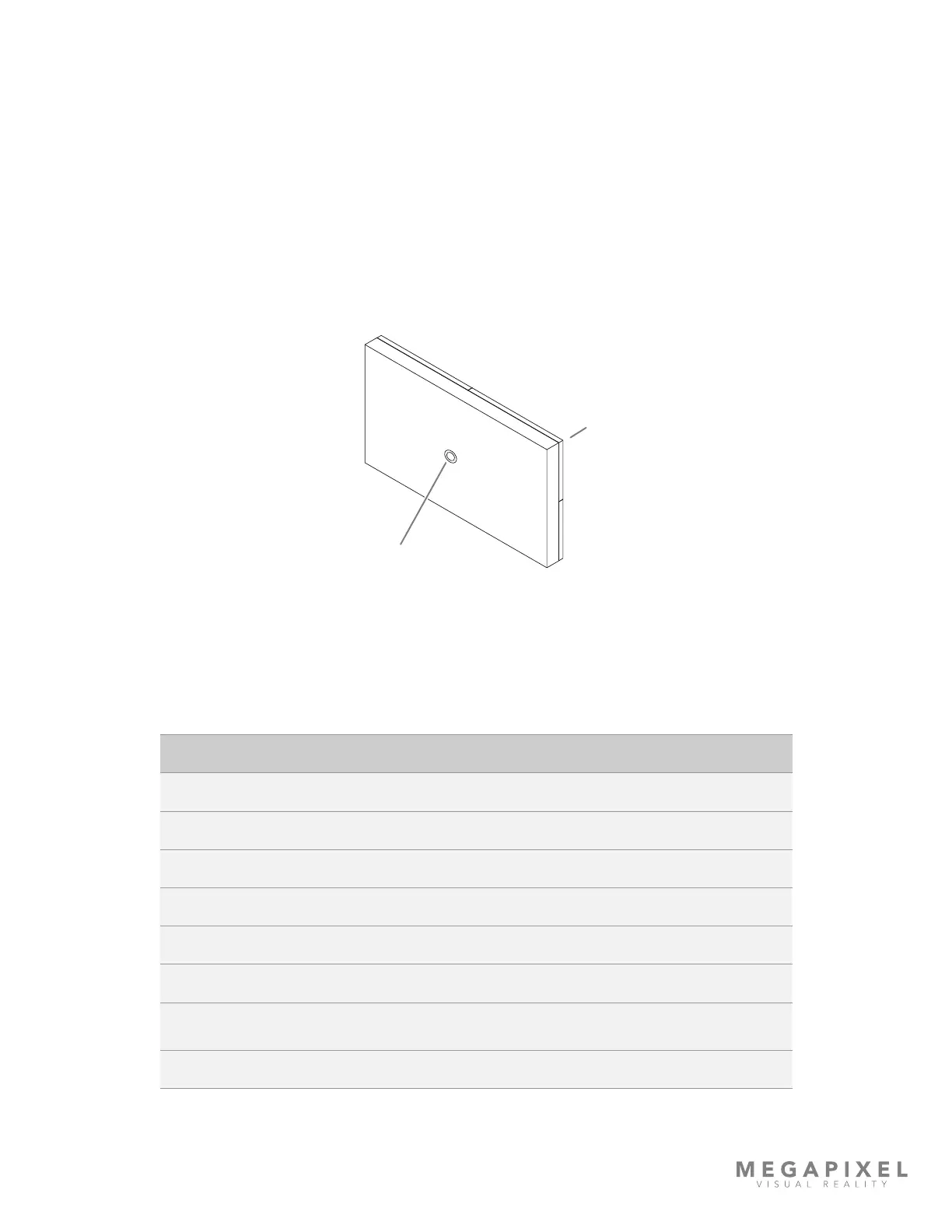
Status Indicators - On the rear of each display tile is a multi color indicator button, the exact location varies by tile type.
The table below details the buttons functions and the meaning of each indicator color.
Figure 6: Status Indicator
HELIOS LED Processing Platform - USER GUIDE
6
Indicator Color Meaning
White Booting
Cyan Booted into safe mode
Green Ready (No network connection)
Blue Single Flash No HELIOS connection (1 tile link active)
Blue Double Flash No HELIOS connection (2 tile links active)
Blue Solid Connected to HELIOS (Normal operation)
Yellow
Internal Pattern (press and hold center button 4 seconds to enter and
leave this mode). Press and release to advance to the next pattern.
Red Flash once every 10 sec to indicate a system error.



 To Next Page