HELIOS LED Processing Platform - USER GUIDE
18
Processor Name
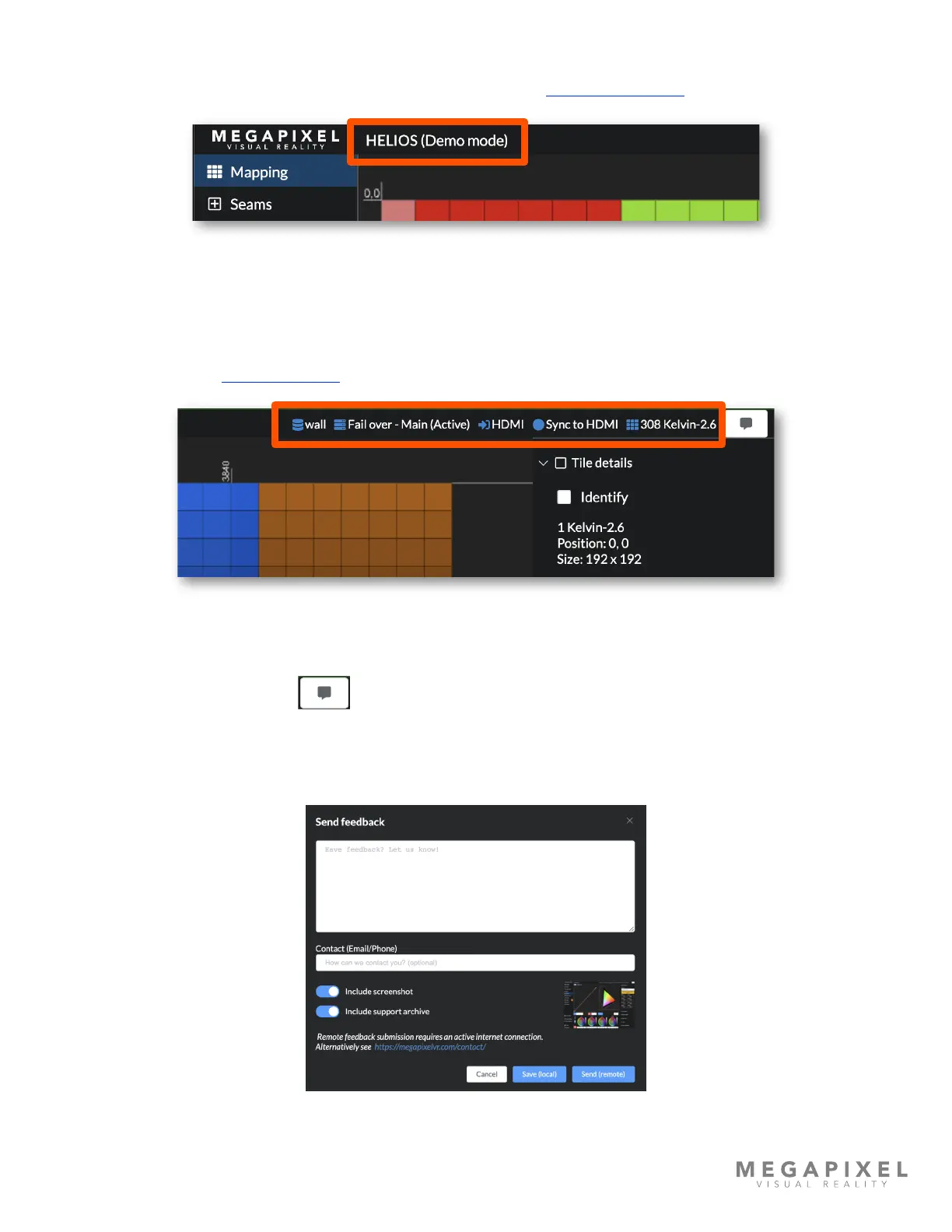
At the top left is the name of the processor. This can be changed in the Processor Settings pane.
Figure 17: Processor name and Navigation bar.
System Status Indicators
At the top right are the essential system status indicators for important system states such as redundancy, input signal,
sync signal, and connected panels. Blue indicates good system health. Yellow is an alert, and red is a warning of a critical
error. Look to Devices → Display Devices tab to discover more details about connected devices.
Figure 18: System status indicators.
Feedback
At the top right of the interface is a button to provide us with feedback.
Use the Send(remote) to submit the form. An active internet connection is required for the client device that is accessing
the HELIOS interface (the laptop or tablet the user is on). If no internet connection is available use the Save(local) option
to store the feedback on the tech laptop.
Figure 19: Feedback form.



 To Next Page