HELIOS LED Processing Platform - USER GUIDE
80
Preview Pane
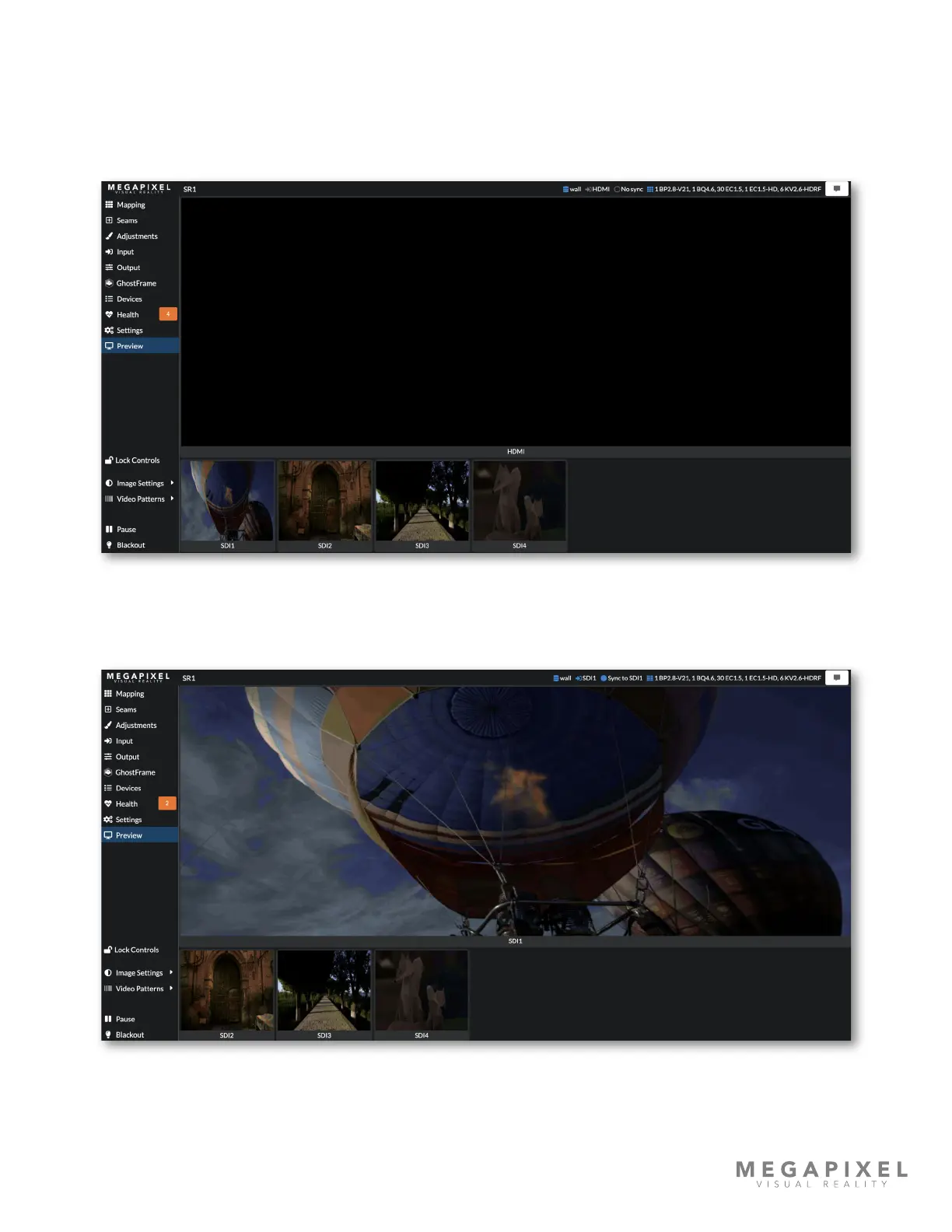
The Preview pane displays a low resolution, low frame rate version of actively connected inputs. The layout of the preview
window layout will recongure based on which inputs are active and which input is selected. In the example below the
HELIOS unit is receiving a quad SDI signal, but the unit has HDMI selected as the current input. Four active SDI feeds are
visible below a black HDMI preview.
Figure 110: Preview pane - No HDMI input
In the example below SDI 1 has been selected as the input. The preview pane shows SDI 1 maximized at the top. Other
active, but not selected inputs are shown as thumbnails at the bottom of the pane.
Figure 111: Preview pane - SDI 1 selected



 To Next Page