HELIOS LED Processing Platform - USER GUIDE
16
5
Conguration
Overview
Prior to beginning to congure the system, a majority of the components of the system should be physically connected.
The HELIOS Processor should be connected to at least one network switch and the switch should have panels connected.
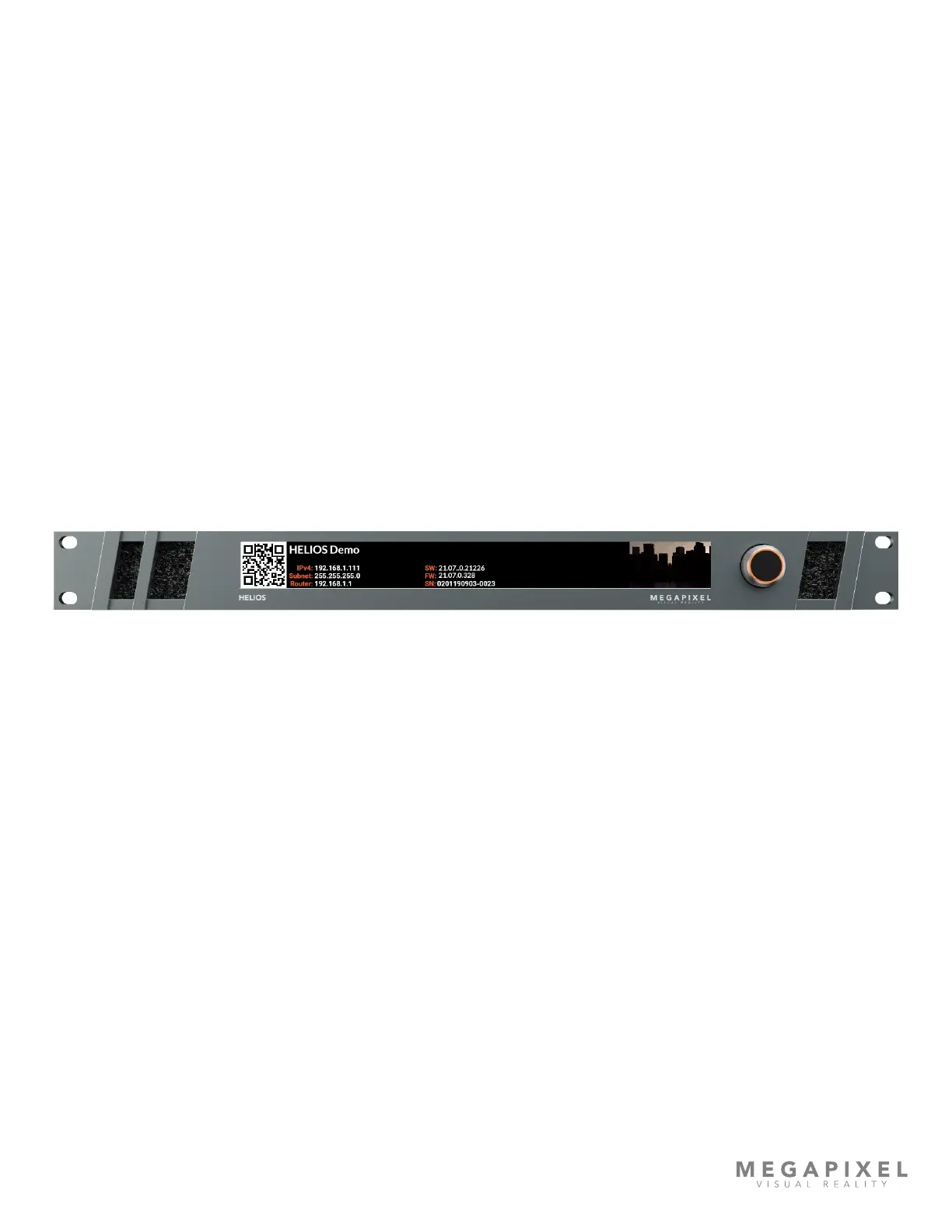
The HELIOS Processor has two user interfaces; a front panel rotary encoder / push button interface with LCD display, and a
web UI.
Front Panel UI
The front panel interface is targeted towards getting remote web UI access to HELIOS. When the encoder is rotated (not
pressed) the HELIOS will cycle through four (4) data display pages. The fourth page (shown below) will display a QR code
for the IP address of the unit. The front menu also has a few other basic controls for settings and operation of the display.
To congure the IP address settings, press the encoder, highlight the Settings menu option, and press the encoder to
select.
Figure 15: Front panel UI.



 To Next Page