HELIOS LED Processing Platform - USER GUIDE 27
Input Pane
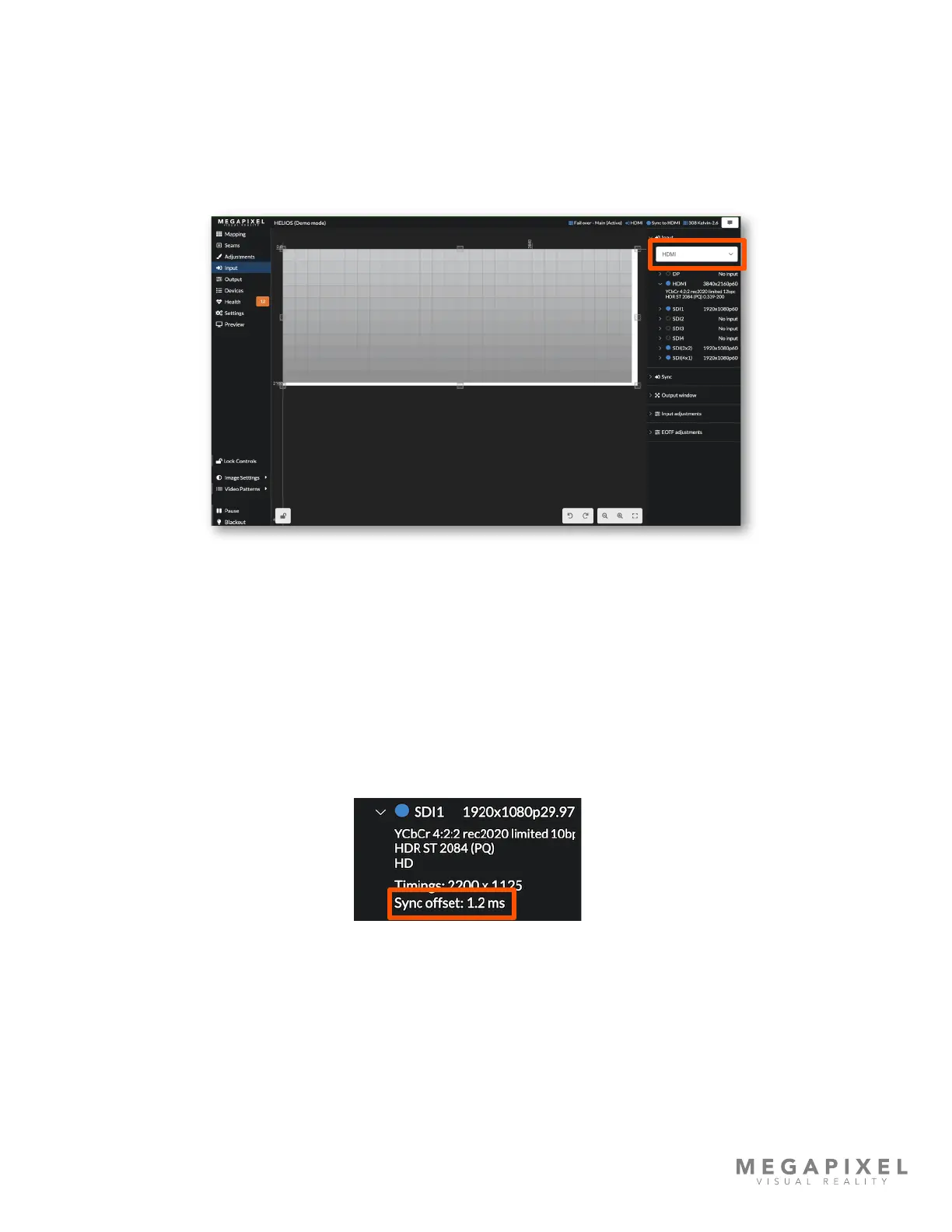
The HELIOS Processor supports three different types of input formats (HDMI, DisplayPort, and SDI). The HELIOS interface
for selecting inputs is a drop down menu on the Inputs pane (highlighted by the orange rectangle in the example below).
After a factory defaults restore, HELIOS will automatically select the rst valid input that it receives. As an example, if the
rst valid input HELIOS receives is HDMI, HELIOS will be select and remain selected on HDMI even if the signal is no
longer present. If HDMI is then unplugged and DisplayPort plugged in, the HELIOS needs the user to select the
DisplayPort source manually. Changes are sent live to the entire system immediately.
Figure 31: Input select.
When an external sync (genlock) is not present, HELIOS will lock to the frequency of the input signal. If using an external
sync we strongly discourage using a different frequency than the selected input signal. Mismatched frequencies can cause
stuttering and vertical tearing between displays, along with other undesirable artifacts.
Sync offset - shows how far away that input's sync is from the system's sync. If HELIOS is locked to input it should be close
to zero. For external genlock it should be a xed value (non-changing). The key thing to look for is a stable value. If sync
offset is incrementing or decrementing, the source is shifting relative to the sync. A shifting sync offset is a reliable
indication that the source is not locked. If the sync offset frequency is shifting more than half of a frame time, something is
adding a large delay to the signal.
Figure 32: Sync offset
In the case of multiple inputs, the joined inputs will show the sync offset for the primary input. Expand the other inputs to
check that they also have similar sync offsets to the primary. If the inputs are not in sync, the stitching options will turn
orange/yellow to prompt the user that one of the links is bad. With HELIOS congured for an SDI 2x2. SDI1 sync offset is
likely 0, and SDI2-4 should also be close to zero. If they are not, or if the sync offset values are not stable, then those
signals are not using the same clock.



 To Next Page