HELIOS LED Processing Platform - USER GUIDE
26
Tile Maintenance
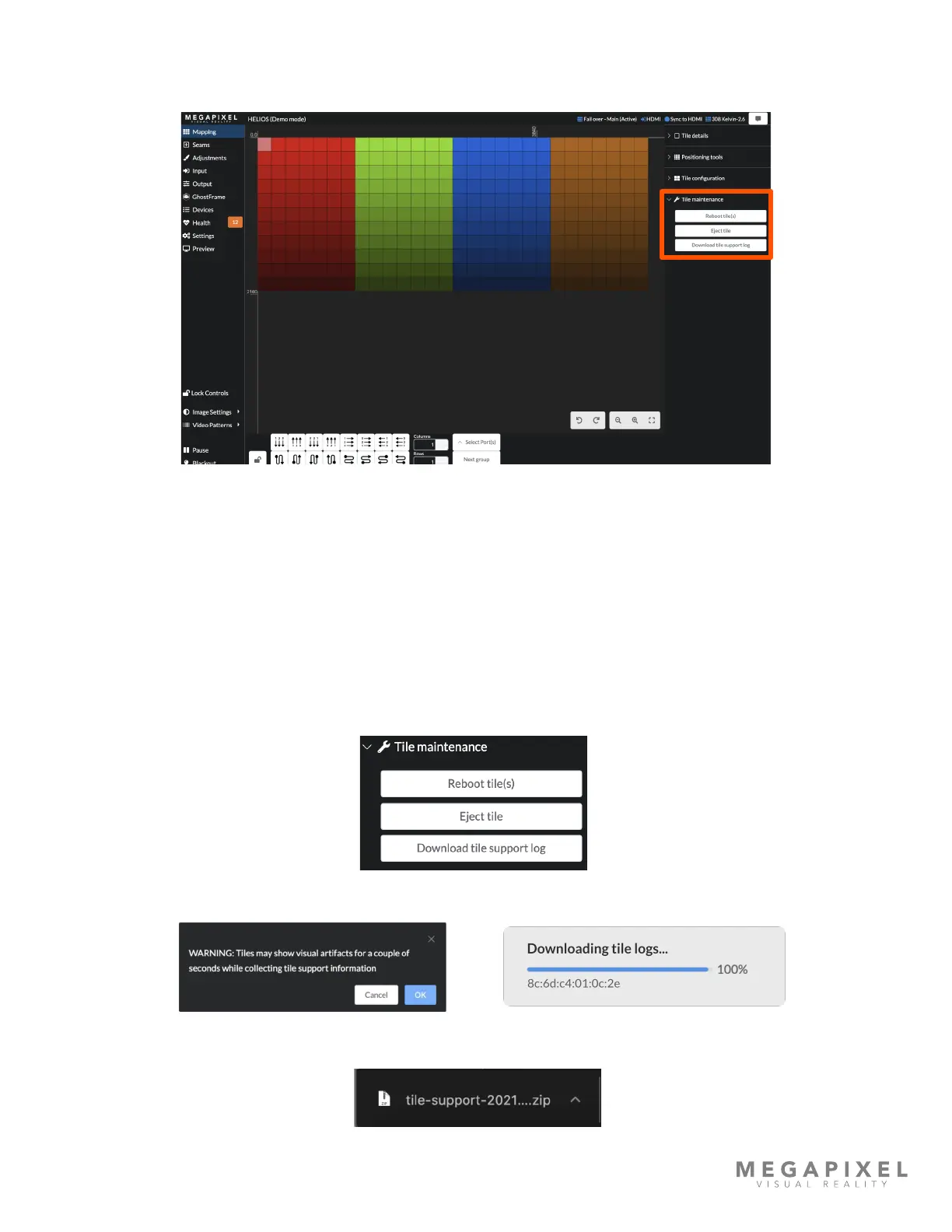
This accordion contains commands that HELIOS can send to tiles; Reboot Tile(s), Eject, and Download tile support logs.
Figure 30: Tile maintenance.
Reboot tile(s) - HELIOS can send soft reboot commands to selected tiles. Select tiles to reboot and press the Reboot
Tiles(s) button. Caution using this feature in a show environment! The tile(s) will go black as they reboot.
Eject tile - Some tiles have an ejection mechanism this button can be used to trigger it. Once ejected a tile will lose
communication with HELIOS. For safety reasons only one tile at a time can be ejected.
Download tile support log - Requests technical support logs from selected tile(s). These logs contain current state and
some activity logs since boot that are used by MVR technicians and developers for troubleshooting. When tiles report
information in this manner they may show visual artifacts for a few seconds as the tile is processing and sending the log.
1. Press the Download tile support log button.
2. A warning will appear. Press OK to continue with the download.
3. After pressing OK a zip’ed log le is downloaded to the download location set in the browser.



 To Next Page