HELIOS LED Processing Platform - USER GUIDE 13
4
Networking
Overview
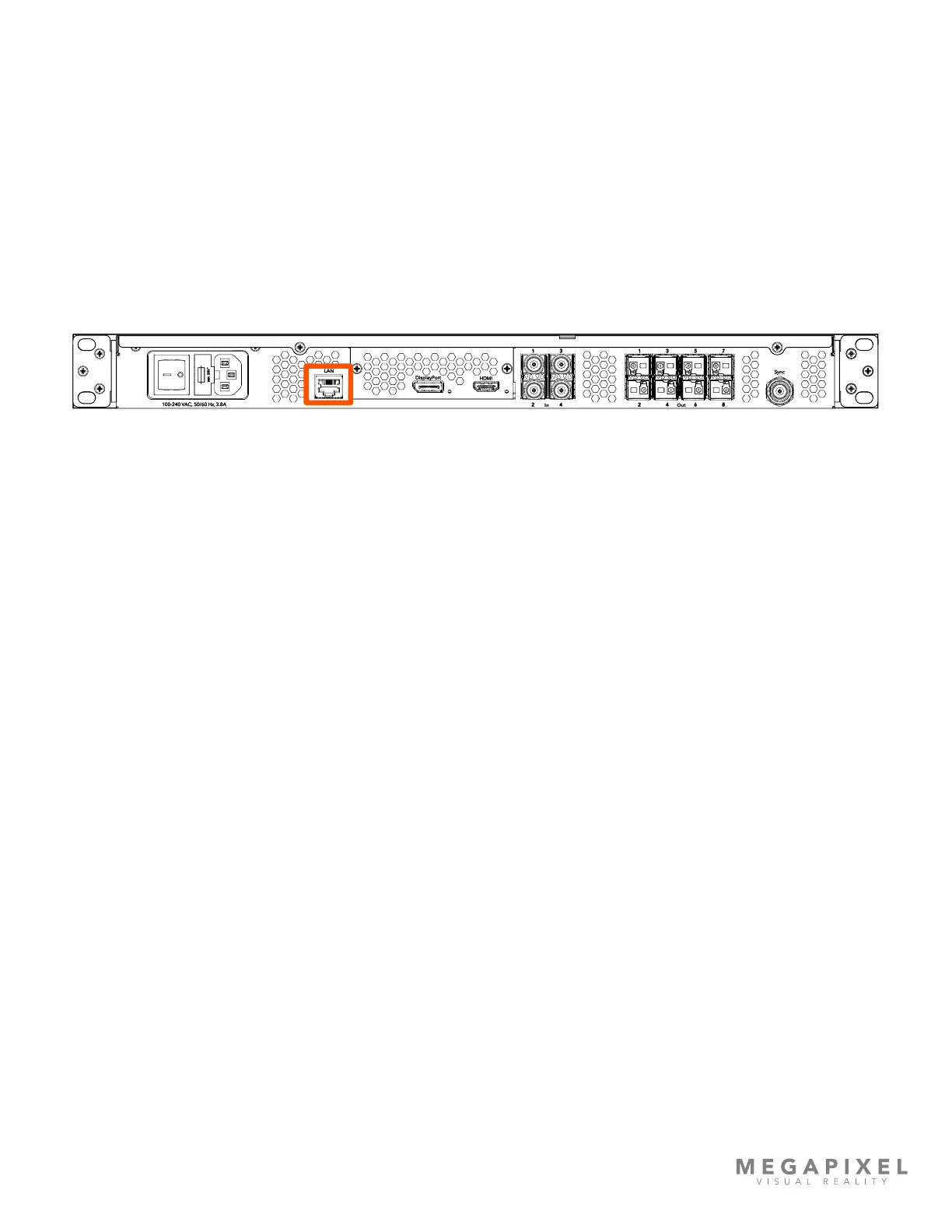
In order to provide access to control the HELIOS system, a LAN port is provided on the rear of the unit. This port provides
access to the web UI. Once the client device (tech laptop) is on the same network as the HELIOS, open a web browser and
enter the IP address displayed on the front LCD of the HELIOS Processor. In large systems, it is good practice to conrm
that the device name at the top of the page matches the intended HELIOS unit.
Figure 13: LAN Port.
LAN
100-240 VAC, 50/60 Hz,3.8A
In Out
1
3
2 4
1
3
2 4
5
6
7
8
DisplayPort
HDMI
Sync



 To Next Page