HELIOS LED Processing Platform - USER GUIDE
42
Color grading tools - Curves (continued)
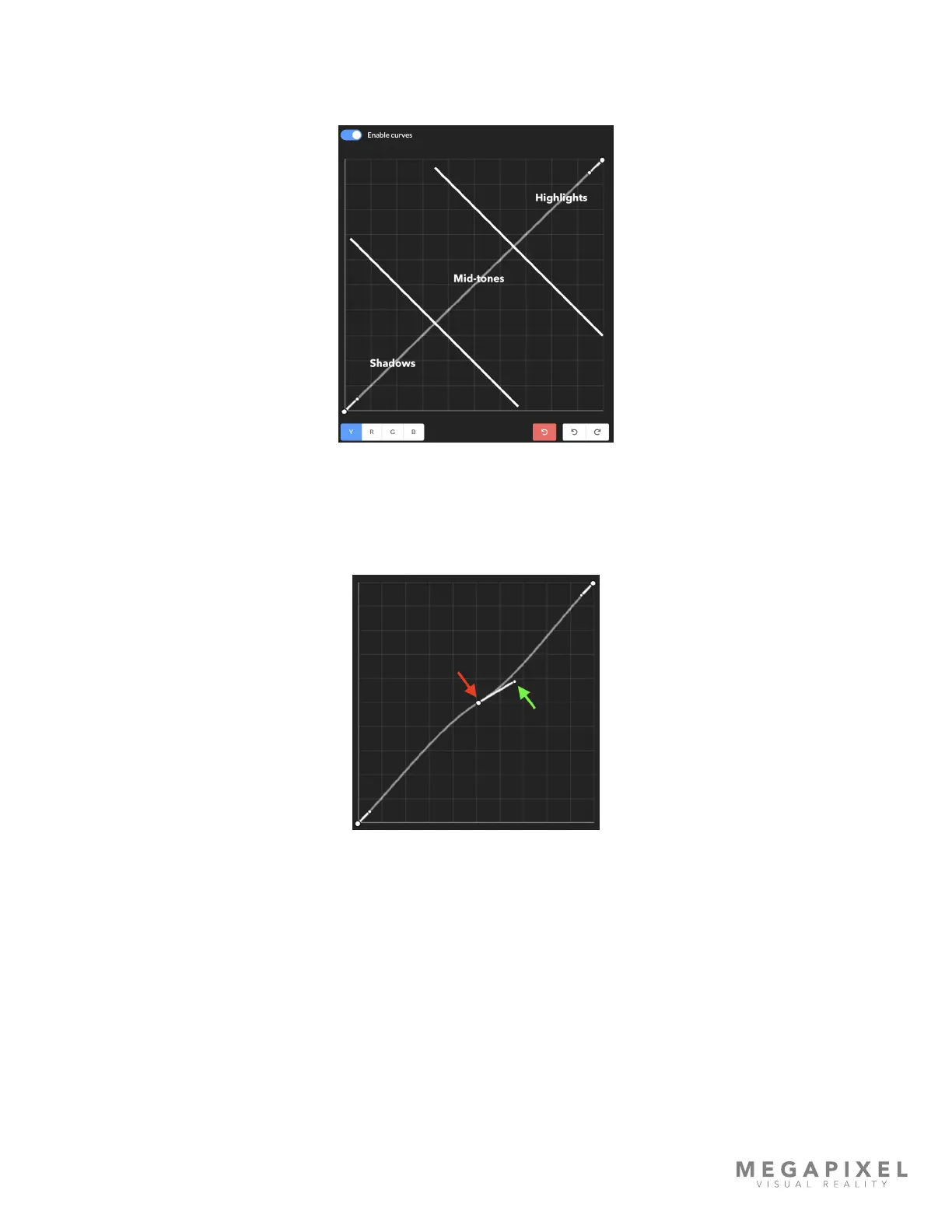
The curves provide adjustment of the image based on tonality. The bottom of the graph represents the shadows, the
middle are the mid-tones, and the top the highlights.
Figure 55: Control regions
Control points also have a slope property. In the example image below, the red arrow is pointing at the control point
position and the green arrow at the slope handle. The slope of the control point affects the steepness / smoothness of the
transition into and out of a tonal region.
Figure 56: Control point slope
Click on the middle of the curve to create a control point and drag up to make the whole image lighter, drag down to
make the whole image darker. Right click a control point to remove. Place control points at the boundaries of regions to
isolate tonalities.



 To Next Page