HELIOS LED Processing Platform - USER GUIDE
50
GhostFrame Conguration
The GhostFrame menu is hidden by default. Enable Advanced Mode (Settings → Processor settings → Advanced).
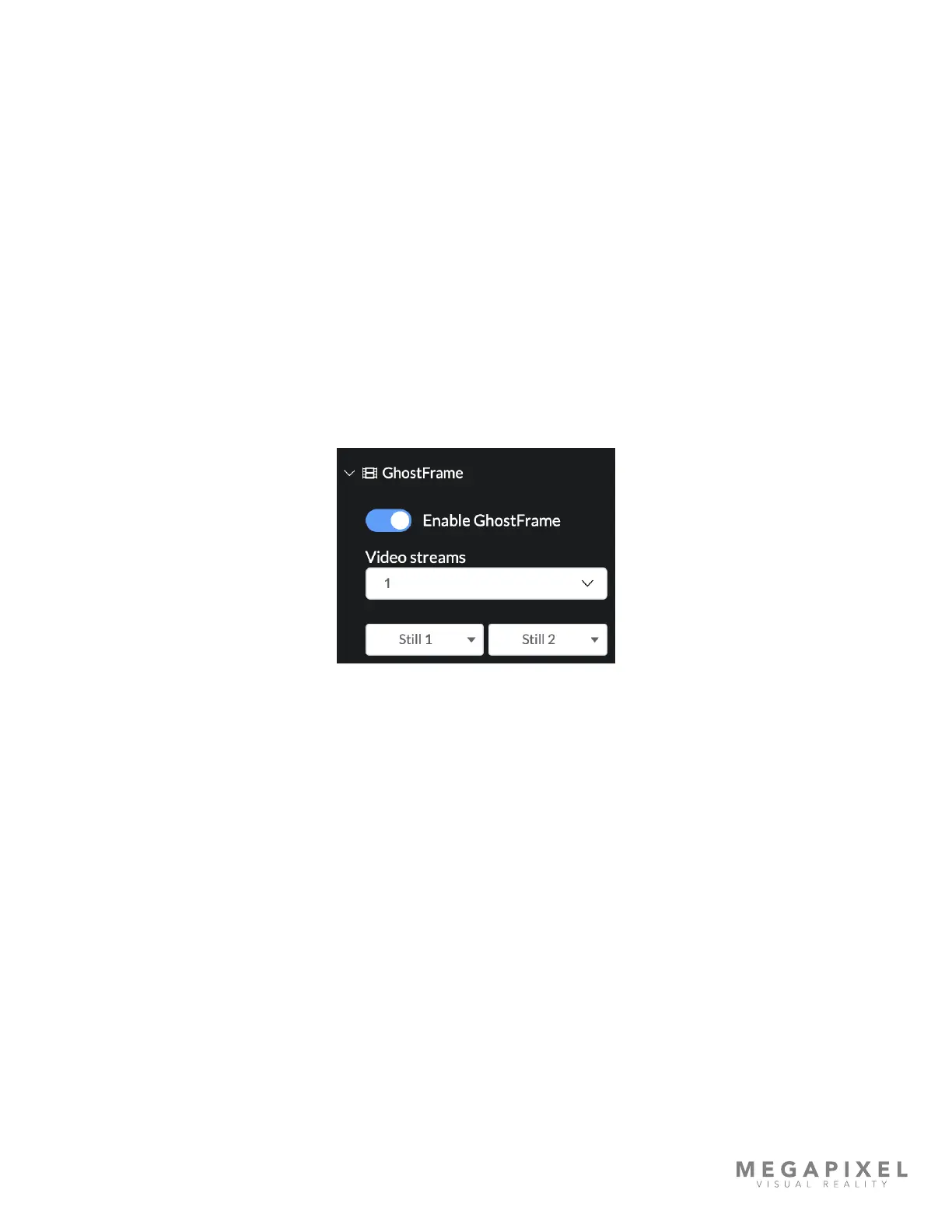
GhostFrame will now appear in the navigation bar on the left. Select the GhostFrame pane to reveal the controls. The
accordion on the right side of the page contains the main settings for GhostFrame. The Enable GhostFrame toggle turns
GhostFrame on or off. The Video streams selection box is used to select the number of streams to use (remember multiple
streams use more bandwidth!). Still 1 and Still 2 allow the user to capture a single frame of the live input to be used as a
video slice. Captured frames are stored in tile's volatile memory. If the tile is rebooted, any stored stills will be lost.
Similarly tile will only store its portion of the video frame. If the tile(s) are re-mapped, the still frame needs to be re-stored.
The Sync section allows the user to enable or disable external sync, add a delay to the sync, and set the internal refresh
rate if there are no active inputs.
The canvas section of the menu has a grid of white boxes that are used to activate the slices. The rows are the various slice
type options while the columns represent each individual slice as they occur in time from left to right. Higher input frame
rates mean fewer available sub-frame slices. Slices should be chosen based on desired features and camera frame
alignment requirements. In some cases it may be better to choose less slices. Having less slices is better in cases where it
aligns the number of slices with a multiple of the camera exposure time (consider 2/3 vs 3/4 ). Interleaving the various
image options allow the user to hide slices in the video from the human vision that are at exact timings for camera
shutters. While all of this is happening behind the scenes, the performer will see a normal video output on the LED wall.
Figure 65: GhostFrame controls



 To Next Page