5 Installation requirements
21
System and network safety
The device is fitted with multiple external interfaces. Comply with the following information pertaining to the use of these
interfaces to ensure safe operation of the device, especially to ensure incorporation in the local network (LAN).
Interfaces and connections
NOTICE
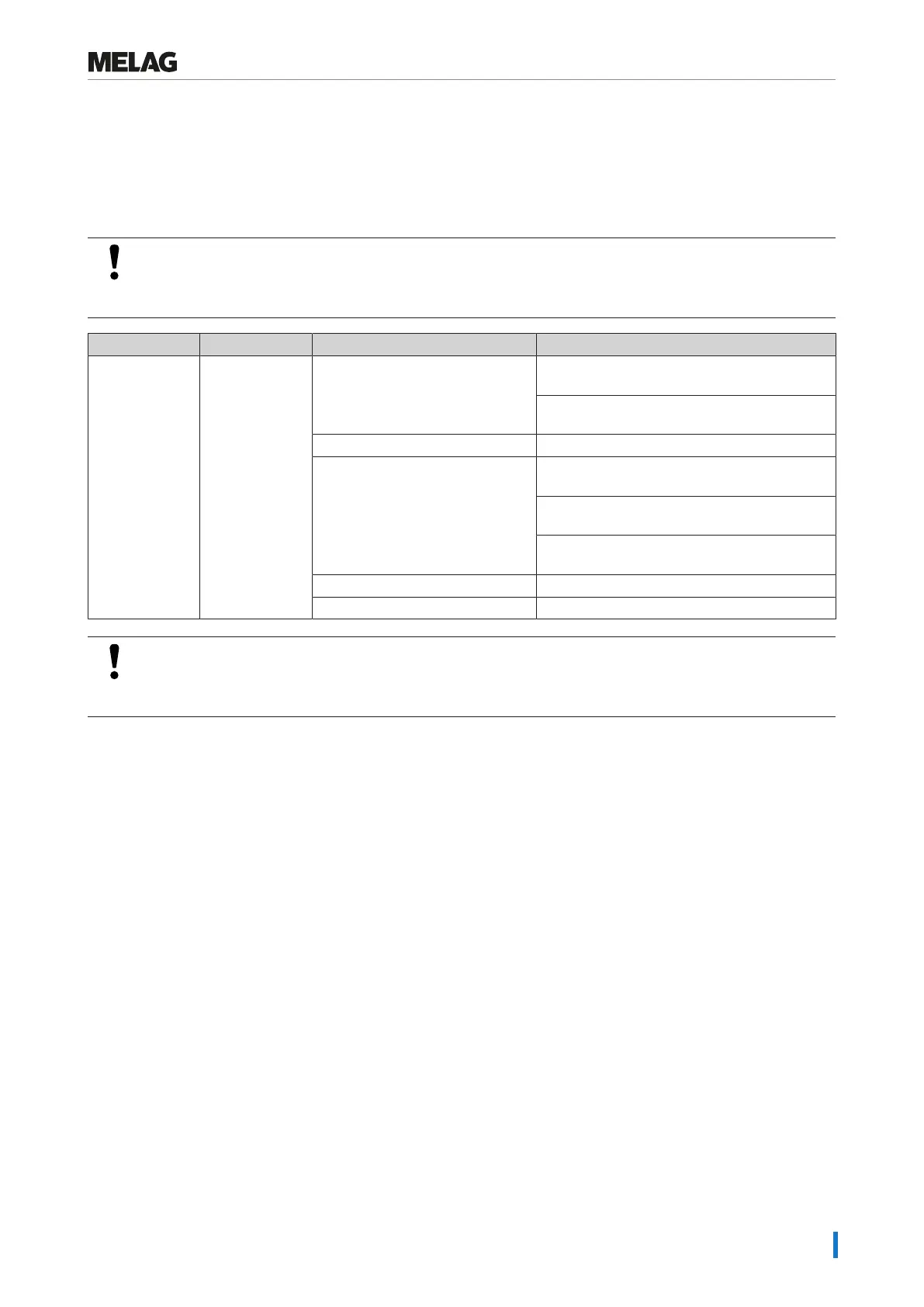
Only connect the hardware to the device which is listed in the following table. Only use the software
which has been intended for the purpose and approved by the manufacturer.
Interface Type Hardware Purpose/software
COM port RS-232 PC MELAview
saving log data and querying device data
MELAtrace
saving log data
Modem Data transfer via points of presence
MELAnet Box Provides a LAN (Ethernet) interface for the
device, see below (Ethernet)
MELAview/MELAtrace
Saving log data
FTP server
saving log data
MELAprint42/44 Log printing
MELAflash CF-Card-Printer Writing log data on a CF card
NOTICE
When performing a device software update, use only the update data authorized by MELAG for the
corresponding device type.
Operating the device with memory media
To prevent data loss, only use memory media to save the log data with the following characteristics:
n Functional capability (without malware etc.)
n Writeable
n Formatted with a correct file system
Perform regular data backup. Restrict access to the device and systems with access authorization to the necessary circle
of persons.
Only use CF cards.















 To Next Page