7 Sterilization
37
2. Confirm the following security queryImmediate removal 'Stop' by pressing the 'S' key again.
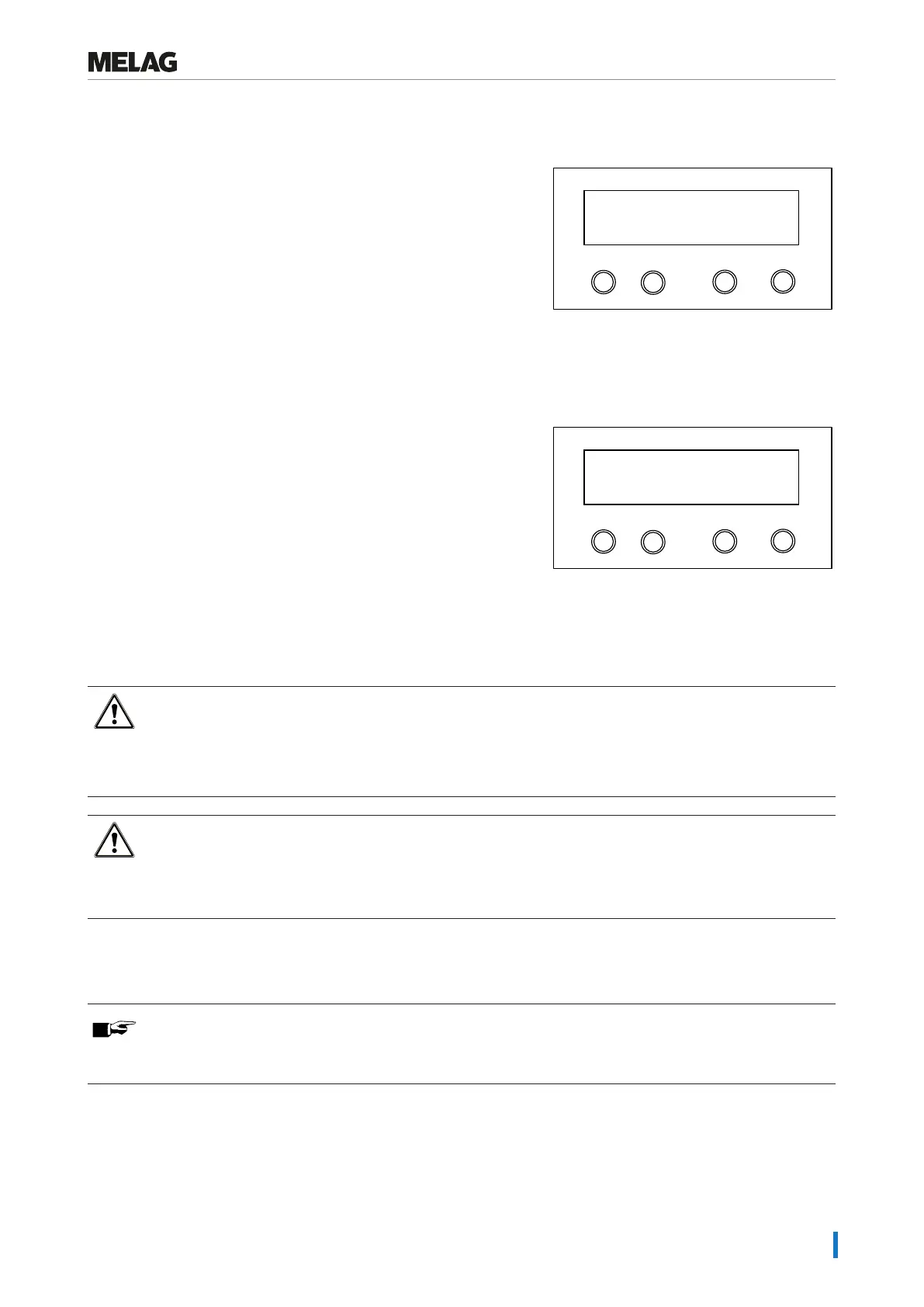
Ê The display confirms the abort withDrying stopped.
At the end of the program, the message Universal-Program S
run successfully alternates with Last batch number xx and
Acknow. with '+' key.
Programm
Start-Stop
-
+
Last batch number 7
Acknow. with '+' key
If a printer or other output medium is connected to the steam sterilizer, andImmediate output is set toYES, the noti-
ficationDrying stopped is recorded on the log.
Program is ended
Once the program has come to an end, the chamber pressure is
adapted to the ambient pressure.
When the program has ended successfully, the corresponding
message will be issued on the display.
Programm
Start-Stop
-
+
Universal-Program
run successfully
S
If immediate output is activated, the log of the completed program is issued to the selected output medium, see Logging
[}page39].
Removing the sterile material
CAUTION
Danger of burns from hot metal surfaces
n Allow the device to cool sufficiently before opening.
n Do not touch any hot metal parts.
CAUTION
Unsterile instruments resulting from damaged or burst packaging. This endangers the health of your
patients and practice team.
n Should the packaging be damaged or have burst after sterilization, wrap the load again and re-sterilize it.
If you remove the }sterile material from the device directly after the end of the program, it is possible that the instruments
can be partially damp. According to the Arbeitskreis für Instrumentenaufbereitung (}AKI), single drops of water (no pud-
dles) that dry off within 15min are considered tolerable residual moisture in practice.
PLEASE NOTE
In the warm sterilization chamber, the residual moisture dries especially quickly. Leave the wrapped
instruments in the open steam sterilizer for up to three minutes to dry.















 To Next Page