8 Logging
40
Output media
You are able to output and archive the logs of the completed programs on the following output media:
▪ MELAflash CF-Card-Printer on the }CF card
▪ Computer, e.g. with MELAtrace/MELAview software (optionally with MELAnet Box)
▪ MELAprint 42/44 log printer
In its delivery state, an option for log output is not set on the steam sterilizer.
PLEASE NOTE
Further information about the log printer (e.g. the duration of the readability of the log printouts) is specified in
the appendant user manual.
Using a computer as an output medium (without a network connection)
In order to be able to use a computer as an output medium, the computer must be connected to the steam sterilizer via
the serial interface.
You can connect the steam sterilizer to a computer if the following conditions are fulfilled:
ü
The computer is either fitted with a serial interface or a USB serial adapter is connected.
ü
The documentation software MELAview/MELAtrace is installed on the computer.
PLEASE NOTE
The MELAnet Box is required for integration in the (practice) network.
u Connect the steam sterilizer to the RS232 interface to the computer with a fitting data connection cable.
Reading out logs on the computer
You can use the MELAtrace/MELAview software to read out the logs.
To register the computer with the steam sterilizer, you must make the following setting once on the steam sterilizer:
1. Switch on the steam sterilizer.
2. Wait until the display shows the initial state.
3. Select the menu Function by pressing the '+' and '-' keys
simultaneously.
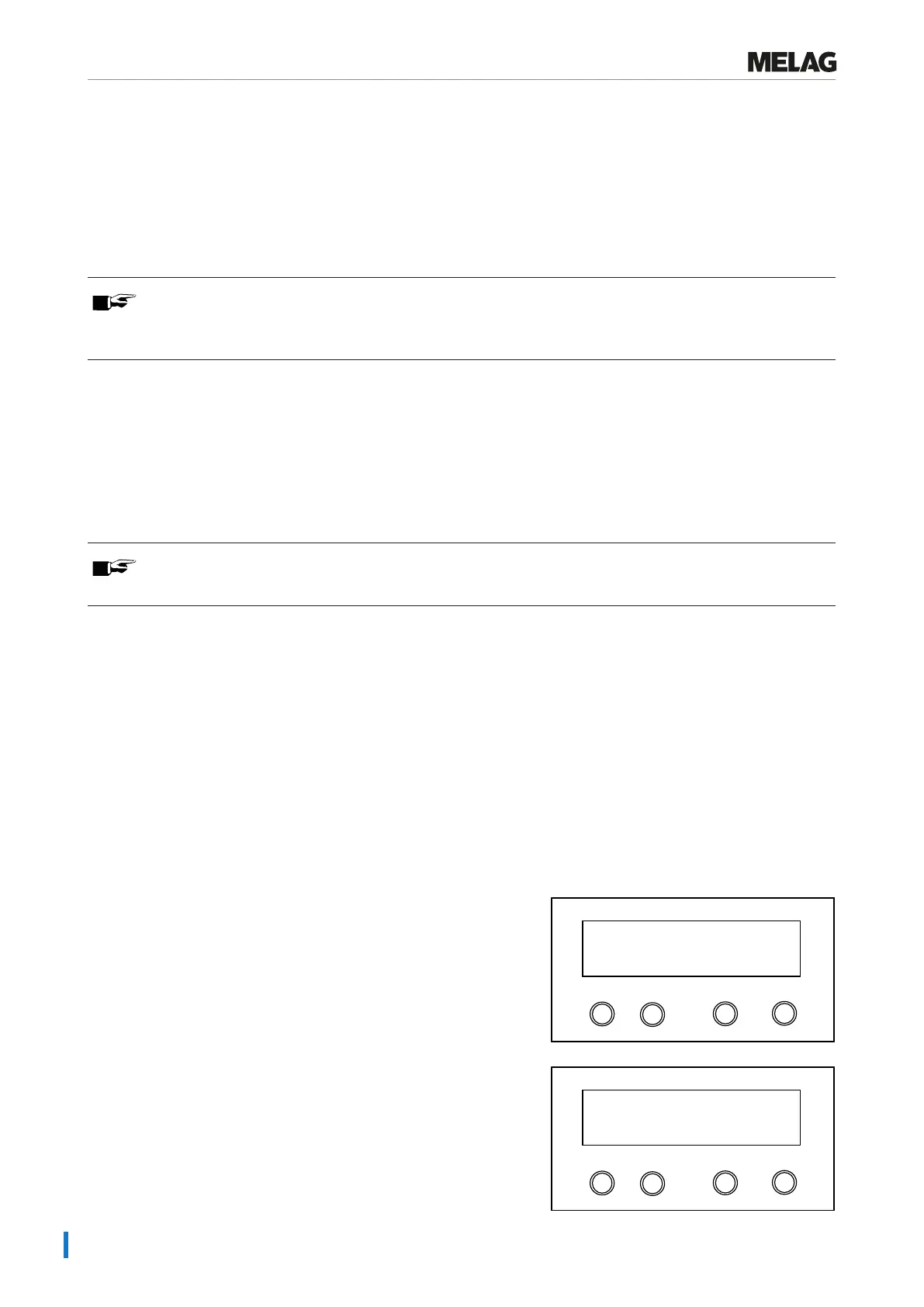
Ê The display will show the message Function: Last
batch number.
4. Navigate with the '+' or '-' key in the Function menu until the
display shows Function: Log output.
Programm
Start-Stop
-
+
Function:
Log output
5. Press the 'P' key to select the submenu Log output: Output
medium.
Programm
Start-Stop
-
+
Log output
Output medium















 To Next Page