8 Logging
42
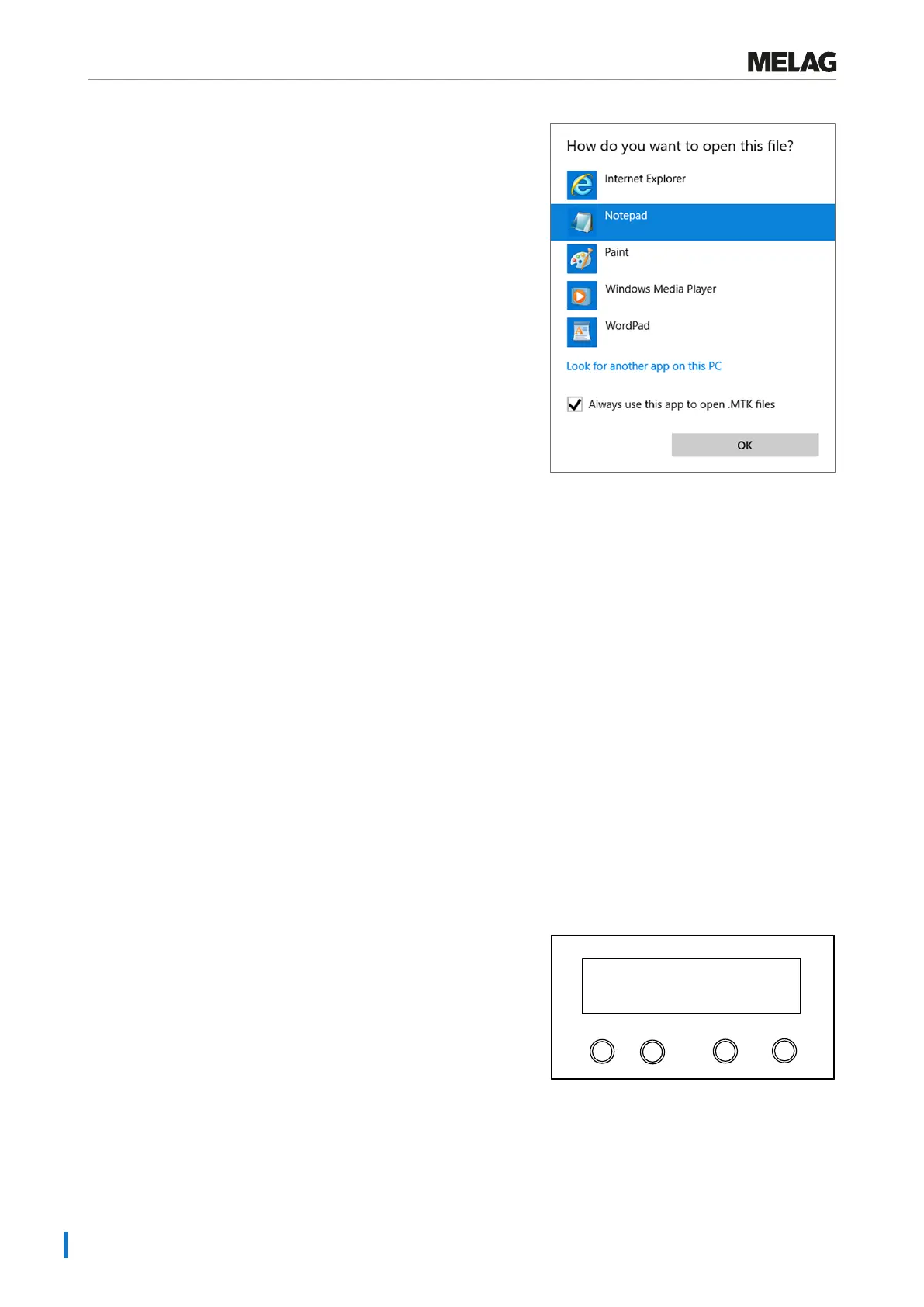
4. Mark the editor and confirm with “OK”.
Ê You can then open files with this ending via a double-click in Windows Editor.
Alternatively, you can open all text logs with the documentation software MELAtrace/MELAview (from MELAview 3).
Outputting logs immediately and automatically
Text logs
If you want to output the associated text log automatically after the end of a program on an output medium, use the func-
tionImmediate outputYES. This is not set in the delivery state.
The following requirements must be fulfilled in order to issue logs immediately after the end of a program:
ü
In the menu Function: Log output, immediate output is set to YES.
ü
At least one output medium must be selected (computer, log printer MELAprint 42/44).
ü
The activated output medium must be connected and initialised.
1. Switch on the steam sterilizer at the power switch.
2. Select the menu Function by pressing the '+' and '-' keys
simultaneously.
The display shows the messageFunction:Last batch
number.
3. Navigate using the '+' or '-' key until the display
shows:Function:Log output and press the 'P' key.
4. Navigate using the '+' or '-' key until the display shows:
Programm
Start-Stop
-
+
Immediate output
YES
5. Press the 'P' key to change betweenImmediate
outputNO /YES.
6. Press the 'S' key to save the setting and to leave the menu. The
display will showFunction:Log output.















 To Next Page