7 Sterilization
34
3. Press the 'P' key to confirm.
Ê The display will show the option currently set
e.g.PreheatingYES.
4. Pressing the 'P' key again makes the display switch
toPreheatingNO.
Ê The preheating function has been deactivated.
5. Press the 'S' key twice to leave Function: Autom.
preheating and return to the initial state.
Selecting additional drying
The Additional drying function extends the drying time by 50% to perform difficult drying tasks.
u
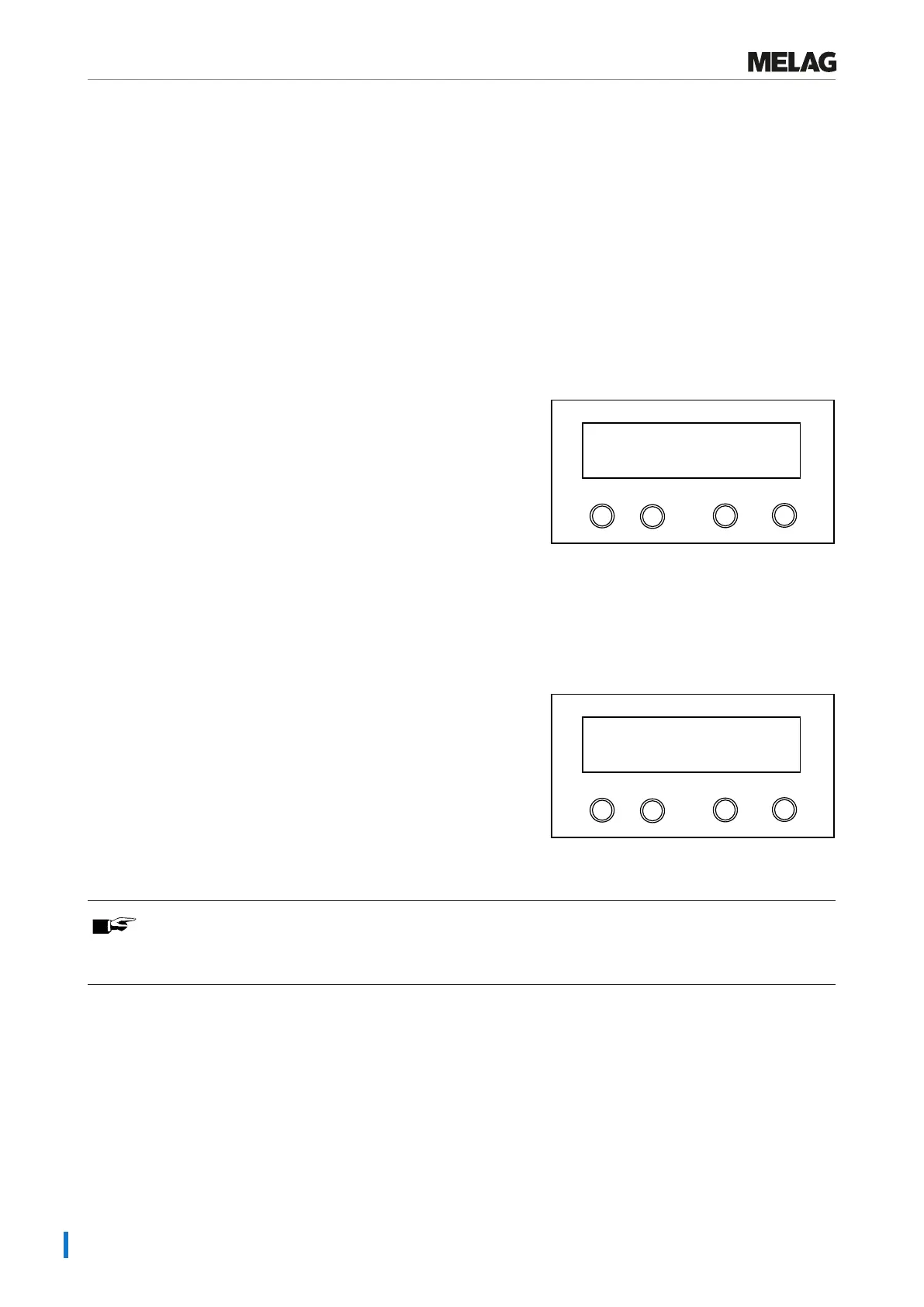
Press the 'S' and '+' keys simultaneously upon starting the program.
Programm
Start-Stop
-
+
Additional drying
selected
Ê The display shows Additional drying selected The program run then begins.
Starting the program
After selecting a program with the program selection key 'P', in addition to the selected program, the sterilization temper-
ature is displayed and whether the respective program is suitable for a wrapped or unwrapped }load.
1. Press the 'S' key to start the program.
Programm
Start-Stop
-
+
134°C wrapped
Universal-Program S
Ê The steam sterilizer checks the }feed water supply and
the }conductivity.
PLEASE NOTE
When the Quick-Program S is started, the warning messageAttention: Unwrapped instruments
only is displayed.
2. If the load contains exclusively unwrapped instruments, press the
'S' key again to confirm and to start the program.















 To Next Page