8 Logging
44
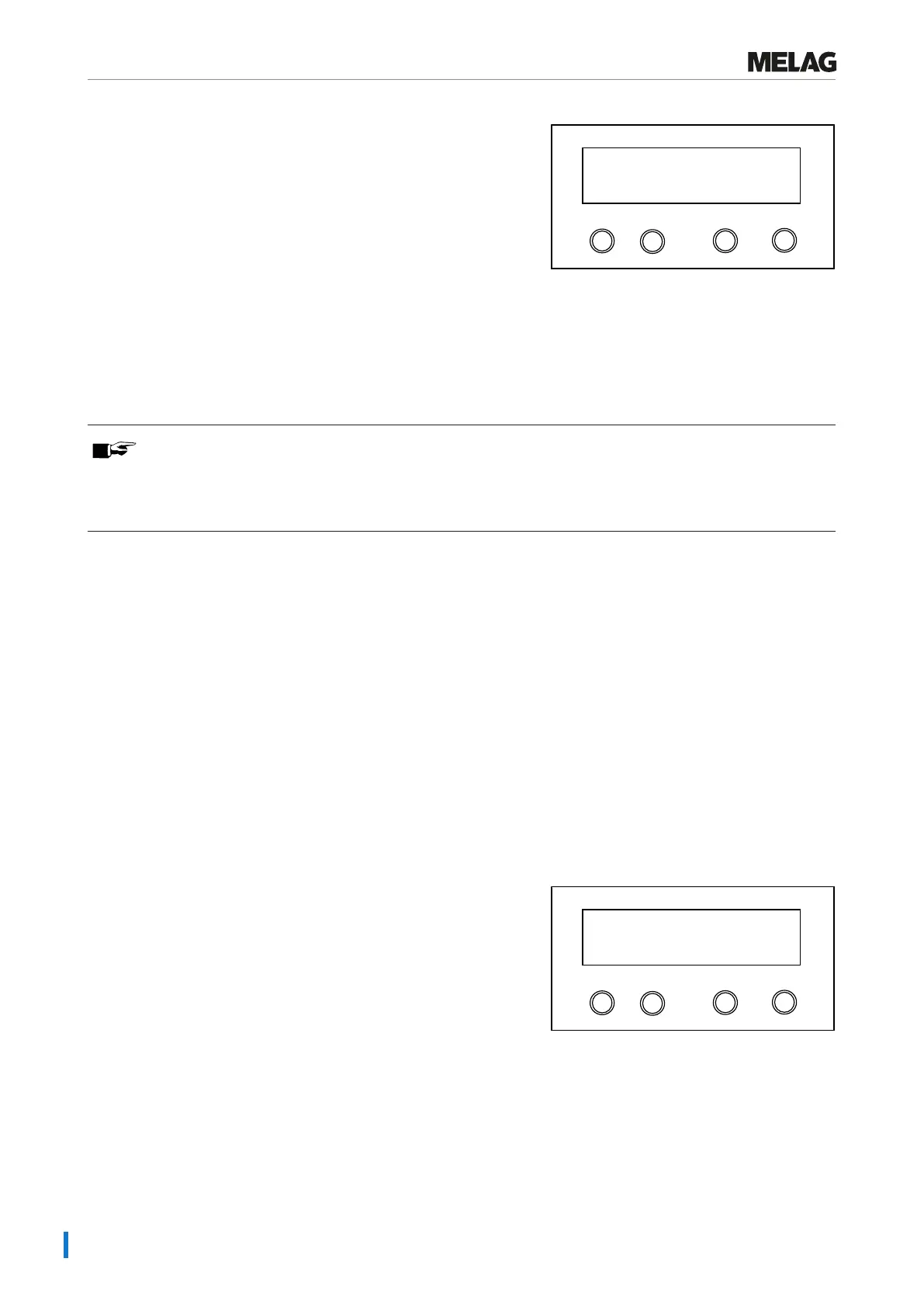
3. Navigate using the '+' or '-' key until the display shows:
Programm
Start-Stop
-
+
Output stored cycles
4. Press the 'P' key in order to start the output of the selected
program. During the output the message Output will be
displayed.
Ê If output has been performed, the display will show: Output
stored cycles.
5. Press the 'S' key to leave the submenu without outputting the log.
PLEASE NOTE
An abort during log output on the log printer is only possible through deactivation of the device using the
power switch or by interrupting the power supply to the printer.
When switching off the device via the power switch, wait 3 s before switching it back on.
6. Press the 'S' key to leave the menu. The display will show the
message Function: Log output.
7. Repeated pressing of the 'S' key enables you to leave the menu
entirely and return to the display initial state.
Displaying the log memory
If a printer or other output medium is connected and initialised, you can check how many logs have already been saved
in the steam sterilizer log memory.
Proceed as follows:
1. Select the menu Function by pressing the '+' and '-' keys
simultaneously. The display will show the message Function:
Last batch number.
2. Navigate using the '+' or '-' key until the display shows
Function: Log output and press the 'P' key.
3. Navigate using the '+' or '-' key until the display shows the number of
logs saved.
Programm
Start-Stop
-
+
Allocated:
Free:
40
0
4. Press the 'S' key twice to leave the menu.















 To Next Page