8 Logging
45
Deleting logs in the internal log memory
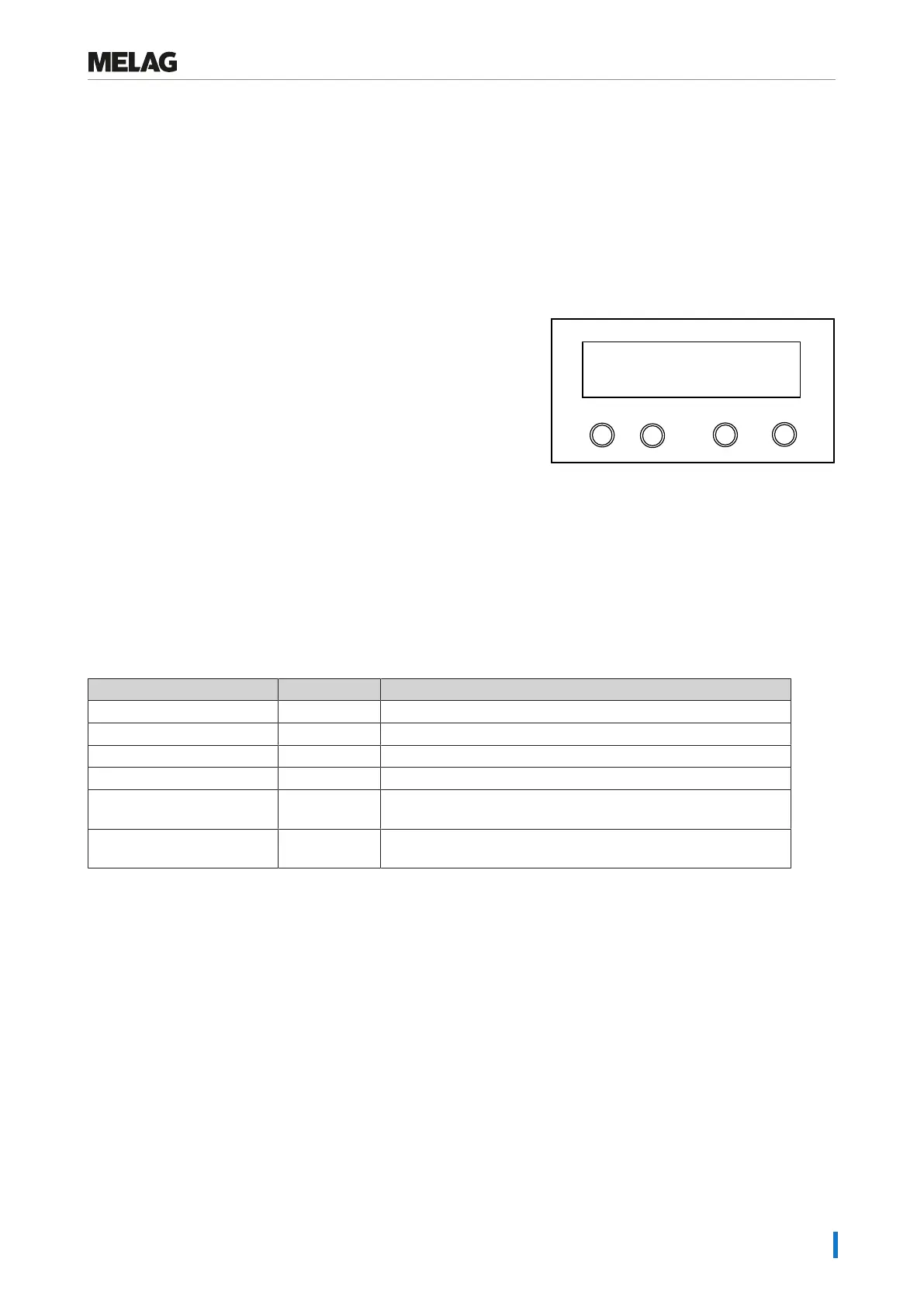
Delete the saved logs manually to suppress warnings, e.g. Log memory full, while the option Immediate output
is set to NO. The following example shows how to delete all the logs saved.
1. Select the menu Function by pressing the '+' and '-' keys
simultaneously. The display will show the message Function:
Last batch number.
2. Navigate using the '+' or '-' key until the display shows
Function: Log output and press the 'P' key.
3. Navigate using the '+' or '-' key until the display shows:
Programm
Start-Stop
-
+
Delete all cycles
4. Press the 'P' key to delete all logs.
5. To cancel the sub-menu without deleting, press the 'S' key.
6. Press the 'P' key to leave the menu after deletion. The display will
show the message Function: Log output.
7. Repeated pressing of the 'S' key enables you to leave the menu
entirely and return to the display initial state.
Reading logs correctly
Log type File ending Explanation
Text log .PRO Log of a completed program
Malfunction log .STR Log of an unsuccessfully finished program
Graphic log .GPD Program run displayed as a graphic curve
Standby log .STB Log for malfunctions in idle mode
Demo log .DEM Log of a simulated program run.
No real sterilization will be performed!
Demo graphic log .DEG Simulated program run displayed as a graphic curve. No real
sterilization will be performed!
Log header
The header of the program log comprises the general basic information regarding the program run. This includes e.g.
date, the selected program, the daily batch number and the device type.
Program step values
The phases of the program run are recorded whilst it runs and the values for steam pressure, temperature and time
(related to the program start) are recorded.
Summary
The summary states whether the program has been completed successfully. The values of the sterilization time required,
the sterilization temperature and the pressure (including the maximum deviation) are also displayed.















 To Next Page