8 Logging
43
7. Pressing the 'S' key once again enables you to leave the menu
and return to the display initial state.
PLEASE NOTE
If immediate output is unable to issue a log, for example, because the output medium activated is not
connected, a warning will appear. MELAG recommends using the immediate log output function.
Graphic logs
For log output immediately after program end, comply with the following:
n In Function: Log output, MELAnet+graphic data must be selected as the output medium.
n The computer or another medium must be connected and initialised.
Subsequent log output
It is possible to issue logs subsequently and independently of the time of a program end. You can choose whether selec-
ted or all saved logs (up to 40) are to be output. Use the output medium connected for this task e.g. the log printer.
Printing selected logs
To print the subsequently selected logs of a particular program proceed as follows:
1. Select the menu Function by pressing the '+' and '-' keys simultaneously. The display will show the
messageFunction:Last batch number.
2. Navigate using the '+' or '-' key until the display shows:Function:Log output and press the 'P' key.
TheLog output –Output medium menu will be displayed.
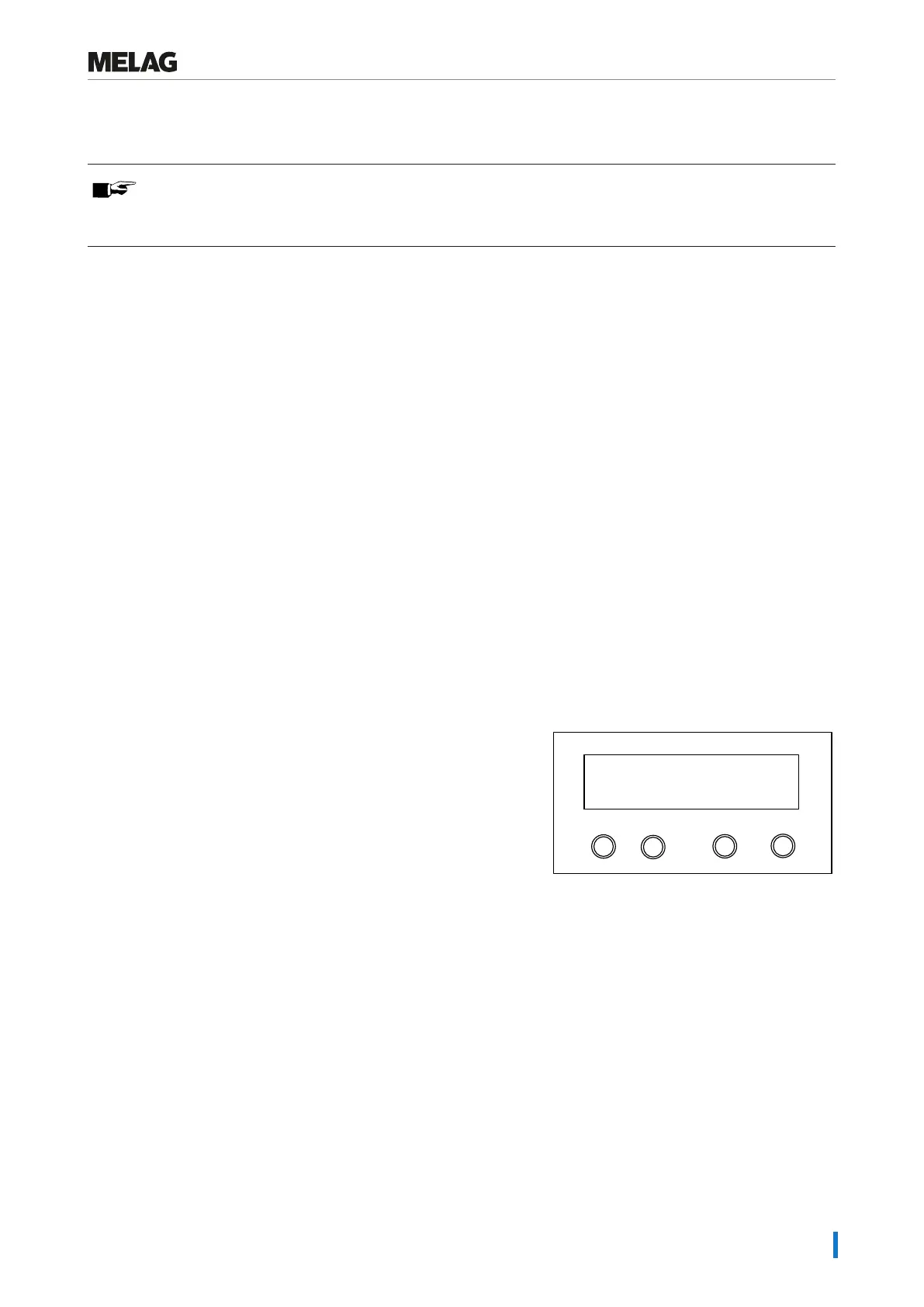
3. Navigate using the '+' or '-' key until the display shows:Last cycle output: no. 40 (as example no. 40).
4. Press the 'P' key. The current log number flashes.
5. To output a log or another cycle, navigate to the desired number using the '+' or '-' keys until you have reached the
desired number, e.g. 25.
6. Press the 'P' key in order to start the output of the selected program. The display will show the messageOutput.
After a successful output, the display changes back to its previous
setting with the display indication.
Repeat the last three steps in order to output further logs.
Programm
Start-Stop
-
+
no. 25
Last cycle output:
7. Press the 'S' key to leave the submenu without outputting the log.
8. Press the 'S' key to leave the menu after outputting the log. The display will show the message Function: Log
output.
9. Repeated pressing of the 'S' key enables you to leave the menu entirely and return to the display initial state.
Outputting all saved logs
Proceed as follows to output all the saved logs subsequently:
1. Select the menu Function by pressing the '+' and '-' keys
simultaneously.
The display will show the message Function: Last batch
number.
2. Navigate using the '+' or '-' key until the display shows
Function: Log output and press the 'P' key.















 To Next Page