7 Sterilization
35
Program in progress
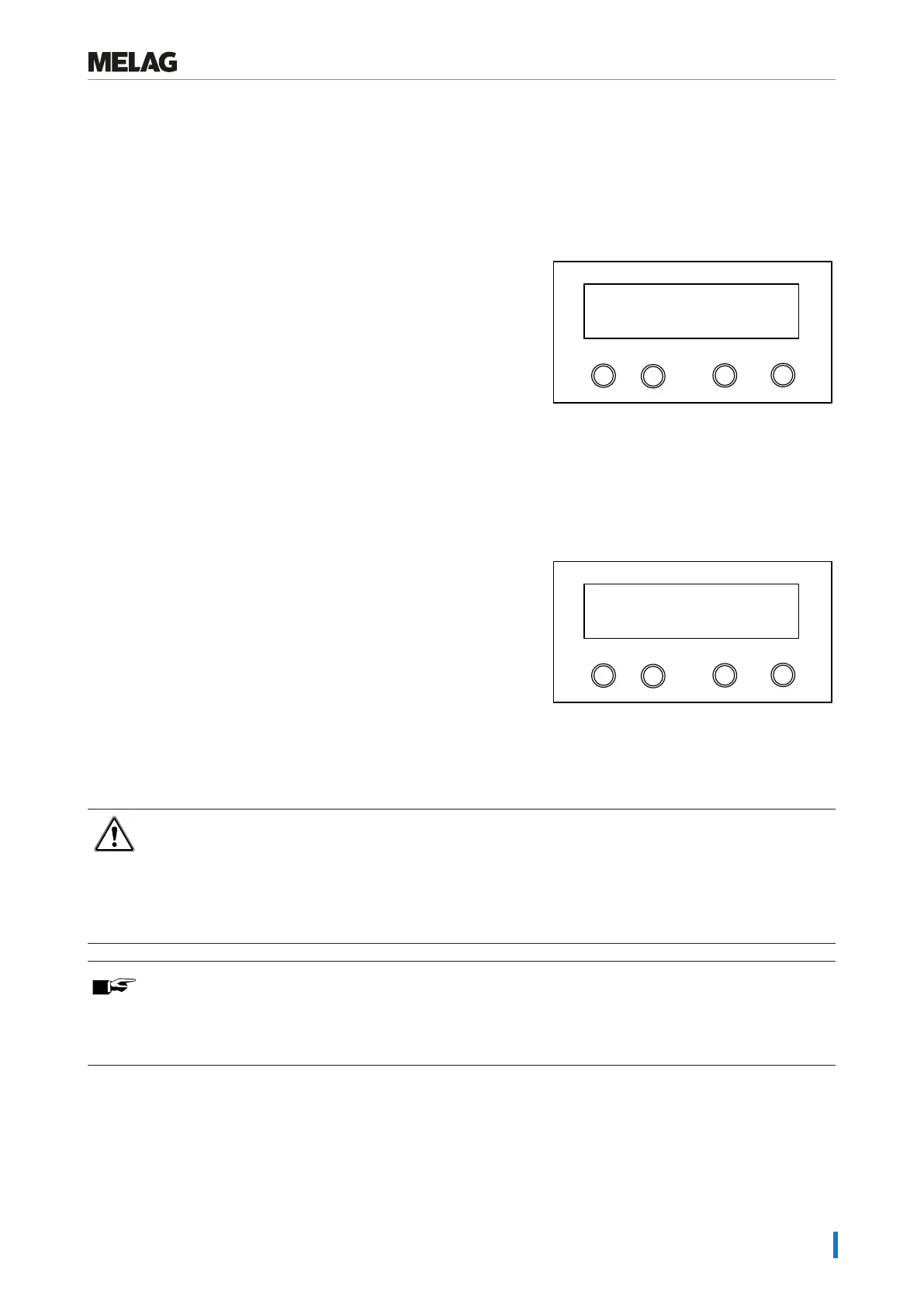
After starting the program, you can follow the program run (see Program sequences [}page9]) on the display. It shows
the temperature and pressure of the sterilization chamber as well as the time until the end of sterilization / the drying time
which has passed.
Sterilization phase
The display shows whether the sterilization phase has already been
completed successfully.
The remaining time of the sterilization phase is displayed in alternation
with pressure and temperature specifications.
Programm
Start-Stop
-
+
still 2 min, 12 s
Sterilization
The sterilization phase is unsuccessful if the user or the system (responding to an malfunction) aborts the program run. A
system abort returns the sterilization chamber to a pressureless state.
If the user aborts, a warning appears. If the program is aborted by the system, a malfunction message will be displayed.
Drying phase
The regular drying time is approx. 1 min for the Quick-Program S and approx. 8-9 min for all other programs.
The steam sterilizer provides excellent drying of the }load. If difficult-
to-dry items require better drying, you can improve drying as follows:
1. Always use the package holder for wrapped instruments.
2. Activate Additional drying, see Selecting additional drying
[}page34].
Programm
Start-Stop
-
+
sin. 1' 0.9 bar
Flow drying
Manual program abort
You can abort a current program in all phases. If you abort the program before drying begins, the load remains unsterile.
WARNING
Hot steam can be released from the device when opening the door after a program abort.
This could result in scalding.
n Use a basket handle to remove the universal basket and package holder.
n Never touch the sterile material, the sterilization chamber or the inside of the door with unprotected hands.
PLEASE NOTE
Never abort a program by switching off at the mains.
Non-compliance with this point will result in the display of a malfunction message as soon as the device is
reactivated, indicating a power outage.















 To Next Page