6 First steps
30
6. You can increase or reduce the value using the '+' and '-' keys.
7. Confirm with the 'P' key in order to save the value.
Ê The current value set no longer flashes on the display.
8. Proceed in a similar fashion to alter the other parameters.
9. After completing the settings, press the 'S' key to leave the menu.
Ê The display will showFunction:Date / Time.
10. Repeated pressing of the 'S' key enables you to leave the menu
and the display returns to its initial state.
Setting the water treatment unit
In the delivery state, Feed water supply is set to internal. If the feed water is supplied from a water treatment
unit, option Feed water supply must be set in menu Function.
1. Select the menu Function by pressing the '+' and '-' keys
simultaneously.
Ê The display shows Function: Last batch number.
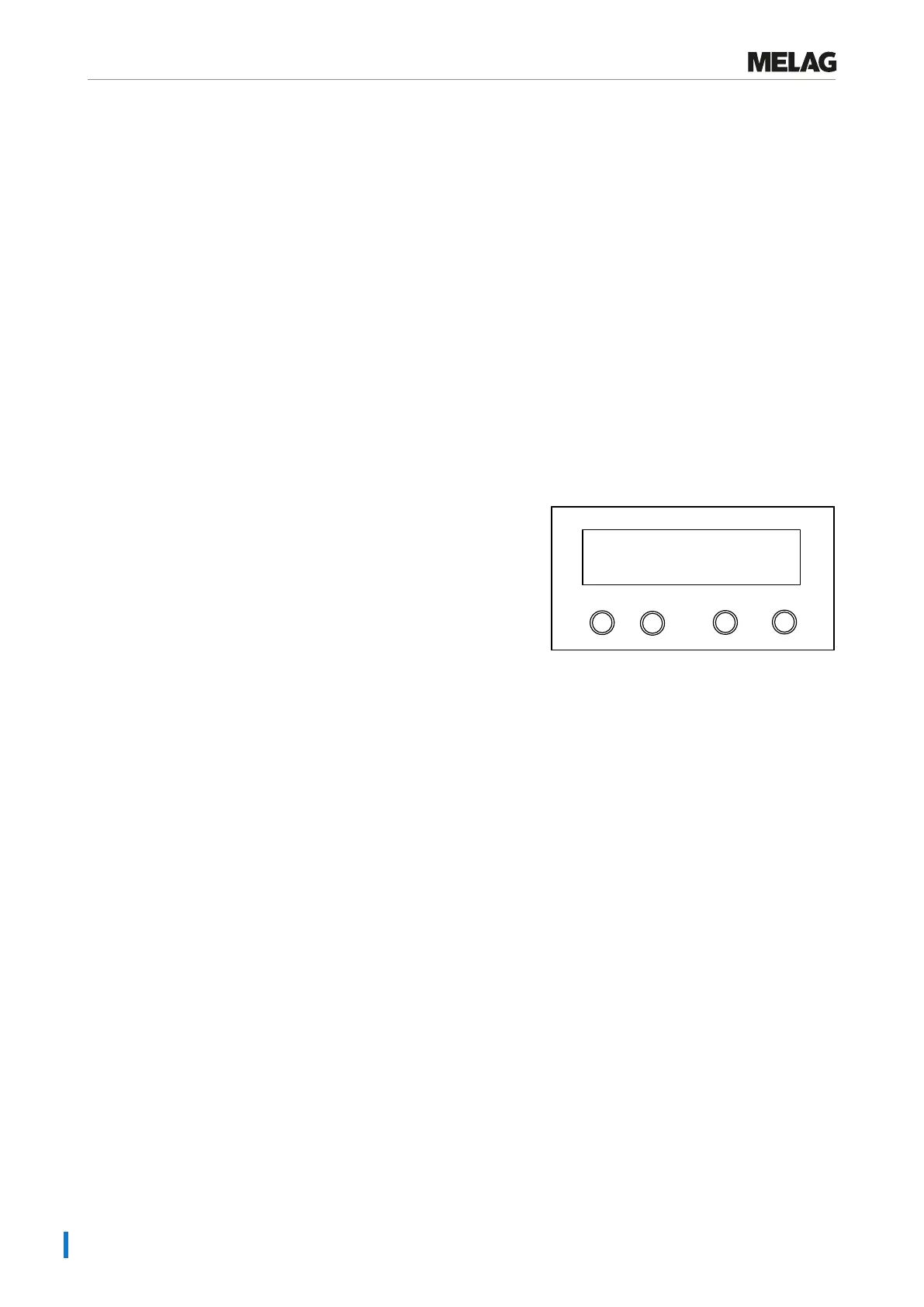
2. Navigate using the '+' or '-' keys until the display shows
Function: Feed water supply.
Programm
Start-Stop
-
+
Function:
Feed water supply
3. Press the 'P' key.
Ê The currently set option appears on the display, e.g. Feed
water supply internal.
4. To set the value to Feed water supply external, press the
'P' key again.
5. In order to save the setting and to leave the menu, press the 'S'
key.
6. Repeated pressing of the 'S' key enables you to leave the menu
entirely and return to the display initial state.















 To Next Page