SECTION 6
DISASSEMBLY AND ASSEMBLY
109
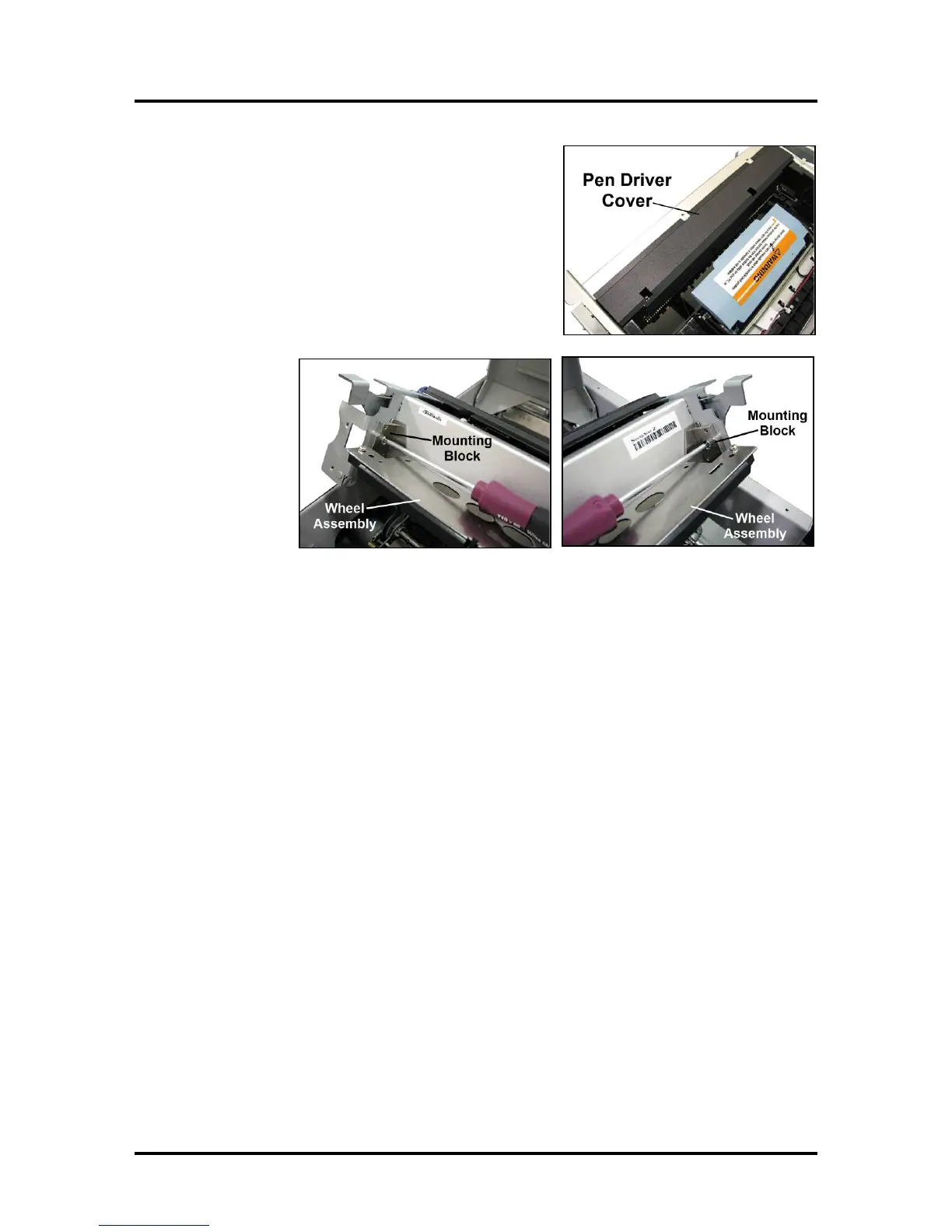
18. Reinstall the Pen Driver PCA Cover.
NOTE: If the adhesive on the Cover lip no longer
sticks, you can use thin double-sided tape or adhesive
transfer tape secure it to the top of the Crossmember.
19. Reinstall the
mounting
blocks and
Exit Wheels
Assembly.
20. Carefully remove the towel and vacuum any debris from the Print Engine and Printer.
21. Close the Upper Clamshell and Top Cover.



 To Next Page