SECTION 6
DISASSEMBLY AND ASSEMBLY
63
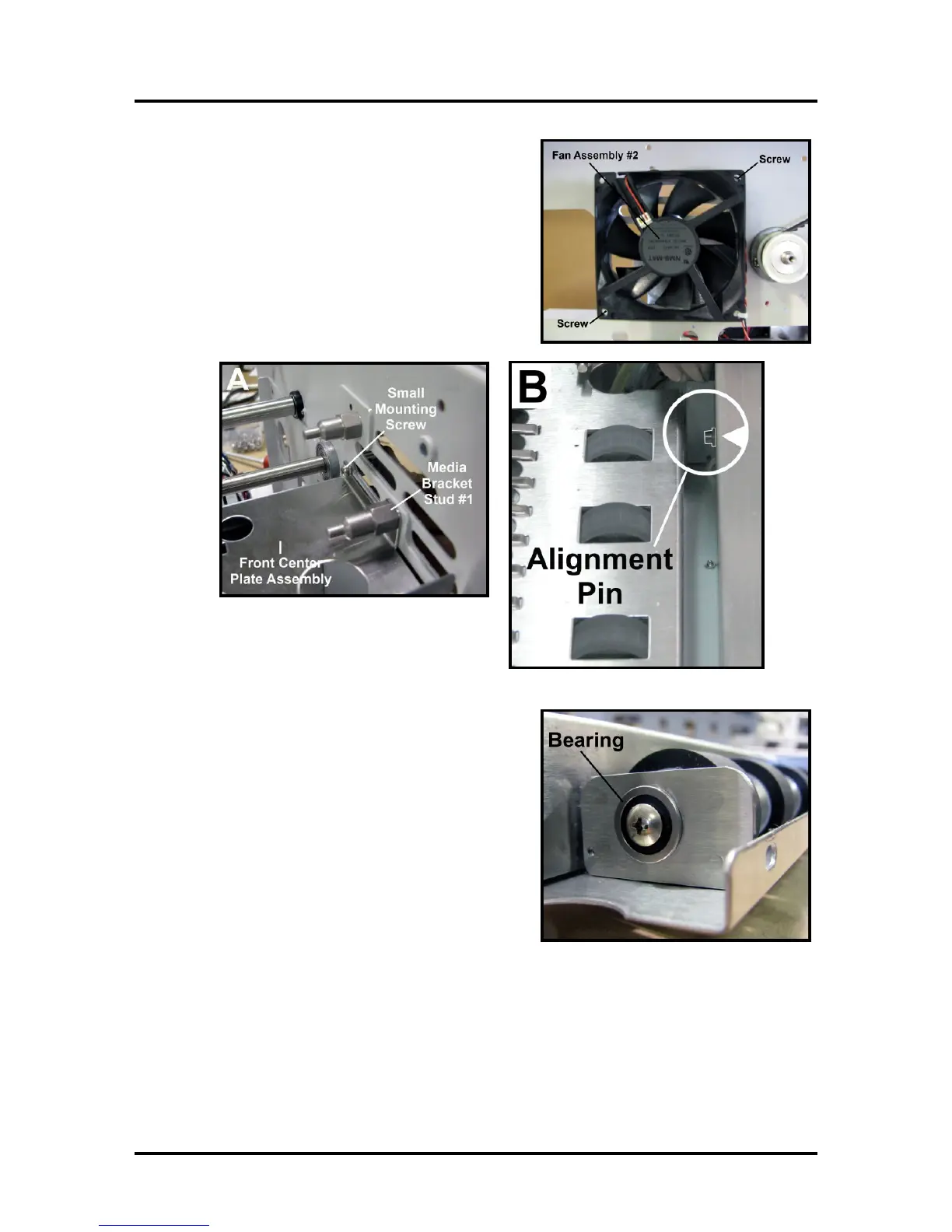
10. Remove Side Fan (2 screws).
[A] Remove Media Bracket Stud #1 (1 screw) and
the small screw holding the Assembly on left-hand
side.
[B] Take the Front Center Plate by sliding it off the
alignment studs on the Print Engine.
11. Remove Front Center Plate Assembly. Remove the
(2) screws holding the Delivery Roller Shaft to the
Assembly. NOTE: you will have to remove the
Bearing to remove Shaft from the Assembly. The
Rollers are attached to the shafts with Allen screws.
Loosen the screws to slide the rollers off the shafts.
12. Reassemble in reverse order. Take care to reinstall
the belt that drives the Rollers during assembly.



 To Next Page