30
AQUALAB 3
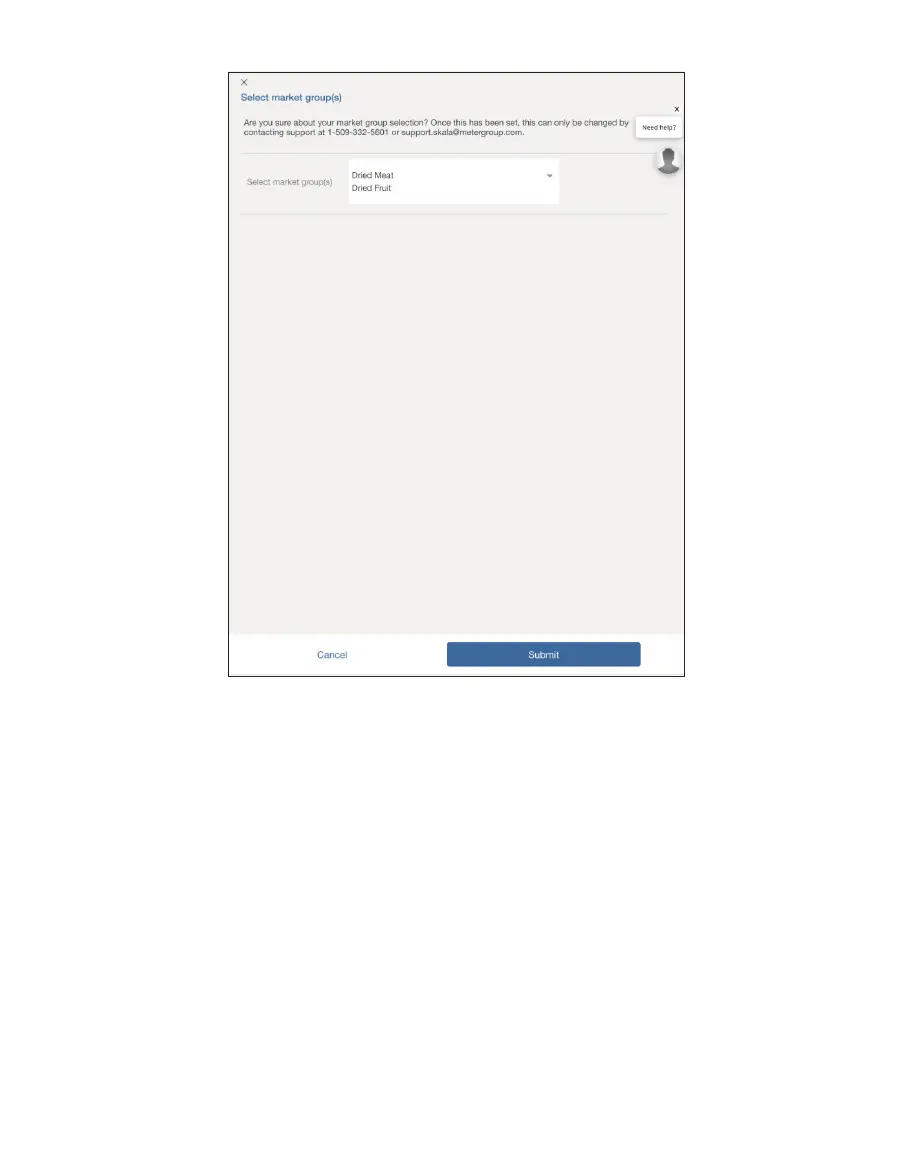
Figure38 Submit chosen market groups
9. Edit any products set up before defining market groups and update the Moisture
Content Model selection (Figure38).
After the market groups are submitted, the list of models in the Moisture Content Model in
the Product screen will look like (Figure39).



 To Next Page