Metor 6M PAGE 39
Installation and Operating Manual
92102916 REV 5 8. CALIBRATION
Setting overall sensitivity
Setting Overall Sensitivity Using Auto Sensitivity
Function (recommended)
1. Select Auto Sensitivity function
2. Walk through the WTMD with the critical test object. After
each pass the display shows the total number of walks, the
sensitivity needed to alarm on the last walk and the
sensitivity needed to alarms on all walks.
Wait a couple of seconds between successive walks. Walk in
the direction of intended use of the WTMD. In the case of
bidirectional use walk in both directions.
The display of the last sensitivity value can be used to
determine the critical test object. Concentrate on those test
objects that need highest sensitivity values. Take them through
the WTMD in several positions and orientations.
When you have finished walking press to accept the new
sensitivity setting. A minimum of three (3) walks is needed. If
you choose to exit without accepting the new sensitivity setting,
press . If there are no walks in five (5) minutes, the WTMD
will return to normal operation mode without changing the
sensitivity.
In case the detection program is not suitable for the test object
and the required sensitivity would be over the set range a
warning is given. Exit auto sensitivity mode and choose a
different program.
Manual setting of overall sensitivity
1. Press . When the program requests “ENTER USER
ID:”, enter “0”.
2. Enter the User 0 access code on the remote control unit
(factory setting 1, 2, 3). Press .
3. Select “Sensitivity“. Press .
4. Adjust sensitivity with the arrow keys so that all the test
objects are detected. Press .
5. Press to exit.
6. Walk through the WTMD with test object in order to test
sensitivity settings.
• If the WTMD does not alarm on every walk through,
increase the sensitivity.
• If the sensitivity seems to bee too high, decrease the
sensitivity.
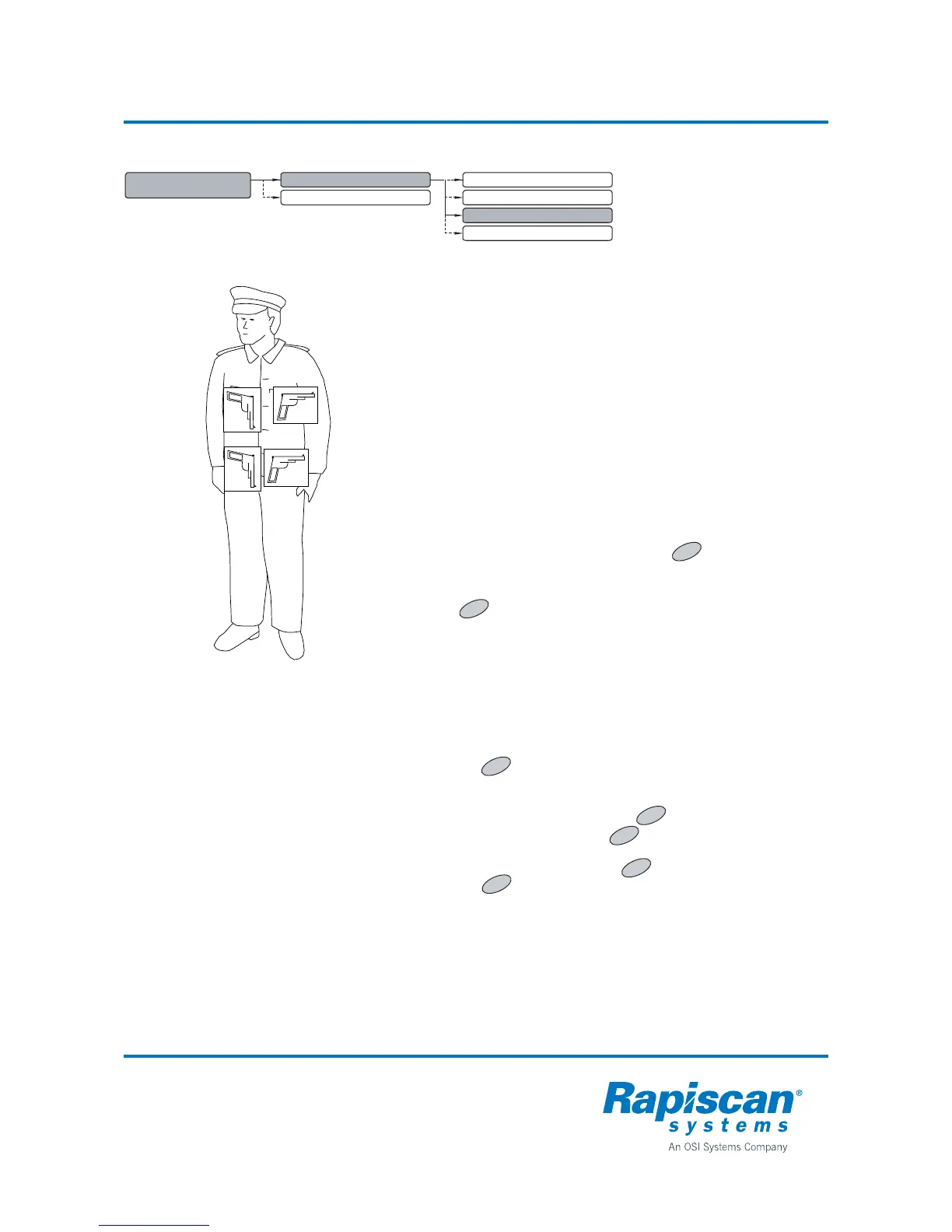
1 METAL DETECTION
PARAMETERS
1.1 SENSITIVITIES
1.1.1 SENSITIVITY
1.2 PROGRAM
1.1.2 ZONE SENSITIVITITIES
1.1.3 AUTO SENSITIVITY
1.1.4 AUTO FLOOR SENSITIVITY
OK
7
OK
OK
OK



 To Next Page