Manual Corvus-eco
Starting up 29
Initial operation of the RS-232 connection
Testing the RS-232 connection
•
Testing with WinPos
WinPos16 LT is added for free to each
controller. It is qualified
to execute all functions of the controller and can be used to
check the RS-232 connection.
Procedure step by step:
•
Connect RS-232 cable to PC and controller
• Switch on the controller
• Start WinPos
• Select Com Port, choose correct port settings
"Connecting" WinPos
WinPos automatically communicates with the controller
while it is reading the controller settings.
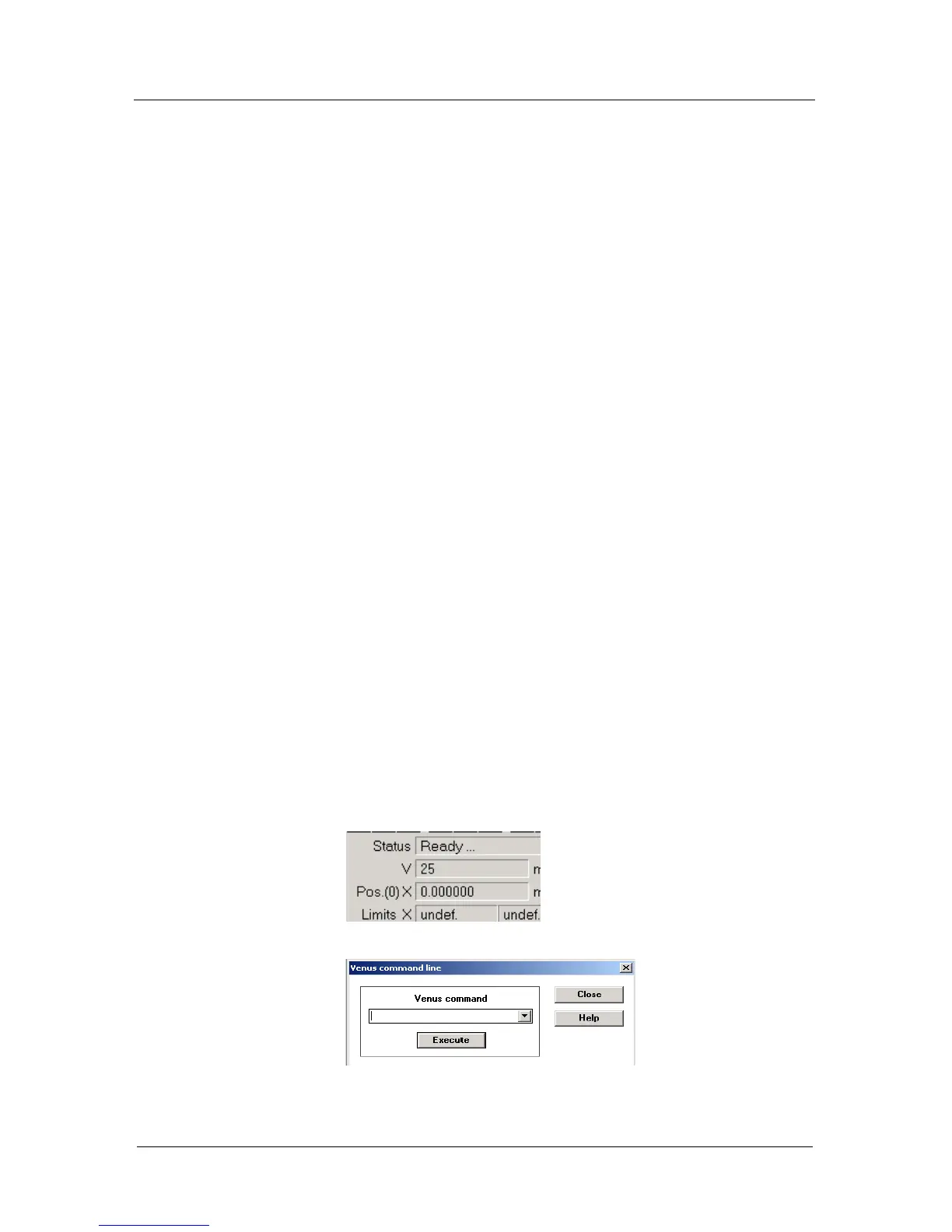
If Status "Ready" is displayed, the RS-232 communica-
tion is well established.
• It is now possible to open the Venus command line to
execute Venus-1 commands.
Details see in the WinPos manual.



 To Next Page