Manual Corvus
Releasing options 75
Installation procedure
To install an option use WinPos16.
WinPos16 LT is added for free to each controller.
Before using WinPos, please check if your WinPos version is
able to release options.
WinPos Version 1.1 with venusco
m.dat* dated 14.07.2003
or newer should be used.
*venuscom.dat is found in the WinPos directory.
Installation step by step
•
Connect serial line with Host and controller
• Switch on the controller
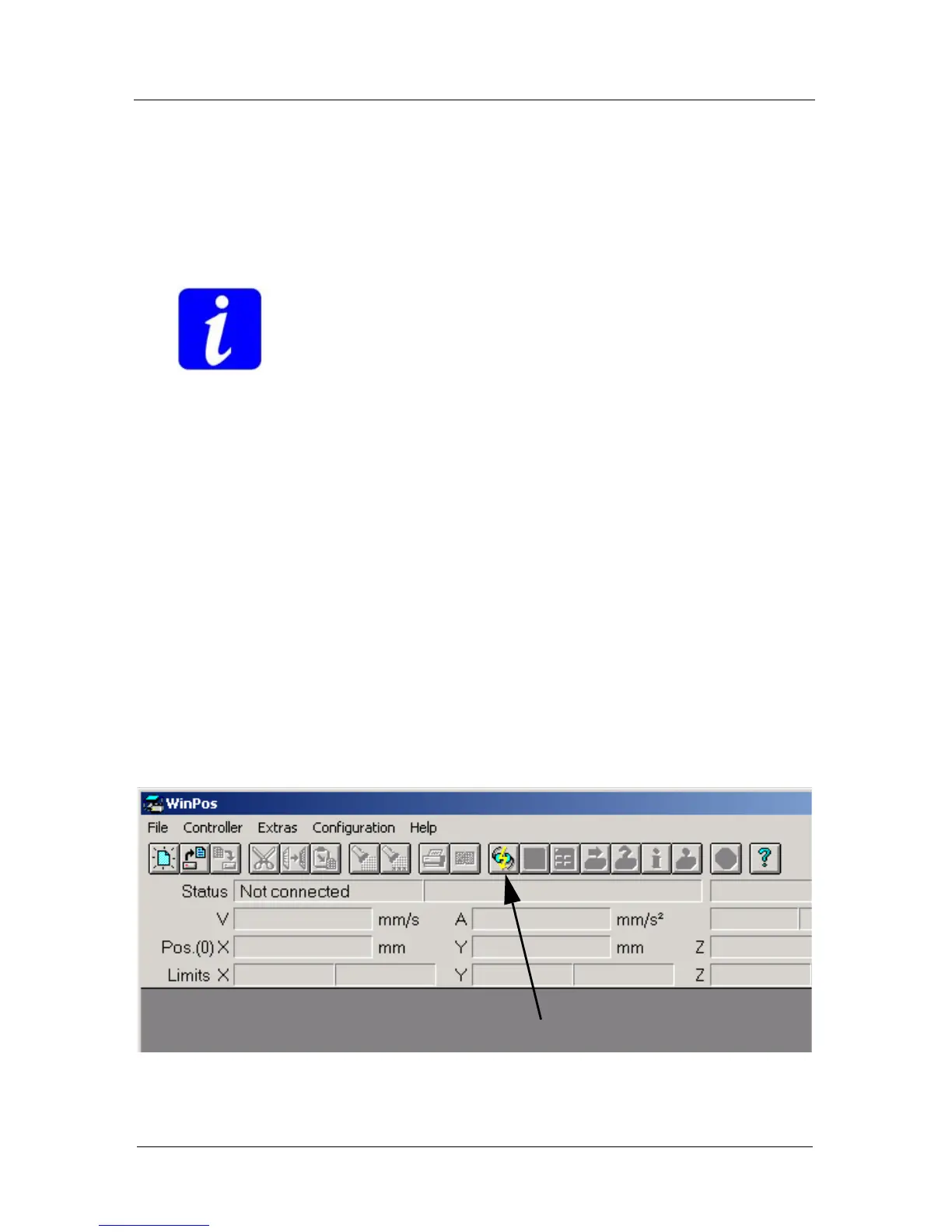
• Start WinPos
• Establish a proper communication between WinPos and
the controller.
• Open Venus command input line
• Input release code and send it with command setcode
• Input command save and send it to store release code
• Input command reset and send it to restart the controller
• Verify released code with command getoptions
Connect controller



 To Next Page