Manual Corvus
Firmware update 82
Firmware update
The Firmware update can be easily accomplished with the
ITK Update Tool. This is a self-explanatory tool that guides
you through the process in three steps.
Update procedure in three steps
1. All controller settings will be read from the controller and
stored to disk.
2. A new firmware download is performed.
3. The settings are read from the disk and stored to the
controller again.
What do you need to update the controller
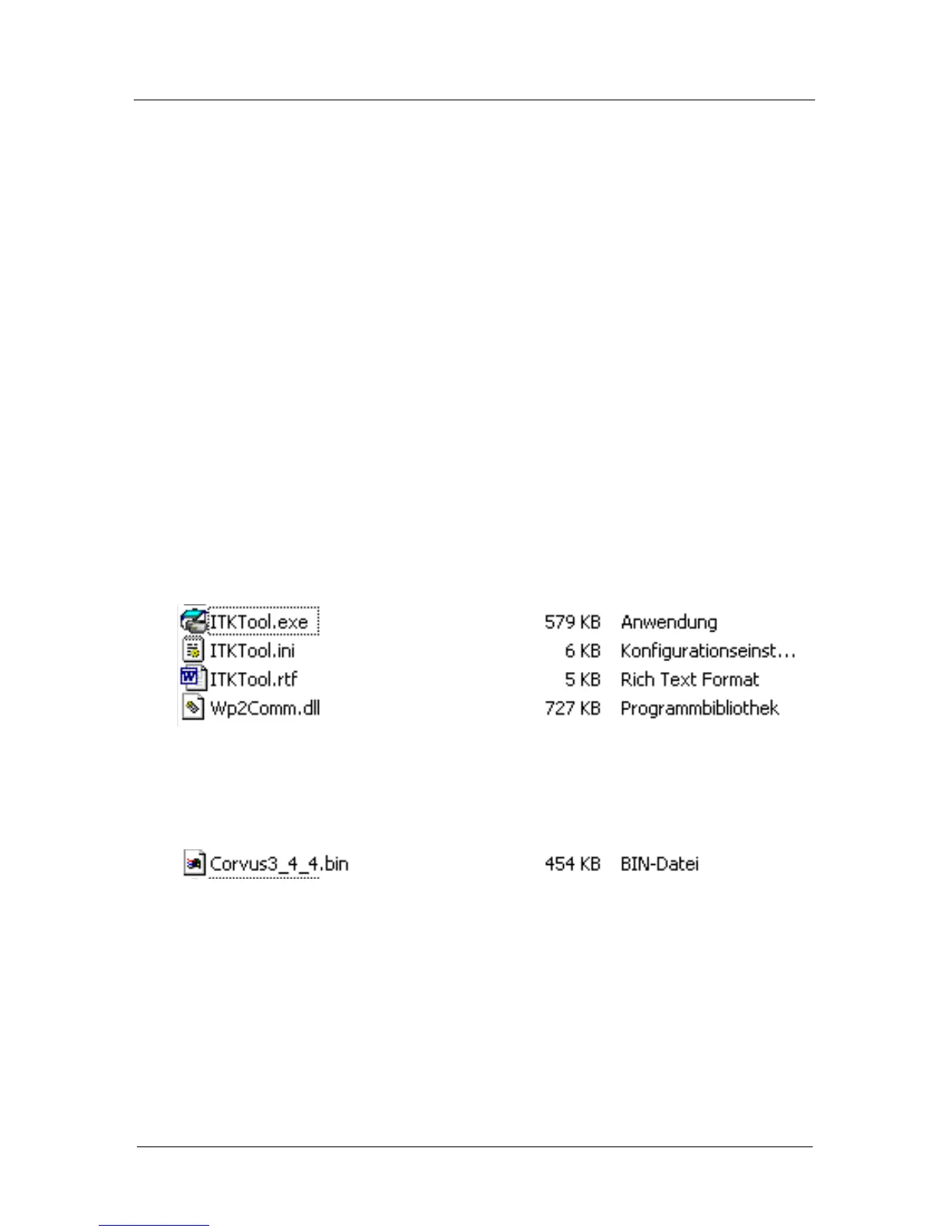
1. Update Tool with following files:
2. New Firmware.bin file
This file can be uploaded from the home pa
ge of your dealer
or can send you via E-mail.
3. Computer with a 115 kBaud
RS-232 interface
The update is executed via the RS-232 Service line.
The baudrate for parameter upload is selectable.
The firmware download is executed with a fixed baudrate
of 115kBaud.
4. Socket wrench (5mm)
Tool to remove the cover of the D-type connector
"RS-232 Service" at the controller.



 To Next Page