Manual Corvus-eco
Starting up 32
Installing VCP drivers for Windows 2000
To install VCP drivers for a FT232AM device under
Windows 2000, follow the instructions below:
• If a device of the same type has been installed on your
machine before and the drivers that are about to be
installed are different from those installed already, the
original drivers need to be uninstalled.
• Download the latest available VCP drivers from the
FTDI website and unzip them to a location on your PC.
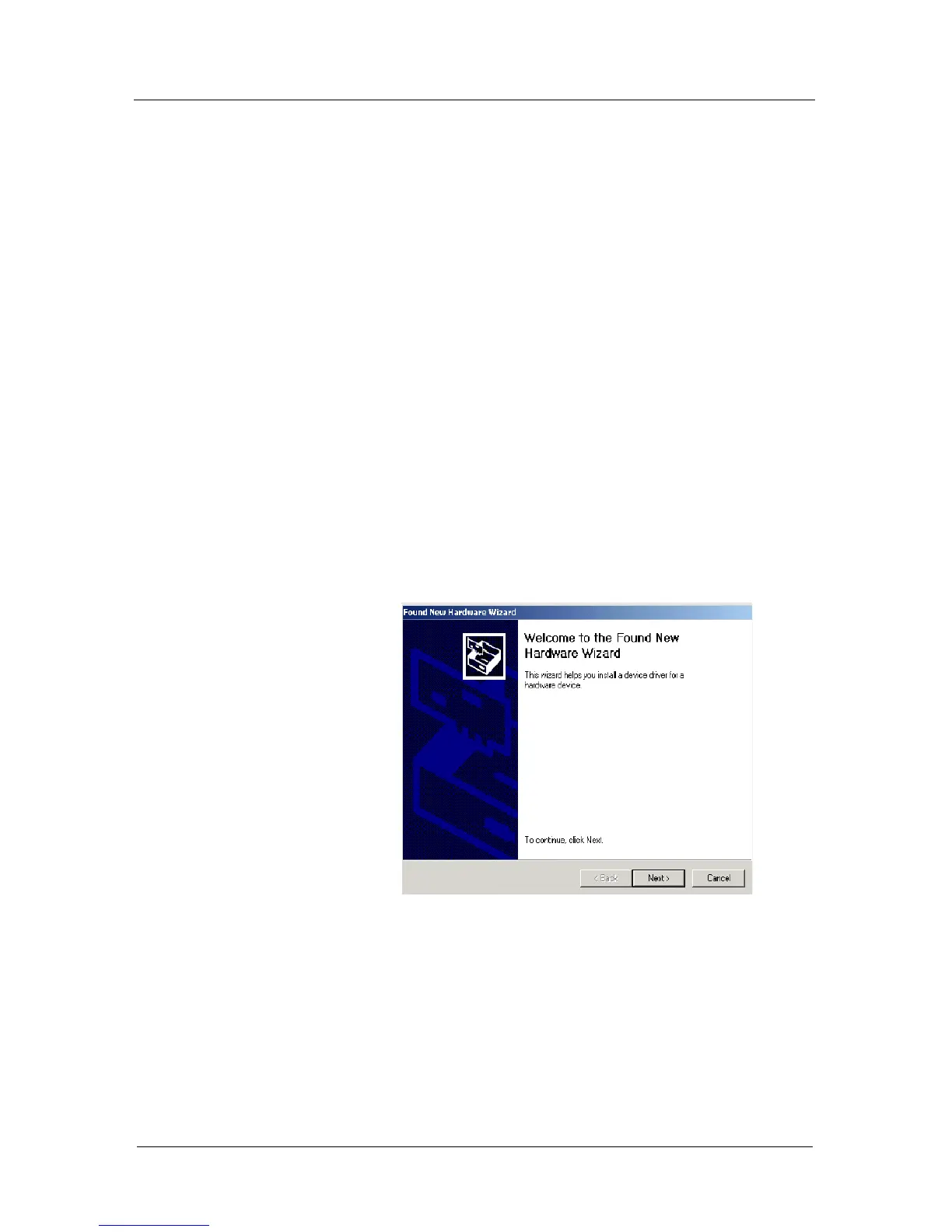
• Connect the Corvus-eco to a spare USB port on your
PC. This will launch the Windows Found New
Hardware Wizard. Click "Next" to proceed with the
installation.



 To Next Page