Witty User Manual - EN - v1.5 P. 66 / 171
Start Type: Automatic (default): the test start automatically
From Witty·GATE: the test starts after a countdown 3..2..1 and after a
photocell beam is broken
Catch the colour: Select one of the 3 available colours; green, red, blue
Catch the symbol from: Numbers and characters (▓, 0…9, a…e)
Characters only (▓, A…O)
Catch the symbol The block, the letter or the number depending on the selected set
The test starts with a 3 second countdown and then turns on the first traffic light that the athlete must turn
off.
As soon as it is turned off via the proximity sensor or by obscuring the connected photocell, it turns on the
next one (with a possible set delay of n tenths of a second).
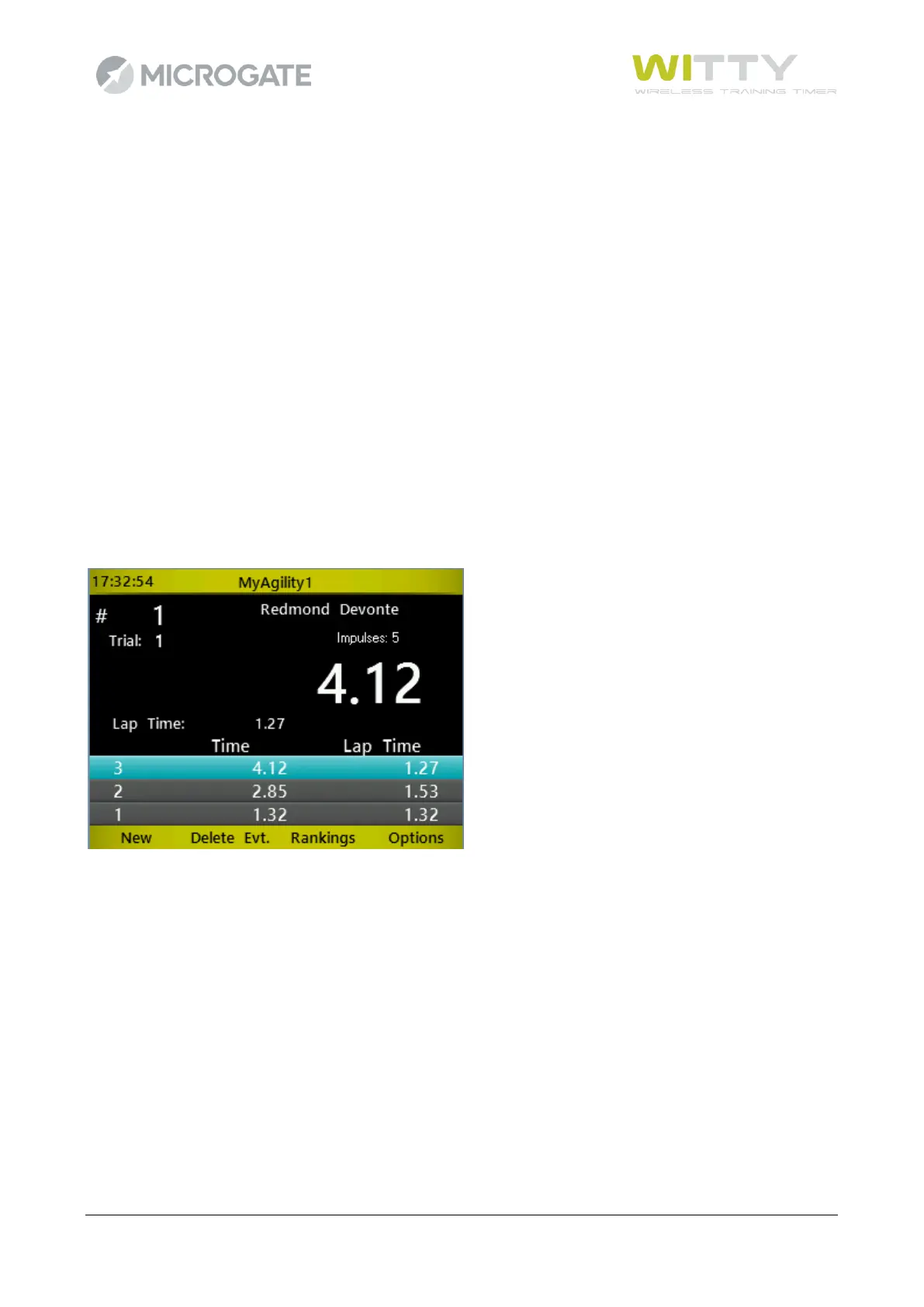
The timer detects the OFF condition via the intermediate times
If a route was created that also indicated the distances, also the speeds are displayed.
It is very important to adjust the proximity sensor threshold in accordance with how the test should be carried
out; if the athlete must get very close to the traffic light (almost touching it) set the threshold to "close",
otherwise "average" or "distant" should be sufficient (see chap. 5.4.7)



 To Next Page