LVS-95XX Series Barcode Quality Station Operations Manual
LVS-95XX Series Barcode Quality Station Operations Manual - English Page 43 of 94
The Calibration Test Card is used to calibrate the light source to a known level of white and black. There
cannot be any other item in the field of view when calibration takes place. Failure to comply with these
instructions will distort the final verification grade.
To correctly calibrate, the Calibration Test Card must be flat. Use magnets or weights, if necessary, to hold
the card down flat. The magnets or weights must not appear in the field of view.
The image may appear too light or too dark; this is to be expected. Please do not attempt to make any
adjustments on the lens assembly; it has already been set at the factory and does not require adjustment.
The software automatically adjusts to the proper brightness level.
4. Press the Calibrate button. The system begins the calibration process. The calibration result could be either
of the following:
• Calibration OK: Calibration is correct and the system is ready to use. You can recalibrate if you like,
but the new values are very close to the existing ones.
• Calibration Failed: The system is too dark or too bright for calibration. When this message is displayed,
try to calibrate again. It may be necessary to recalibrate a couple of times as the software is trying to
adjust to the current ambient light conditions. Be sure there is no direct light shining on the viewing
stage. If the message “Unable to Calibrate” continues to be reported, call Microscan.
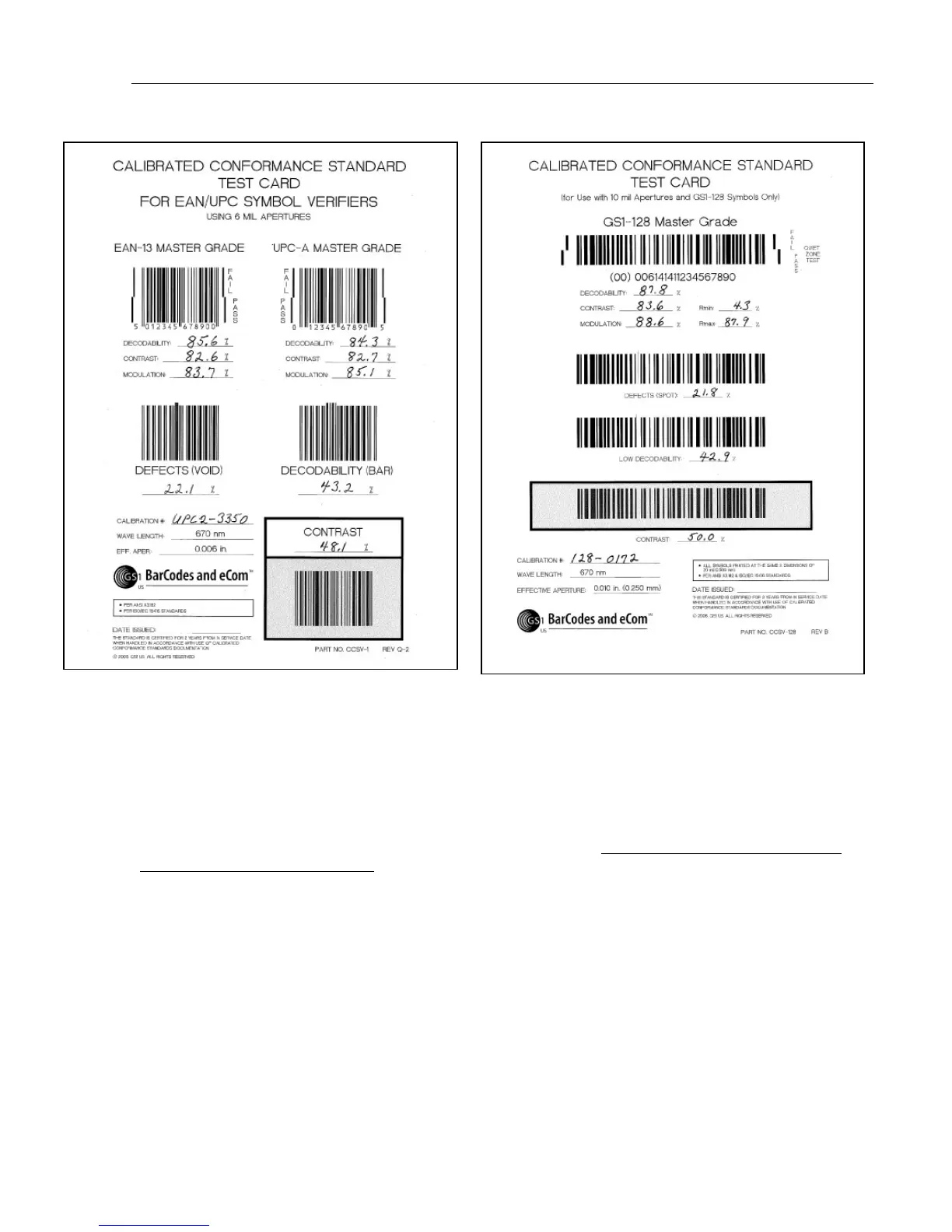
EAN/UPC Calibrated Conformance Standard Test Card
GS1-128 Calibrated Conformance Standard Test Card



 To Next Page