LVS-95XX Series Barcode Quality Station Operations Manual
LVS-95XX Series Barcode Quality Station Operations Manual - English Page 62 of 94
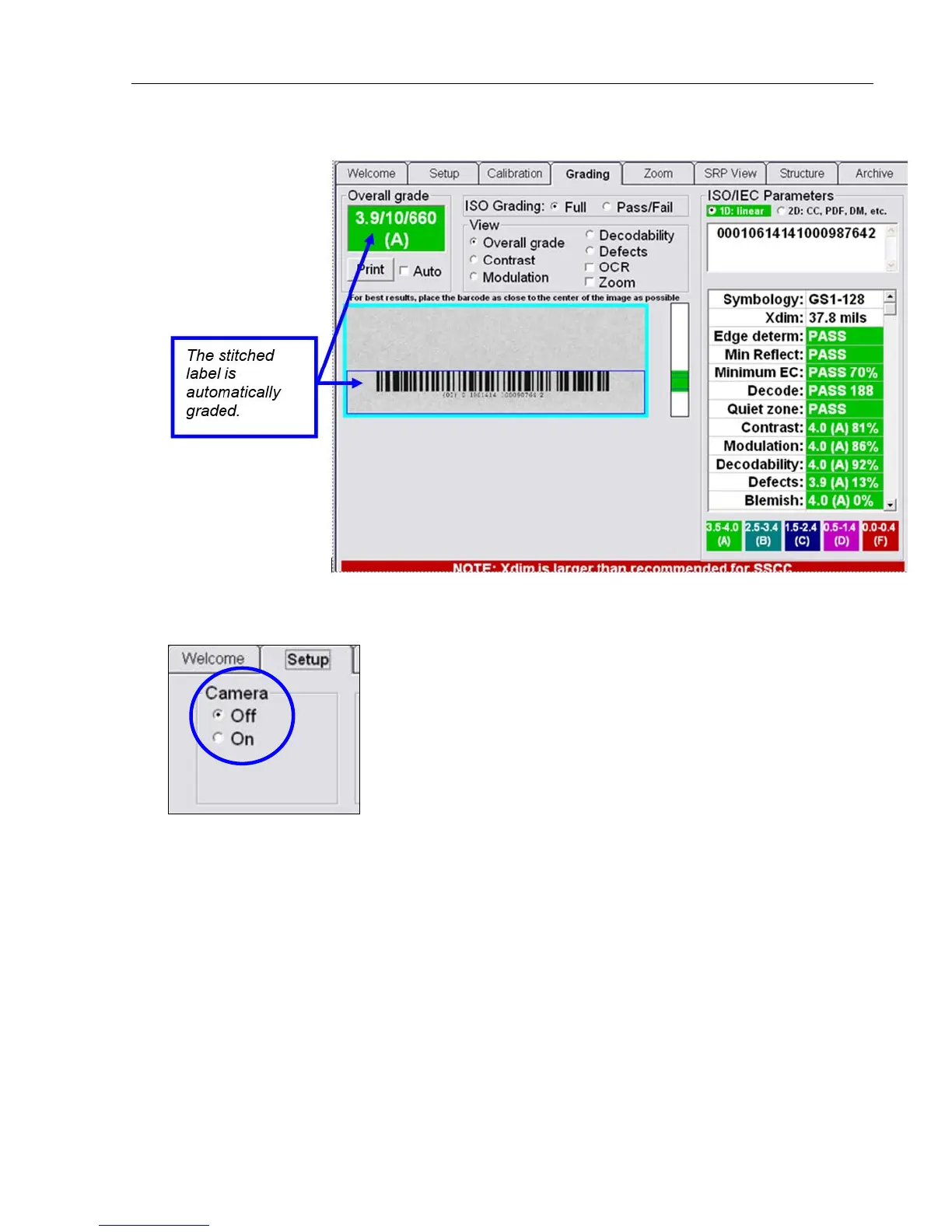
9. The Grading screen appears and the stitched image is graded automatically.
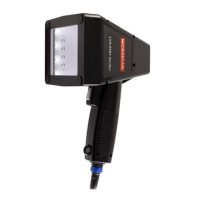
10. When the Stitching feature is complete, the LVS-95XX software automatically turns off the camera;
however, the camera must be turned back on. To turn on the camera, click the “Setup” tab and click “On”
within the “Camera” section.


 To Next Page