Programme settings
103
Change water
quantity
Increasing the water level is advisable if a large amount of water
clings to items due to the structure of the wash load or if a heavy
build-up of foam might occur due to the type of soiling (e.g. blood)
and the chemical agents used. The additional amount of water
required depends on the type of basket or mobile unit used, the type
of soiling and the load.
If a lightly soiled load is being reprocessed which does not hold much
water, the amount of water can be reset to the factory default amount
to save water and energy.
...
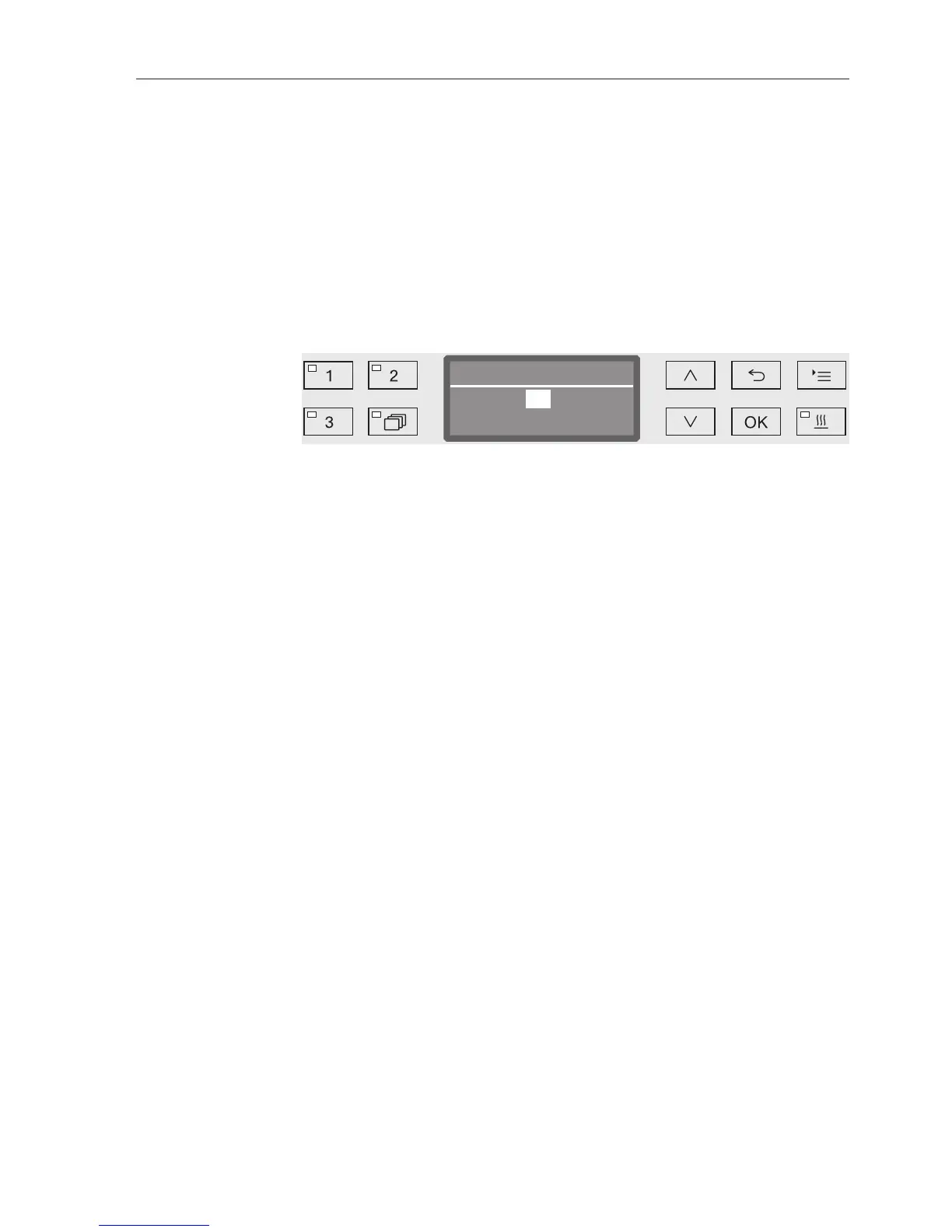
Change volume of water
The water quantity can be increased in 0.5 l increments, or set back
to the factory default amount. The possible range is shown in the
bottom line. The setting "0 l" equates to the factory default setting.
Use the arrow buttons (higher) and (lower) to alter the water
quantity.
Press OK to save the setting.


 To Next Page