Operation
67
Cancelling a programme
If a programme is cancelled, the items in the washer-disinfector
must be reprocessed again.
Be careful when opening the door.
The load could be hot. Danger of scalding, burning, and chemical
burns.
Programme
cancelled due to a
fault
The programme stops and an error message appears on the display.
Take appropriate steps to resolve the fault, depending on its cause
(see "Problem solving guide").
Cancelling a
programme
manually
A programme which is already running should only be cancelled if
strictly necessary, e.g. if the load is moving about significantly.
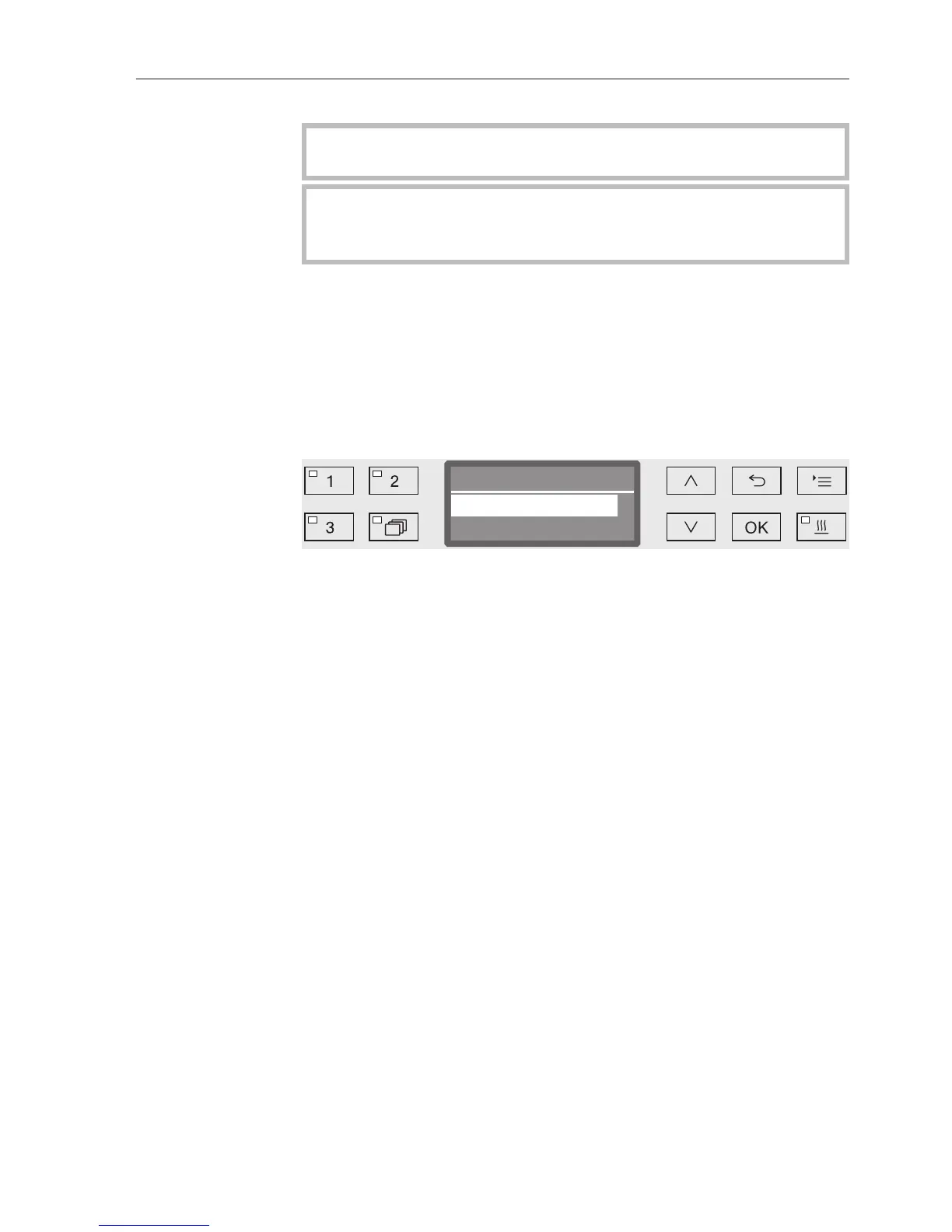
Press and hold the Start/Stop button until the display changes to
the following view:
Select Yes using the and arrow buttons.
By pressing the OK button the programme is cancelled. Entry of a
PIN code may also be required (see "Further settings/Code").
If no button is pressed for several seconds, or if the process is
cancelled using the button, the display will revert to the
programme sequence display.
Restarting the
programme
Start the programme again or select a new programme.


 To Next Page