Settings
72
DOS venting
The dispensing system for liquid chemical agents can only dispense
reliably if the system has been purged of air.
The DOS system must only be vented:
– if the dispensing system is being used for the first time,
– if the liquid cleaning agent container has been replaced,
– if the dispensing system has been sucked completely dry.
Before venting, ensure that the liquid chemical agent container is
sufficiently full and the siphons are securely screwed to the
containers. Only one DOS system can be vented at a time.
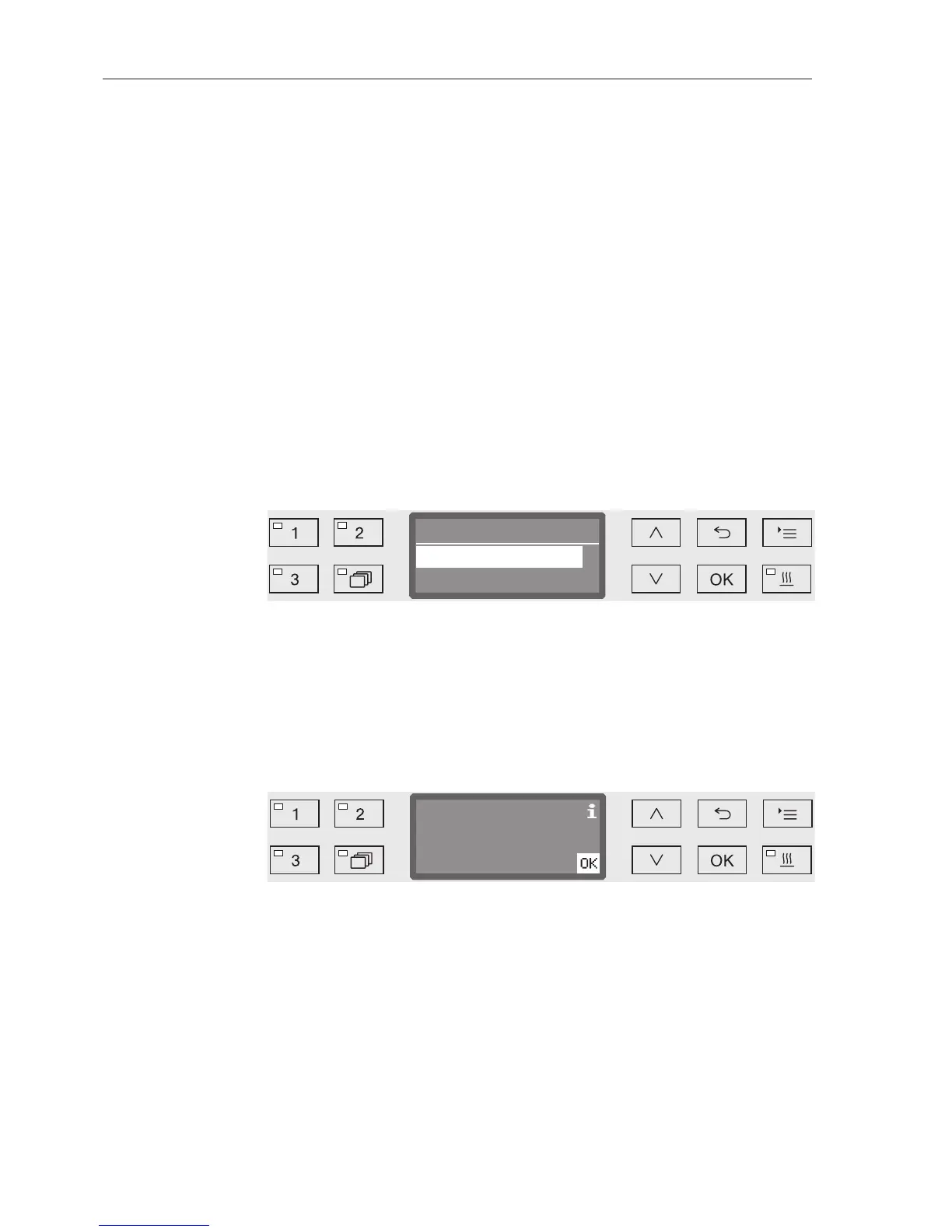
Open the menu as follows:
button
Settings
DOS venting
DOS... (name of dispensing system)
Automatic venting will start when the dispensing system is selected.
Once started, the automatic venting process can no longer be
cancelled.
Select a dispensing system using the and arrow buttons.
Press OK to start the venting process.
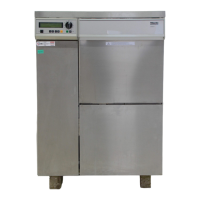
Automatic venting is successfully completed when the following
message appears in the display:


 To Next Page