Further settings
97
Switching off
after activating
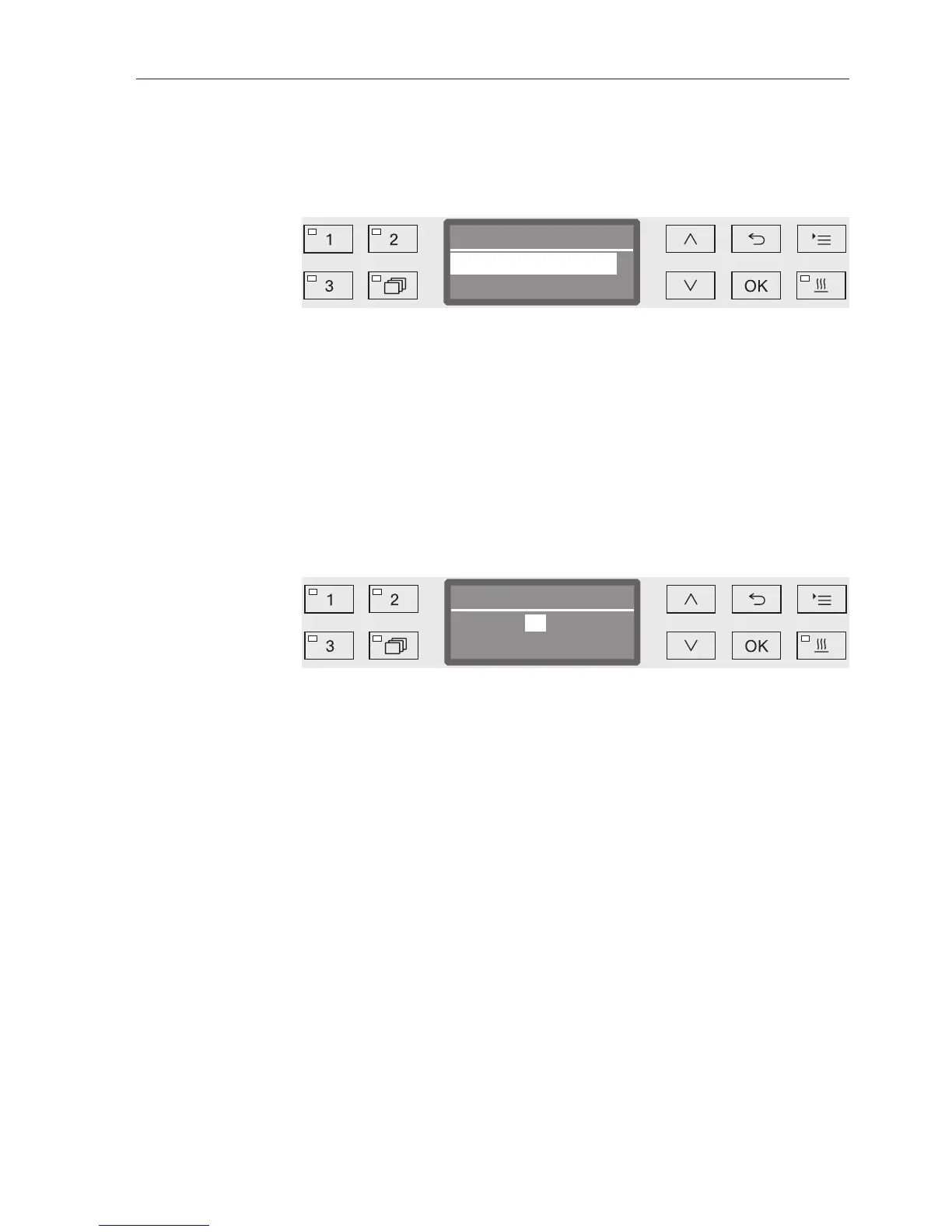
Open the menu as follows:
button
Further settings
Switch off after
– Yes
The Auto-Off function is activated. A duration must be set after
which automatic switch-off should occur.
– No
The Auto-Off function is deactivated.
Select an option using the and arrow buttons.
Press OK to save the setting.
Setting the standby
duration
If the Yes option is displayed, the standby duration after which
automatic switch-off should occur must be set next.
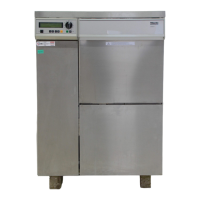
Switch off after
)Min(5 - 120
60 Min
The standby duration can be adjusted in 5 minute increments. The
possible range is shown in the bottom line of the display.
Use the (higher) and (lower) arrow buttons to set the standby
duration.
Press OK to save the setting.
Software version
You can use this menu to call up the software versions of individual
elements, e.g. when contacting Miele Service.
For more information see "Service".


 To Next Page