Settings
76
Time of day
The time of day is required for process documentation, delay start,
the machine log book and the display. The date format and the
current time of day have to be set.
There is no automatic adjustment between summer and winter time
(daylight savings).
You need to make this adjustment yourself as necessary.
Selecting the time
of day format
To set the format for the time of day in the display:
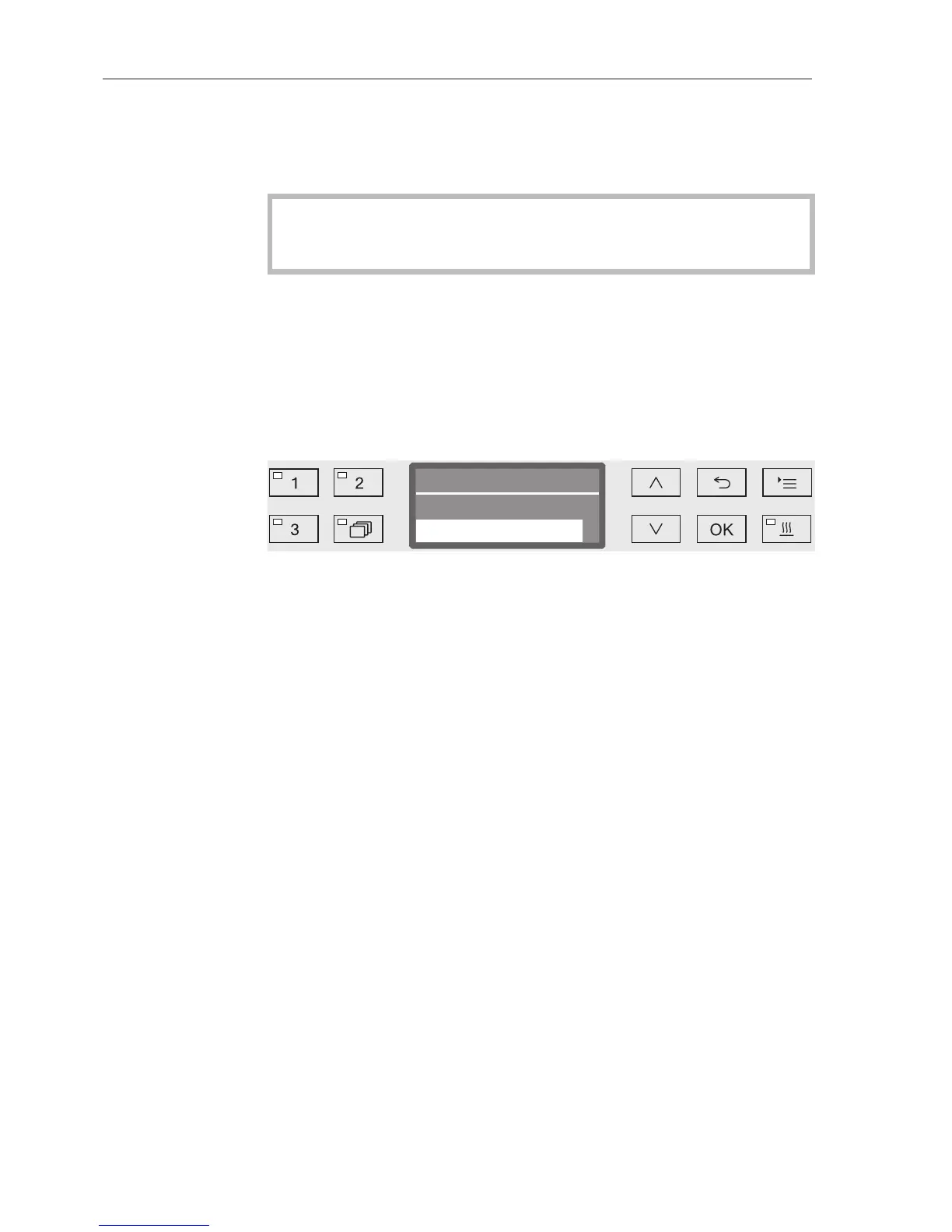
Open the menu as follows:
button
Settings
Time of day
Clock display
– 12 h
Time of day in 12 hour format (am/pm).
– 24 h
Time of day in 24 hour format.
Use the and arrow buttons to select the date format you want.
Press OK to save the setting.


 To Next Page