OM-281426 Page 23
F
Complete Parts List is available at www.MillerWelds.com
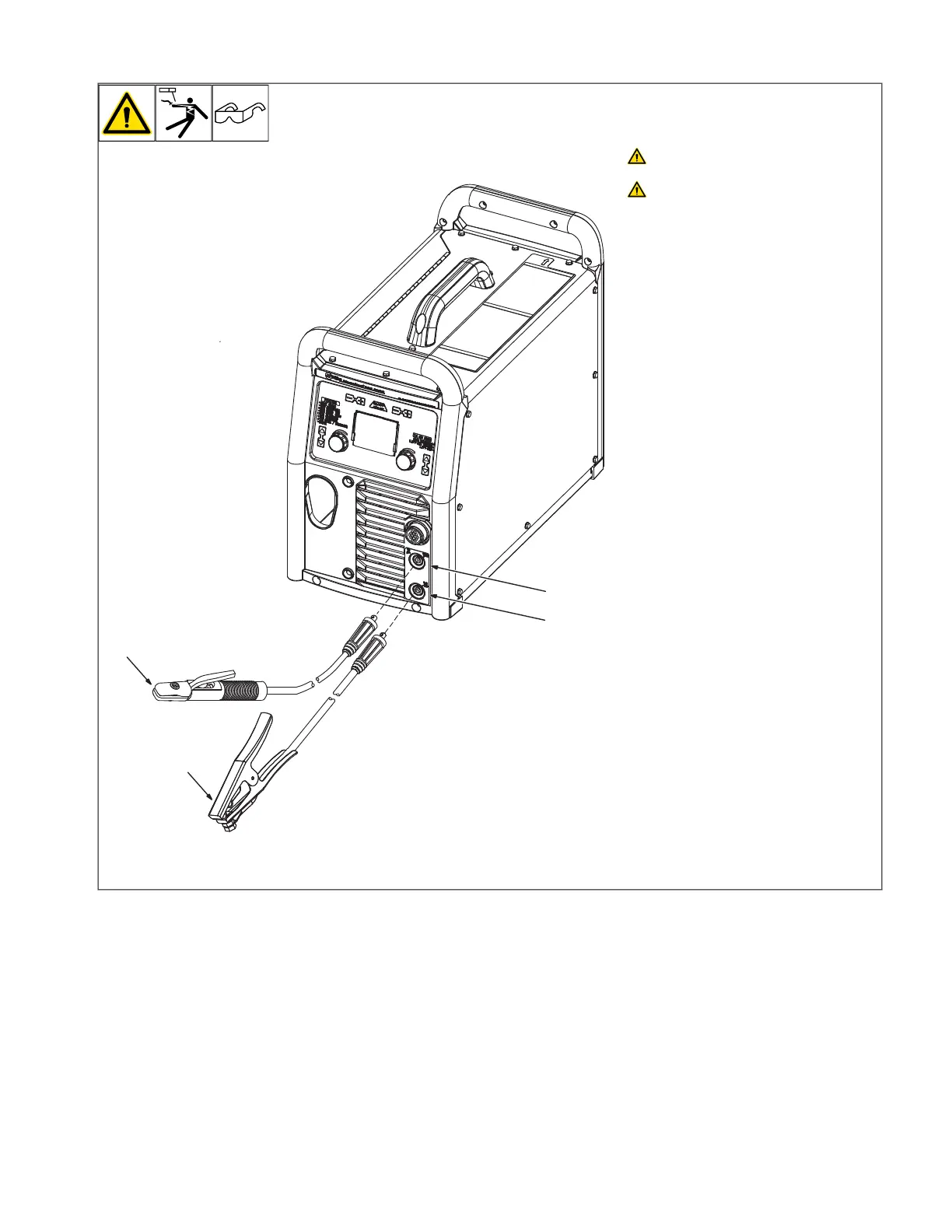
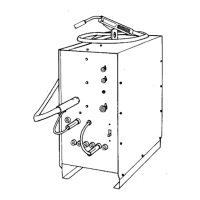
5-8. Stick Welding Connections
A complete Parts List is available at www.MillerWelds.com
OM-281426 Page 12
2-5. Stick Welding Connections
Ref. 282724A
4
1
2
3
Turn off unit and disconnect input
power before making connections.
Do not use worn, damaged, under-
sized, or repaired cables.
1 Weld Output Receptacle
2 Work Clamp Receptacle
3 Stick Electrode Holder And Cable
4 Work Clamp And Cable
Connect stick electrode holder cable to the
electrode output receptacle, and connect
work clamp to work output receptacle. Turn
connectors clockwise.
Ensure all connections are tight.










 To Next Page