Using the Calibration Programs
9-9
z If the analyzer detects WBC/RBC clogging or bubbles during the analysis,
the corresponding error messages will be displayed in the upper left corner
of the screen and the results of all the related parameters will be invalidated.
See Chapter 11 Troubleshooting Your Analyzer for solutions.
z If the ambient temperature is outside the specified operating range, the
analyzer will alarm you for abnormal ambient temperature and the analysis
results may be unreliable. See Chapter 11 Troubleshooting Your Analyzer for
solutions.
Saving the calibration results
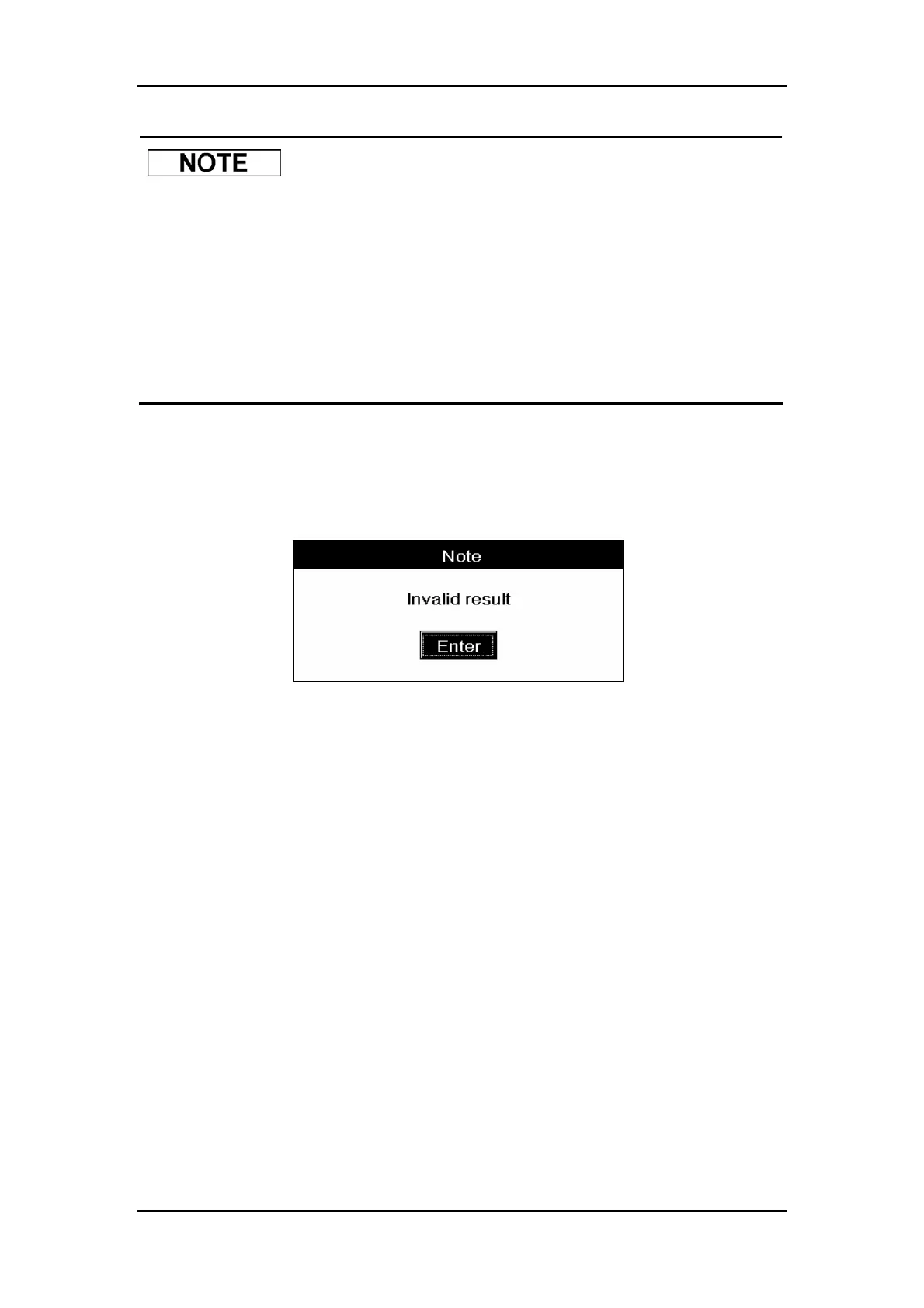
If non-numerci parameter values (“***”) are obtained, a message box will pop up to warn you,
as Figure 9-5 shows.
Figure 9-5 A message box to warn you about the invalid results
CLICK “Enter” to clear the results.
If all the parameter values obtained are numeric, a message box will pop up to confirm the
validity of the results, as Figure 9-6 shows.



 To Next Page