Using the Calibration Programs
9-13
z Once switching from the predilute mode to the whole blood mode, the
analyzer will automatically wash the fluidic system.
Editing calibration settings
1. Press [1]...[5] to switch among “Sample 1” to “Sample 5” to select the sample for
calibration. The following introduction takes Sample 1 as the example.
2. Press [ENTER] to enter the editing state of the expected value of sample 1.
3. ENTER the expected result into the “Mean” edit box. To correct any errorneous entry,
MODIFY the digit. After you have finished the editing, press [ENTER] to exit the editing
state.
Running the sample
After you have finished editing the calibration settings of Sample 1, refer to the sample
handling and analysis procedures introduced in Chapter 6 Operating Your Analyzer and
prepare the fresh blood samples in the selected count mode to perform the fresh blood
calibration.
z You should prepare 3 – 5 normal fresh blood samples for the calibration.
Saving calibration results
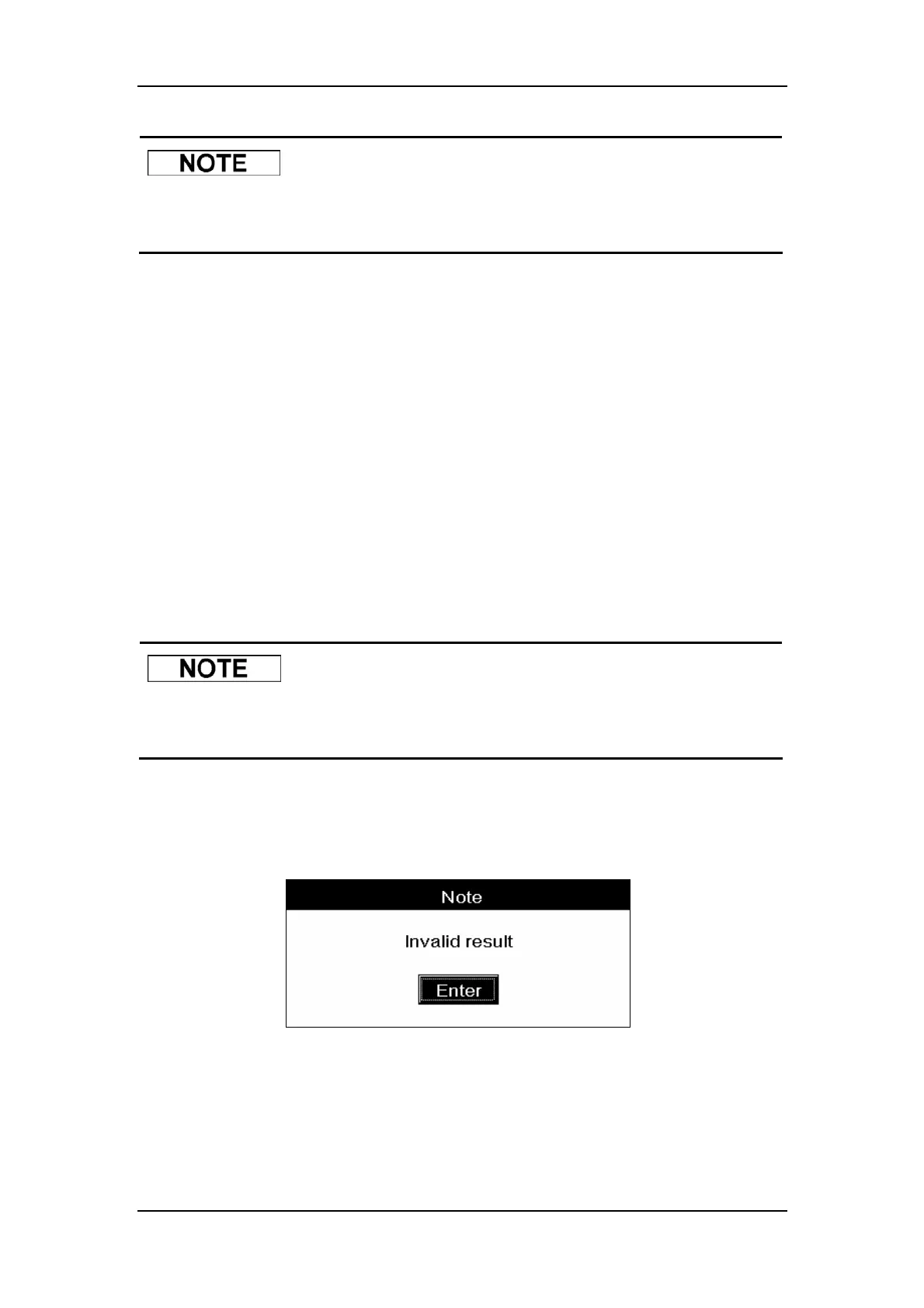
If non-numeric parameter values (“***”) are obtained, a message box will pop up to warn you,
as Figure9-11 shows.
Figure9-11 A message box to warn you about the invalid results
CLICK “Enter” to clear the results.
If all the parameter values obtained are numeric, a message box will pop up to confirm the
validity of the results, as Figure9-12 shows.



 To Next Page