Using the Calibration Programs
9-17
Complete the manual calibration steps as introduced below.
Selecting count mode
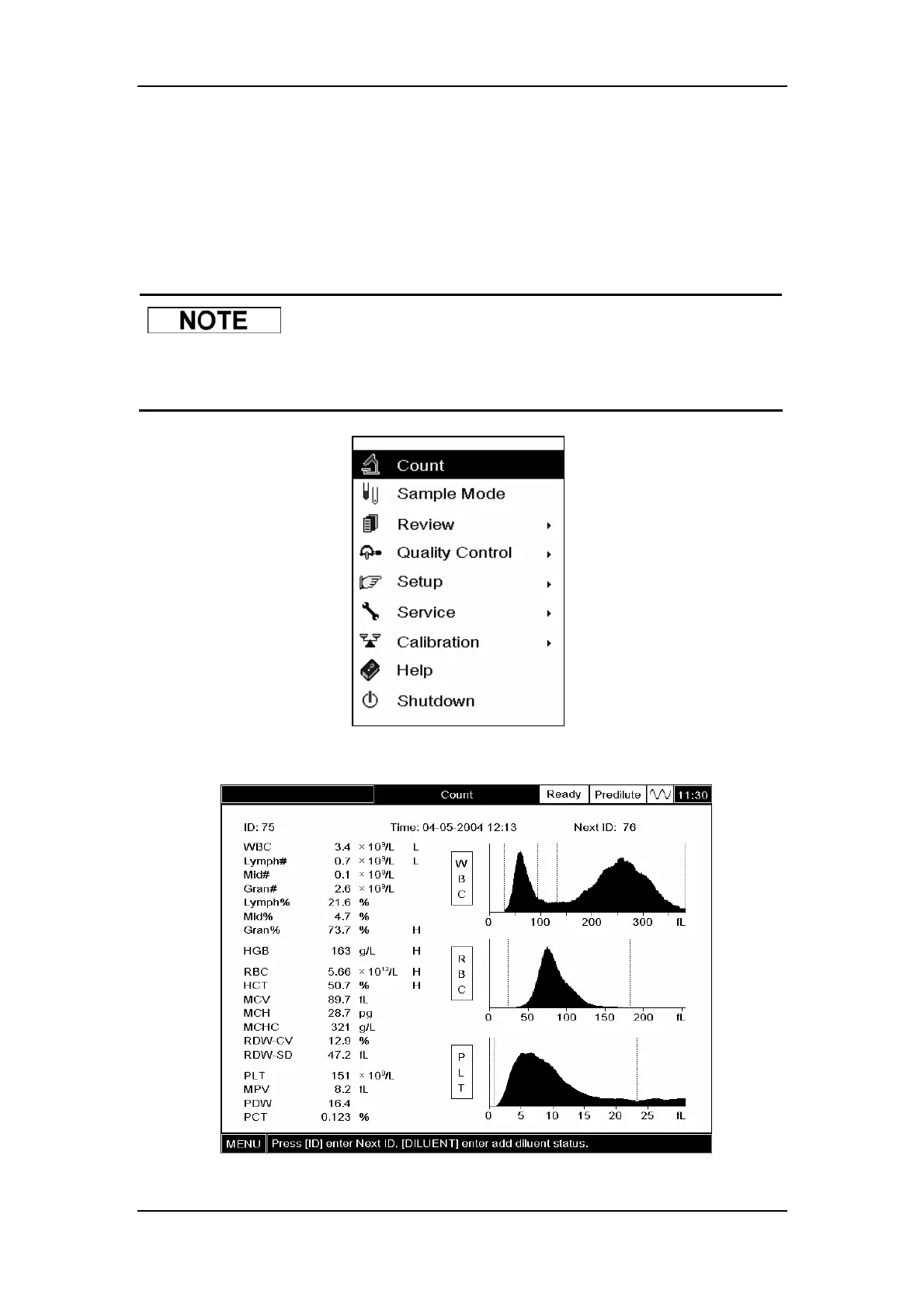
Press [MENU] and SELECT “Mode” to enter the “Mode” screen. SELECT “Whole Blood” or
“Predilute”from the “Sample Mode” pull-down list.
z Once switching from the predilute mode to the whole blood mode, the
analyzer will automatically wash the fluidic system.
Figure9-16 System menu
Figure9-17 “Count” screen



 To Next Page