Using the Calibration Programs
9-18
Running the calibration material
After you have selected the desired sample mode, refer to the sample handling and analysis
procedures introduced in Chapter 6 Operating Your Analyzer and run the calibration
material with known expected results 11 consecutive times.
Checking the reproducibility
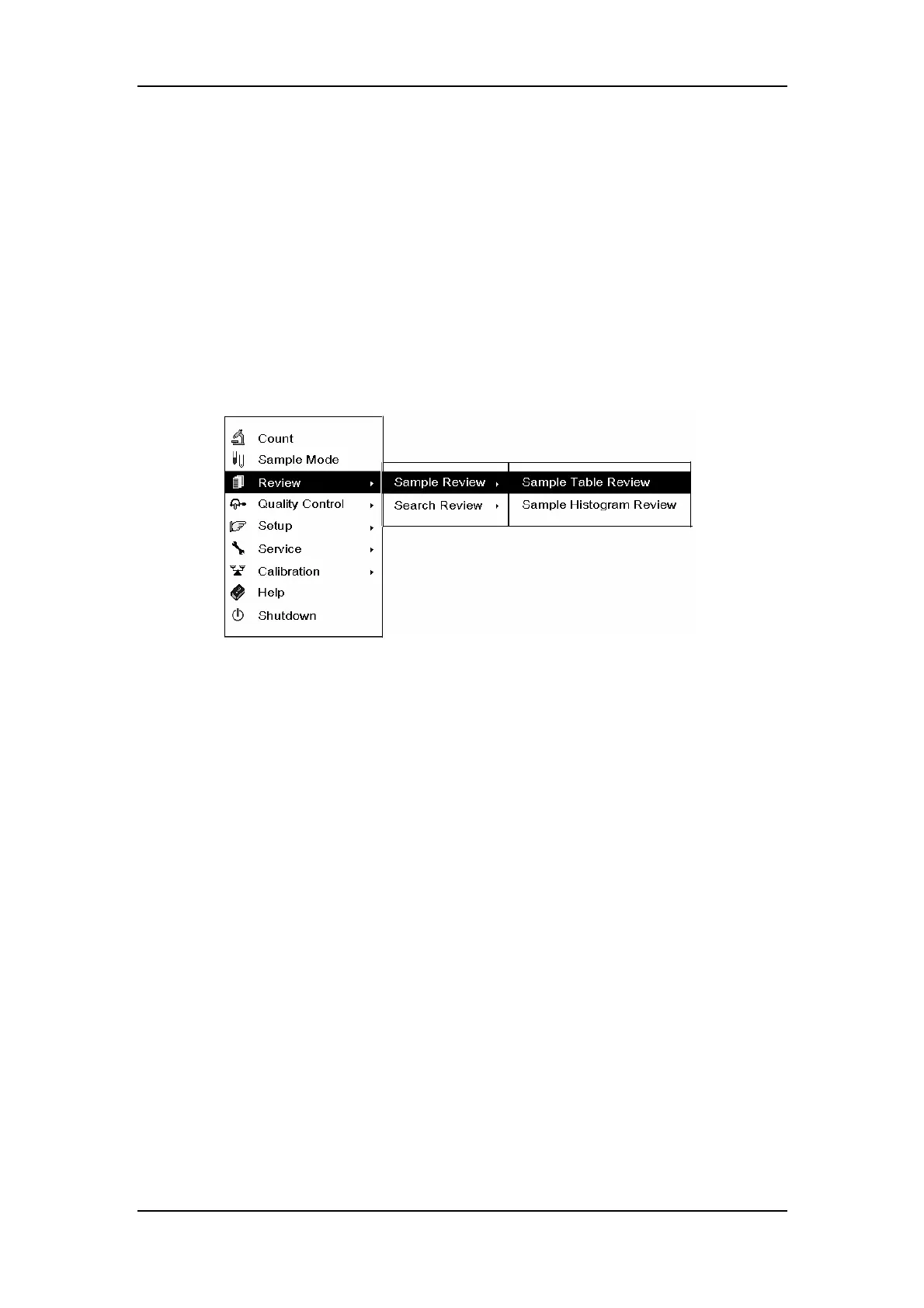
When you have finished running the calibration material, enter the “Sample Table Review”
screen to check the Mean, SD and CV% of the 2
nd
to 11
th
runs. Press [MENU] to enter the
system menu as Figure9-18 shows.
Figure9-18 System menu
SELECT “Review → Sample Review → Sample Table Review” to enter the “Sample Table
Review” screen, as Figure 9-19 shows.



 To Next Page