Software Installation &Maintenance 6-1
6 Software Installation
&Maintenance
6.1 Enter into Maintenance
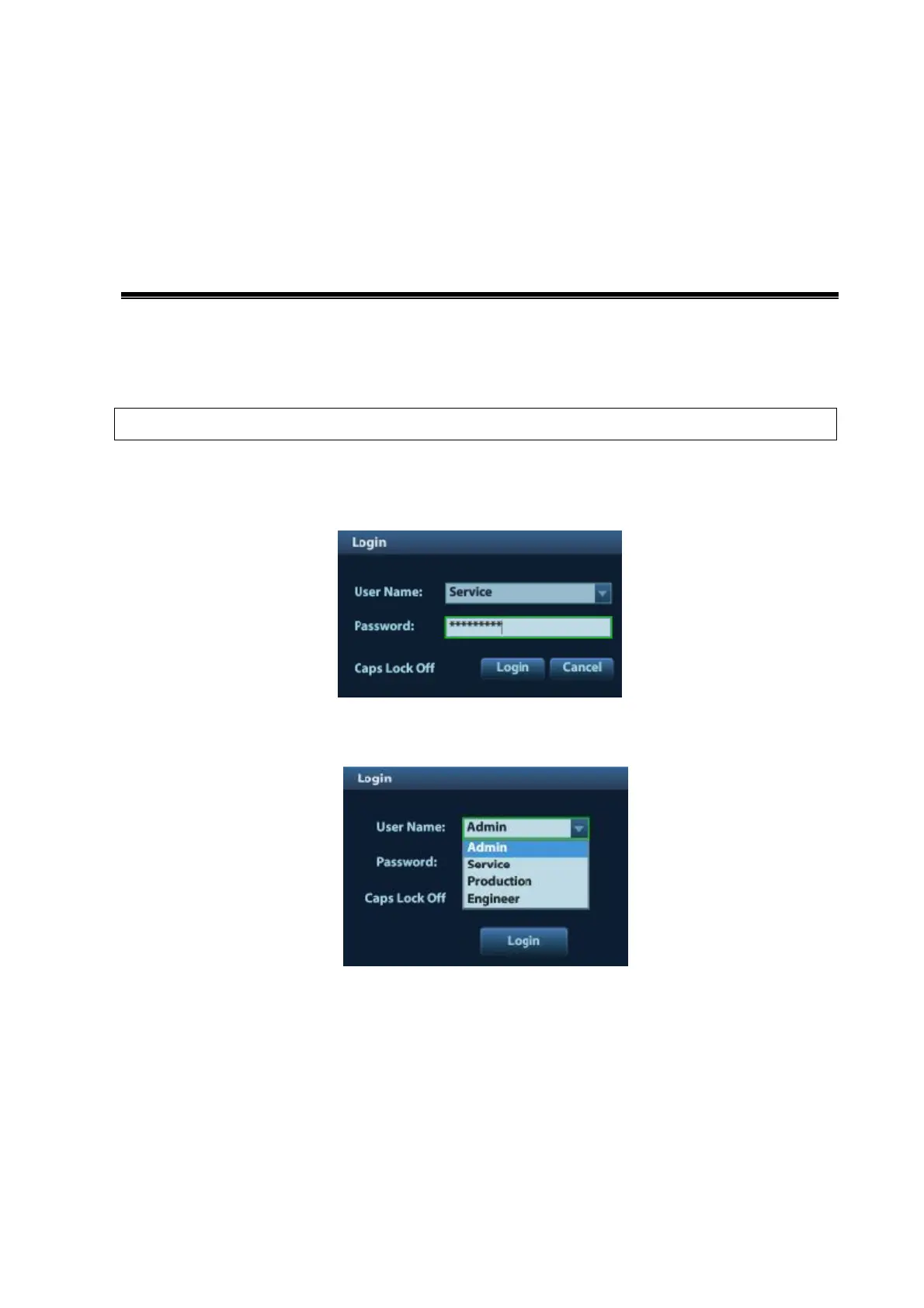
Before maintenance operation, the engineer should log in the system as Service.
Procedure:
1. When Access Control is disabled: press “ctrl”+“/” to pop up the Log in dialogue box, select
Service as the user name.
2. When Access Control is enabled, press “ctrl”+“/” on the login dialogue box to show the inner
users, select Service to login.
3. Press <F10> key to open the Setup menu, click [Maintenance] and then select the target items
to perform the maintenance respectively.



 To Next Page