B - 10 Operator’s Manual
B Wireless Charging
Different sounds will remind you whether the device deviates to the left or right side
during this process.
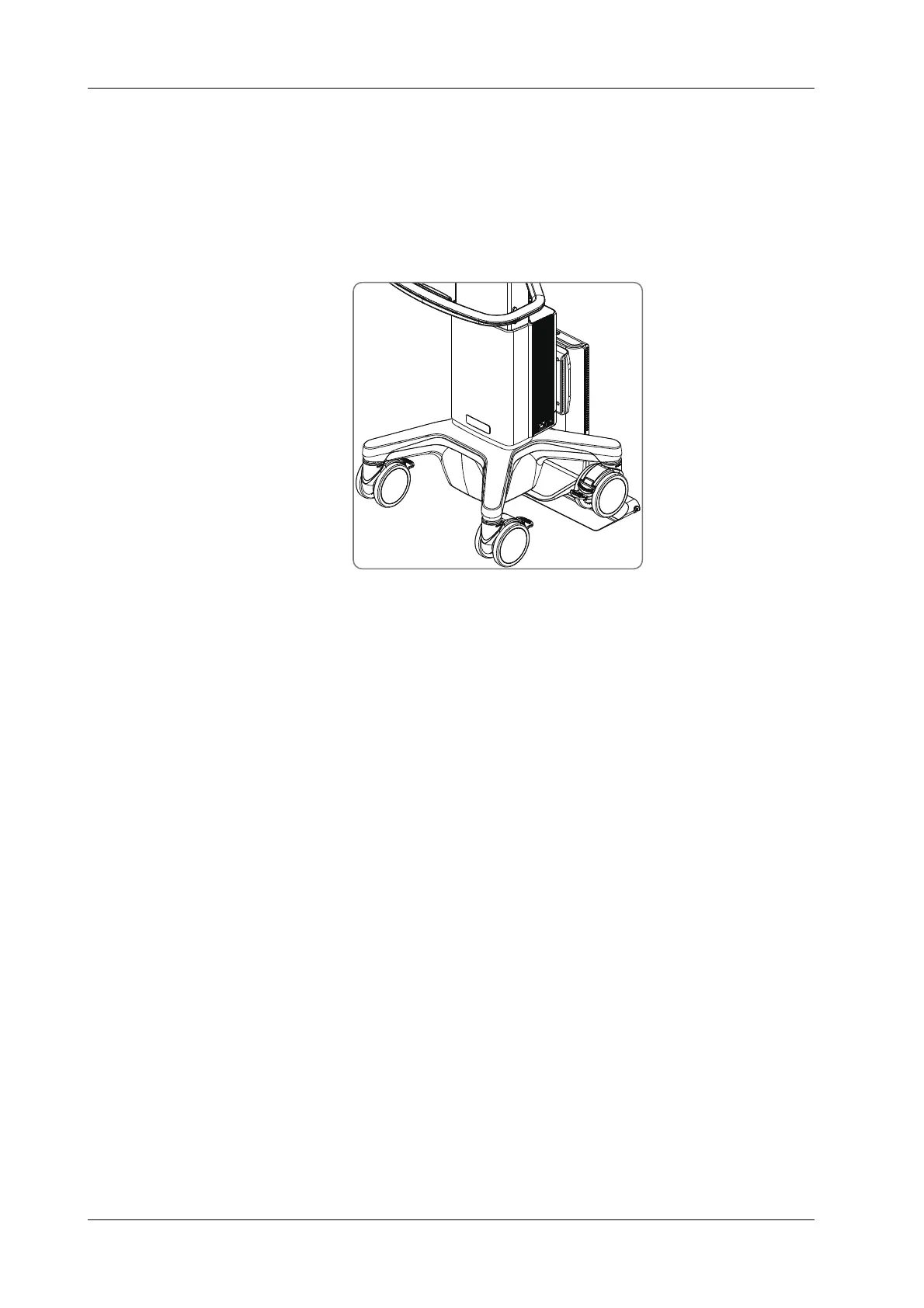
3. When the device is close to the Air Station and the charging alignment meets the requirement,
as the figure showing below, the device will give a prompt sound, indicating that the position is
successfully aligned and the device enters the charging state.
– During device charging, the bar indicator on the top of the Air Station displays blue color.
– Please confirm the battery status according to the battery capacity of the device.
Troubleshooting
Abnormalities may occur during the use of the Air Station. In this case, the bar indicator on the top
of the Air Station will turn on or there is sound for prompt. Follow the methods below to check the
device:
• Flashing dark blue indicator: When the Air Station stays in the alignment state for a long time,
it will make intermittent sounds like "zizi". Push the device to the correct position for charging.
• Dark blue indicator on: Hardware error occurred in the Air Station. Please charge the
ultrasound device again. If the air station malfunction still exists, please contact Mindray
Customer Service Department or sales representative.
• Flashing purple indicator: Foreign objects are detected. Please remove them.
• Purple indicator on: Hardware error occurred in the Air Charging Module. Please charge the
ultrasound device again. If the malfunction still exists, please contact Mindray Customer
Service Department or sales representative.
• Flashing white indicator: Communication between the Air Charging Module and the Air
Station fails. Please charge the ultrasound device again. If the malfunction still exists, please
contact Mindray Customer Service Department or sales representative.



 To Next Page